Direct Messages
Send private messages to other RU4M professionals. Start one-on-one conversations, share attachments, react to messages, and build professional relationships.
Prerequisites
- A registered RU4M account
Opening the Chat
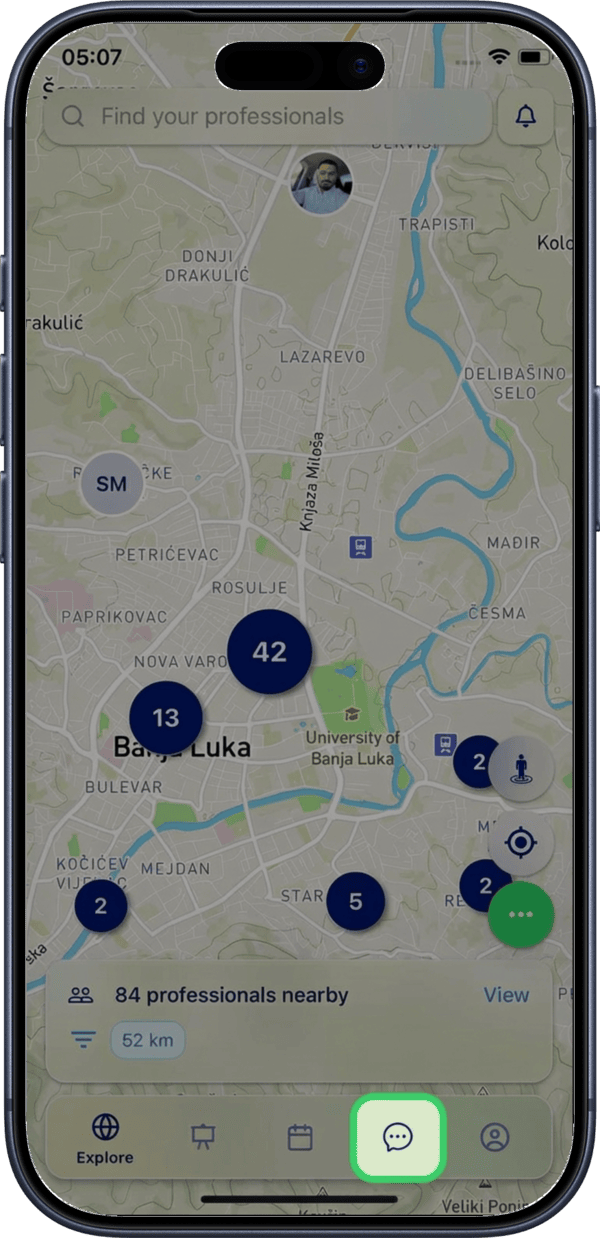
1. Tap the Chat icon
Tap the Chat icon in the main menu to open the list of your conversations with other app users (DM).
2. Select a conversation
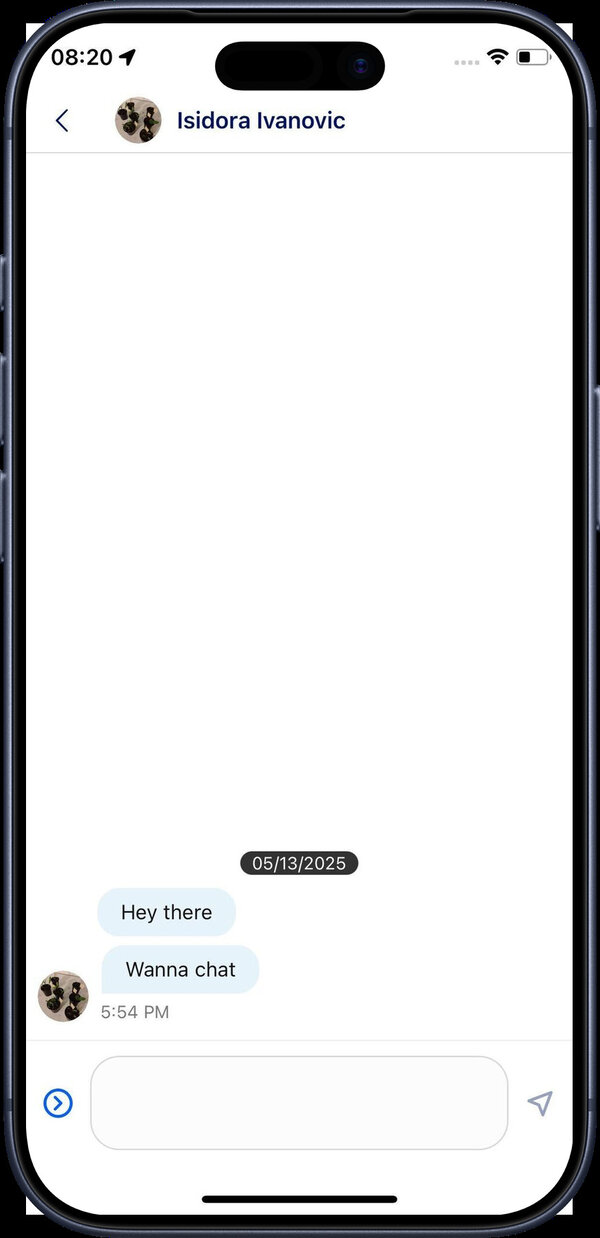
Tap any conversation or the user's profile picture to open the message exchange with that person.

Messaging
Viewing the conversation
The conversation screen displays the full message history with the selected user.
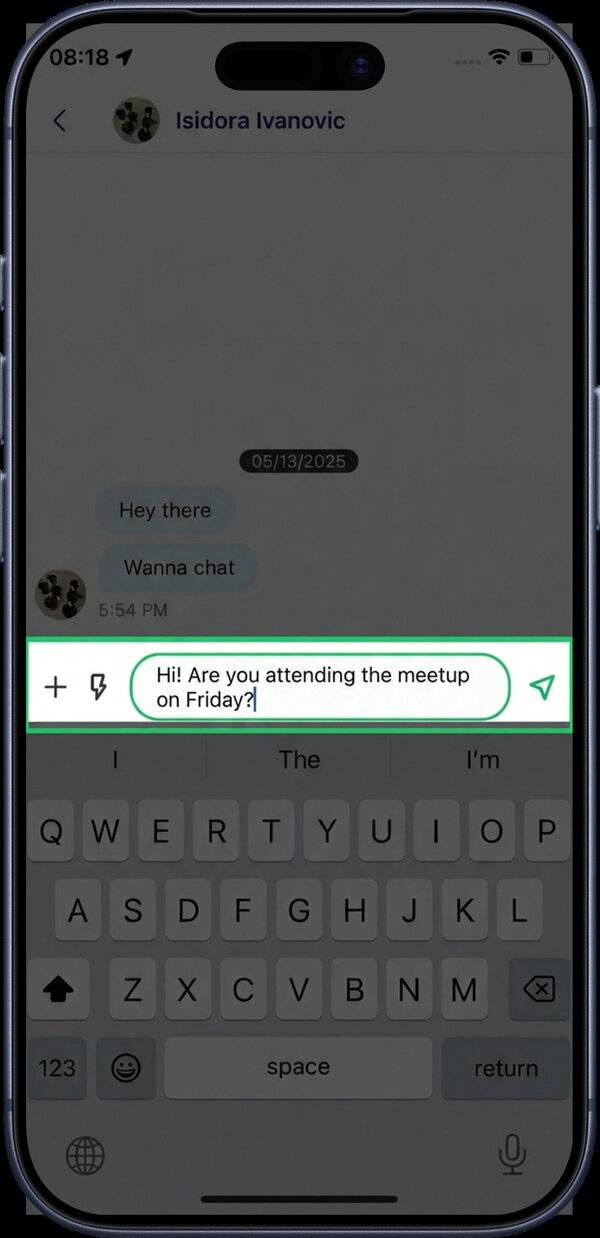
Typing a message
Tap the message input field at the bottom of the screen to start typing your message. Tap the send button to deliver it.
Sending attachments
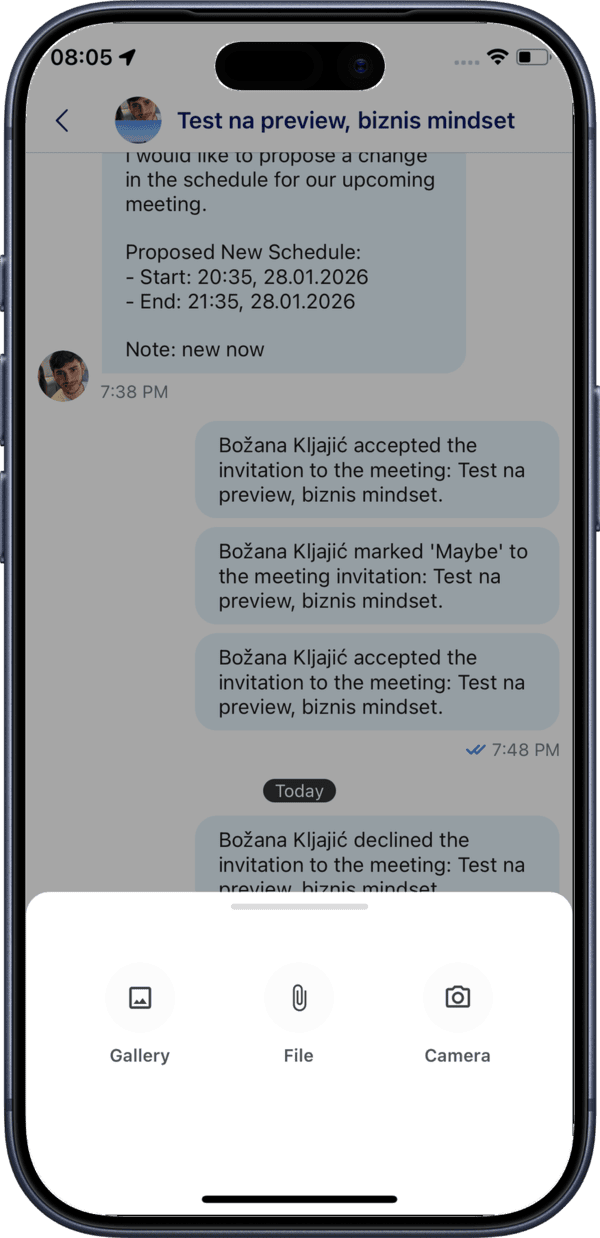
Tap the + icon next to the message input to open the attachment options modal.
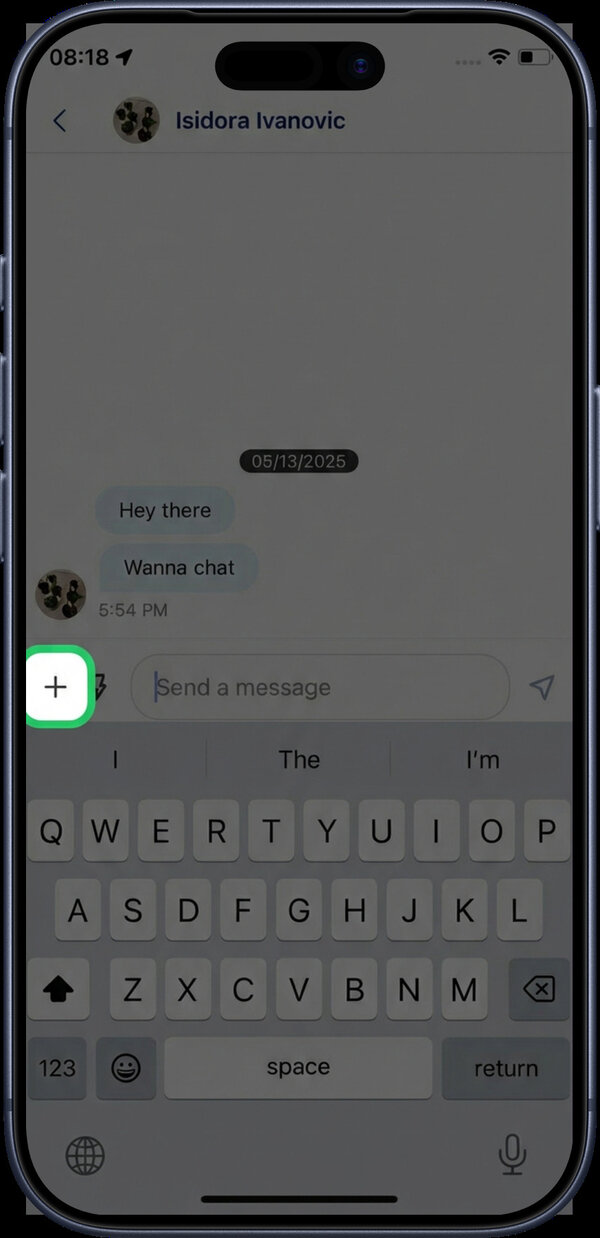
The modal lets you choose between sending images, documents, or video recordings.
Permissions
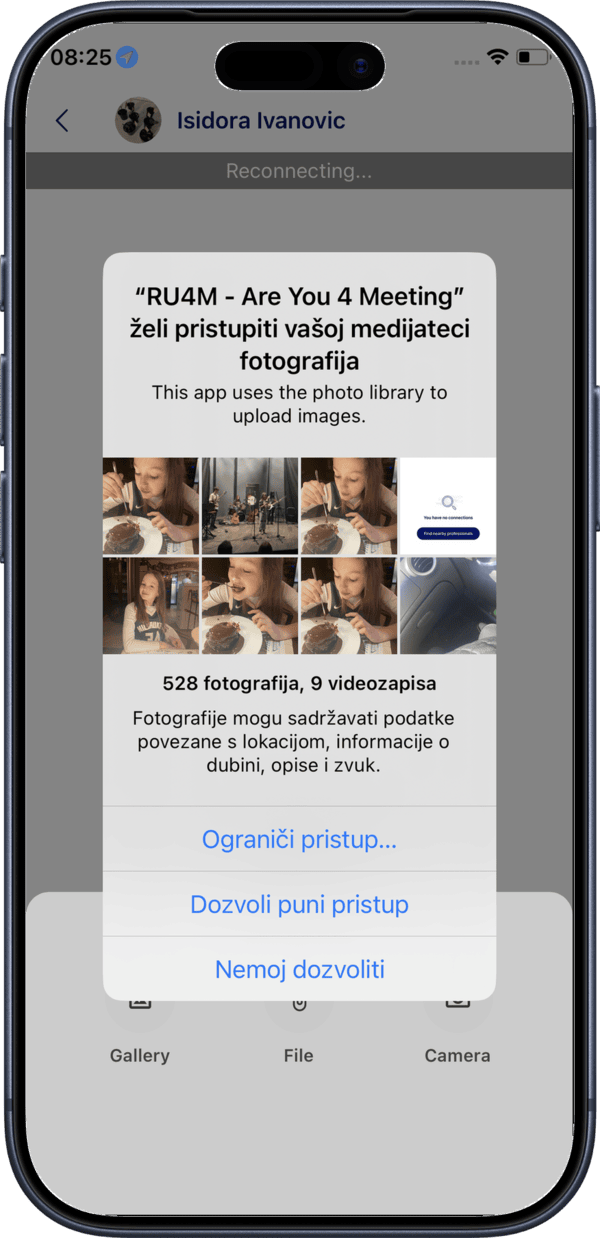
If you haven't granted access previously, selecting Gallery will prompt you to allow access to your photo gallery.
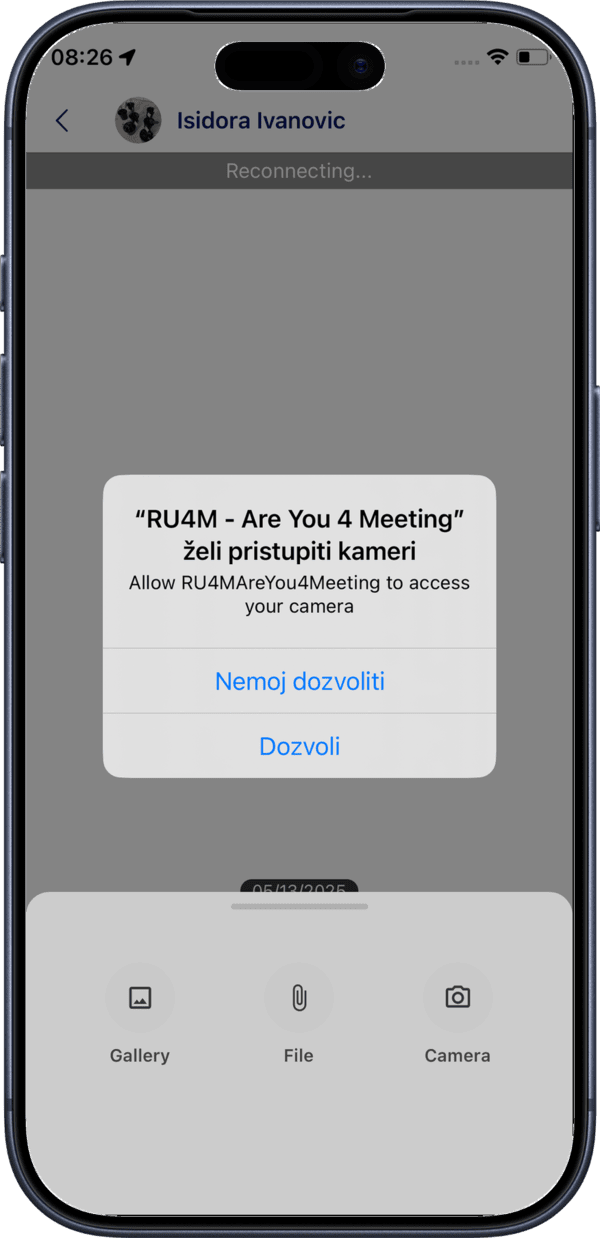
Similarly, selecting Camera will prompt you to allow camera access.
Message reactions and options
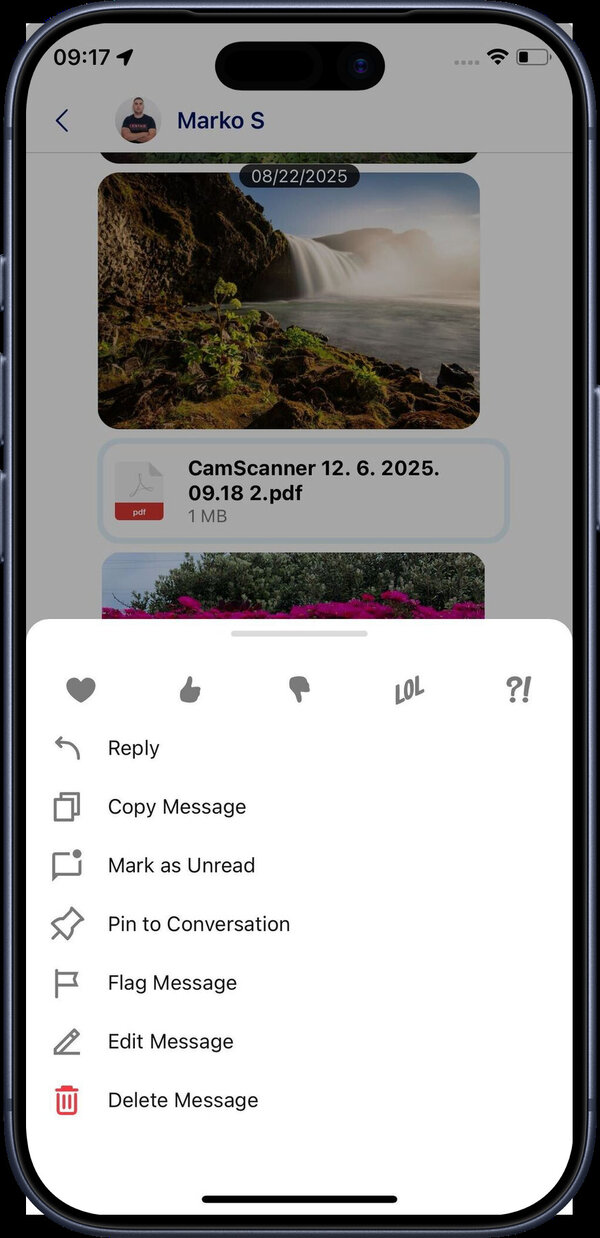
Tap and hold on any individual message to open the reactions and options menu. From here you can react to the message, reply to it, copy the text, and more.
Starting a New Conversation
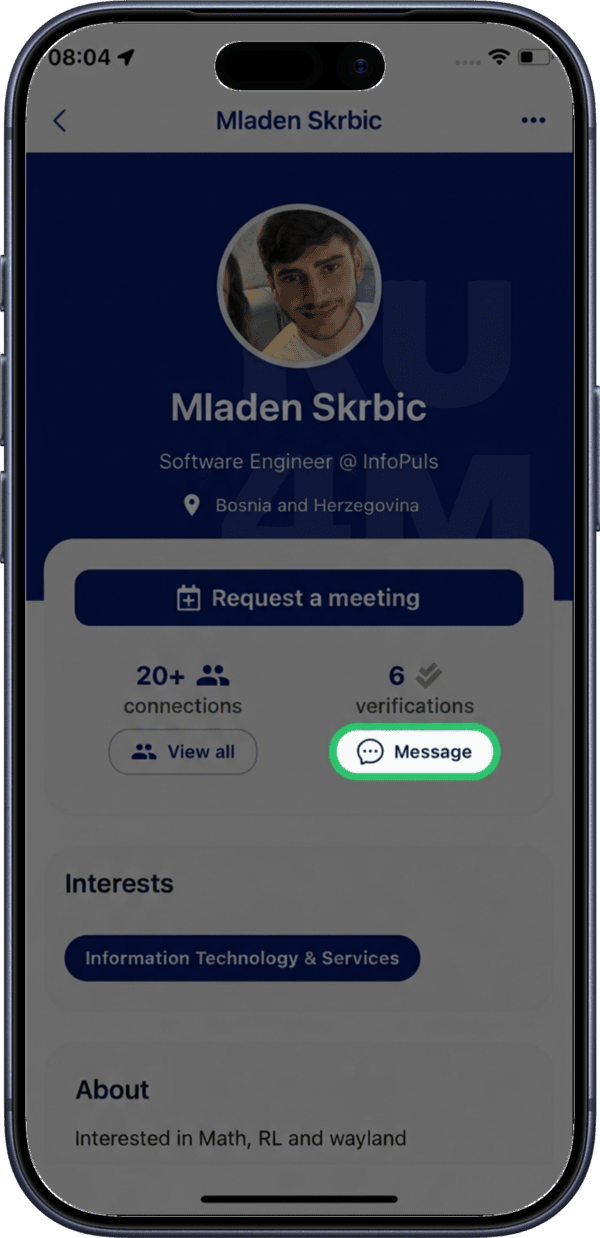
To start a conversation with another user, navigate to their profile page and tap the Message button.
Quick connection
After connecting with someone at an event or through the Explore map, send a quick follow-up message to strengthen the professional relationship.
Encryption
Your messages are encrypted in transit and stored using secure protocols. RU4M follows industry standards like ISO 27001, SOC 2 Type II, and GDPR to ensure your privacy.