Search Conversations
Quickly find specific conversations using the search bar. Search works differently depending on which tab is currently selected.
Prerequisites
- Existing direct message or group chat conversations
Searching Direct Messages
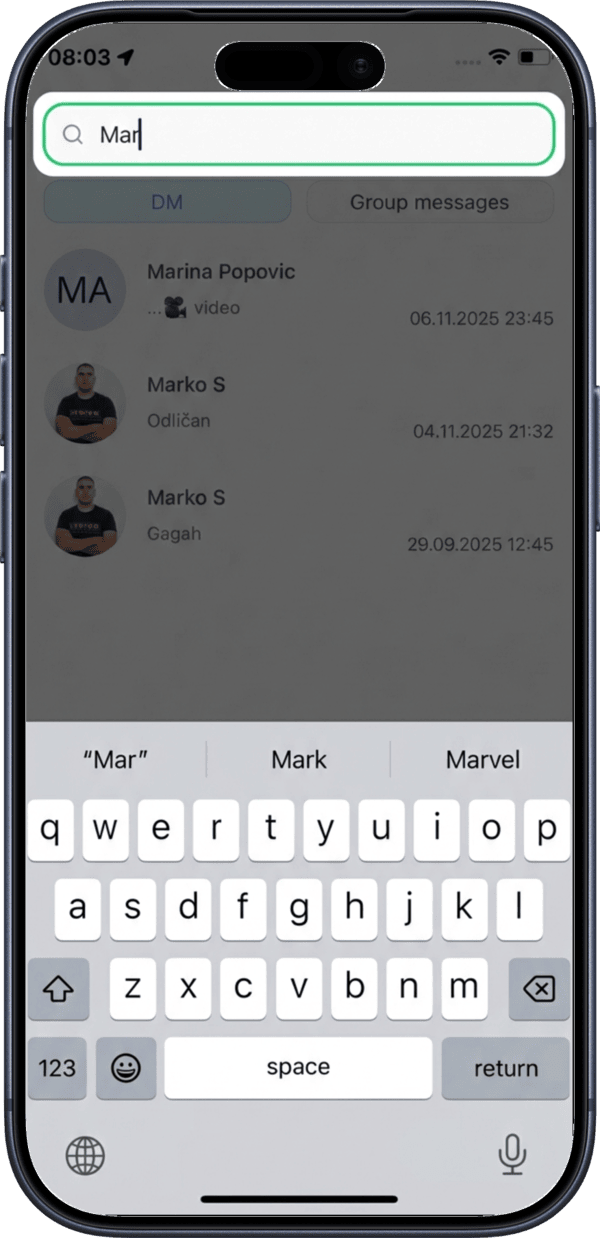
When the DM tab is selected, tap the Search bar to search your direct message conversations by user name.
Searching Group Messages
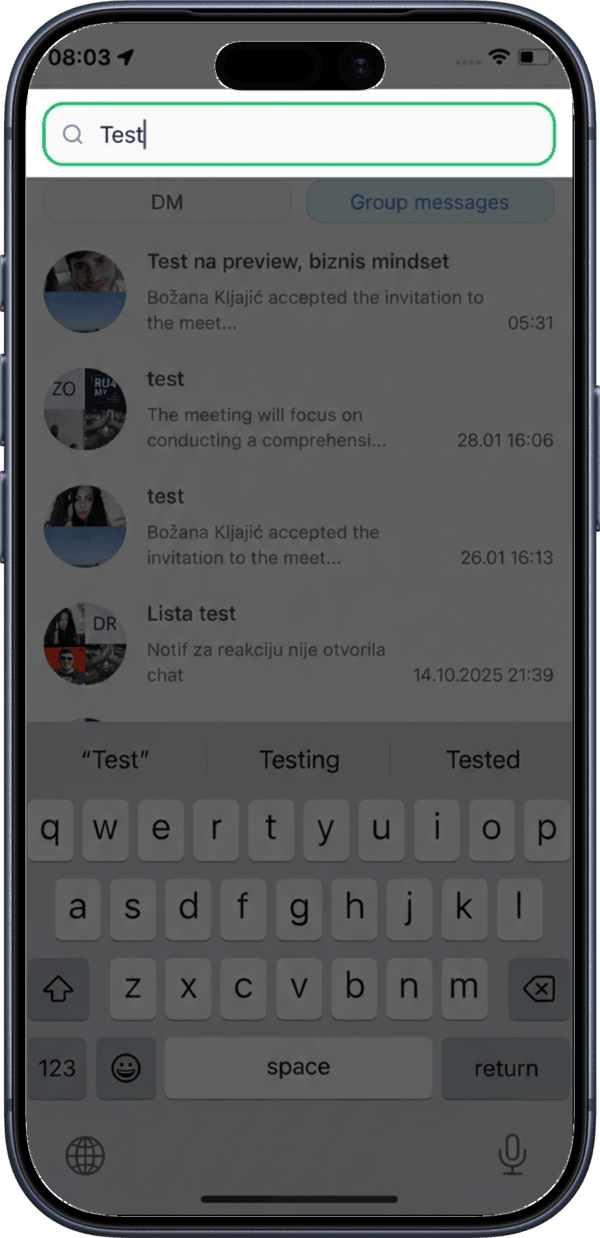
When the Group messages tab is selected, tap the Search bar to search group conversations by meeting name.
Search tips
- In the DM tab, type the name of a user to find your conversation with them
- In the Group messages tab, type the meeting name to find the related group chat