Browse Events
Discover professional events, conferences, and meetups happening in your industry. Browse, search, and filter events to find the ones that matter to you.
Prerequisites
- A registered RU4M account
Accessing the Events Screen
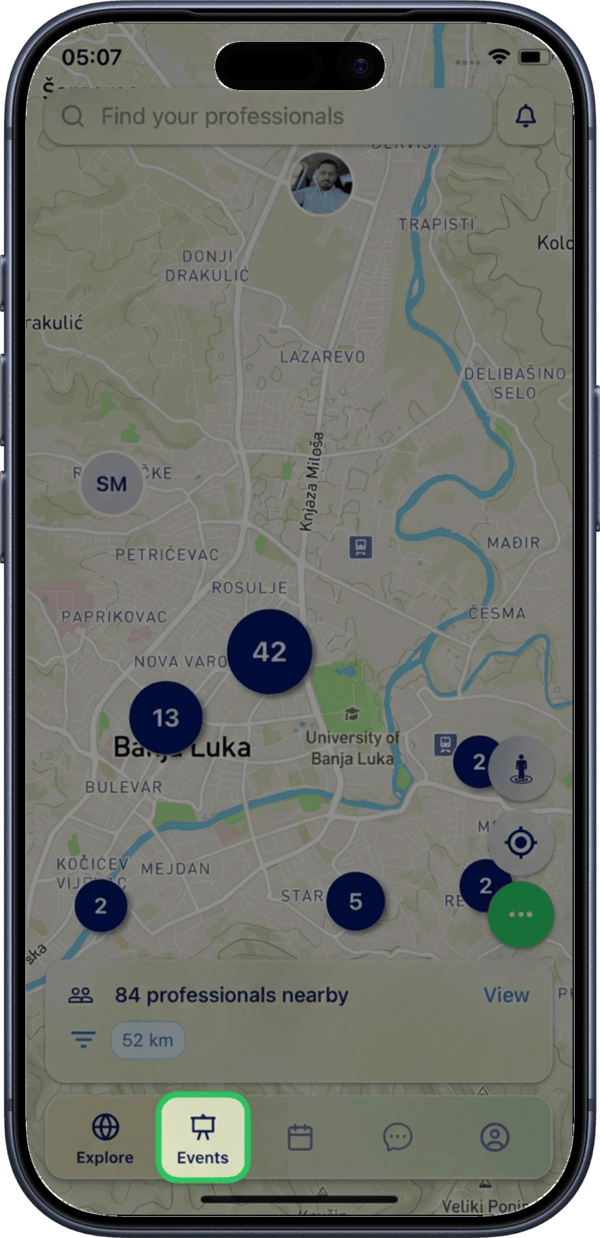
Tap the Events icon in the bottom navigation bar to open the events screen.
Browsing Available Events
The events screen displays a scrollable list of all upcoming events. Each event card shows the event cover image, name, date and time, location, and number of participants who have already joined.
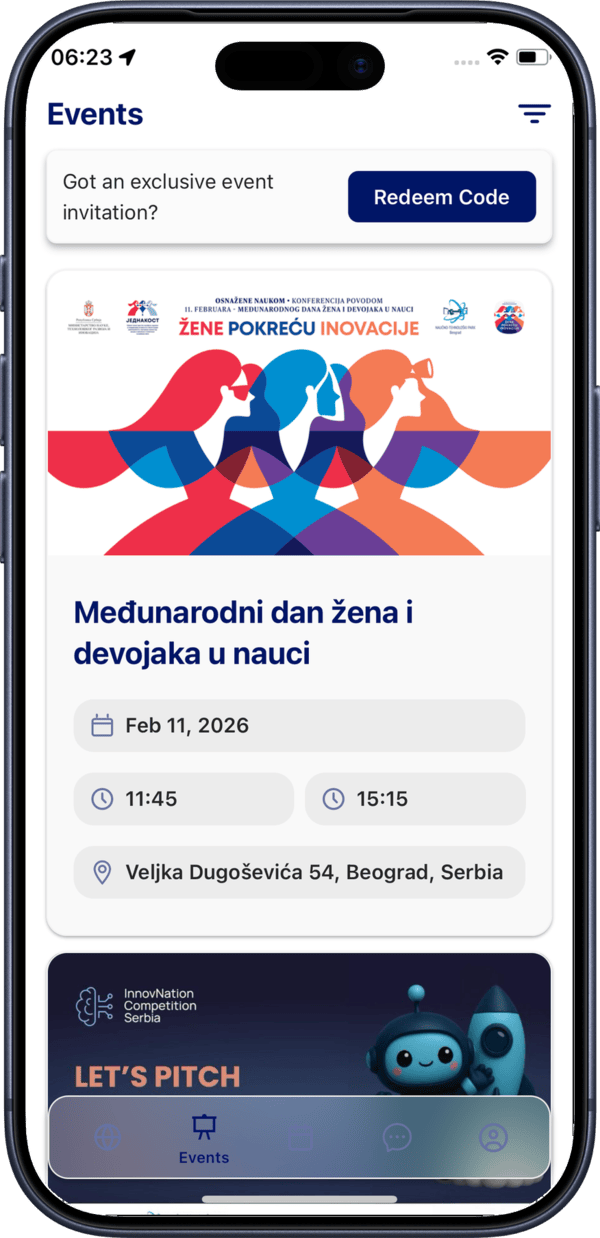
Tap any event card to open its detailed view.
Filtering Events
Opening Filters
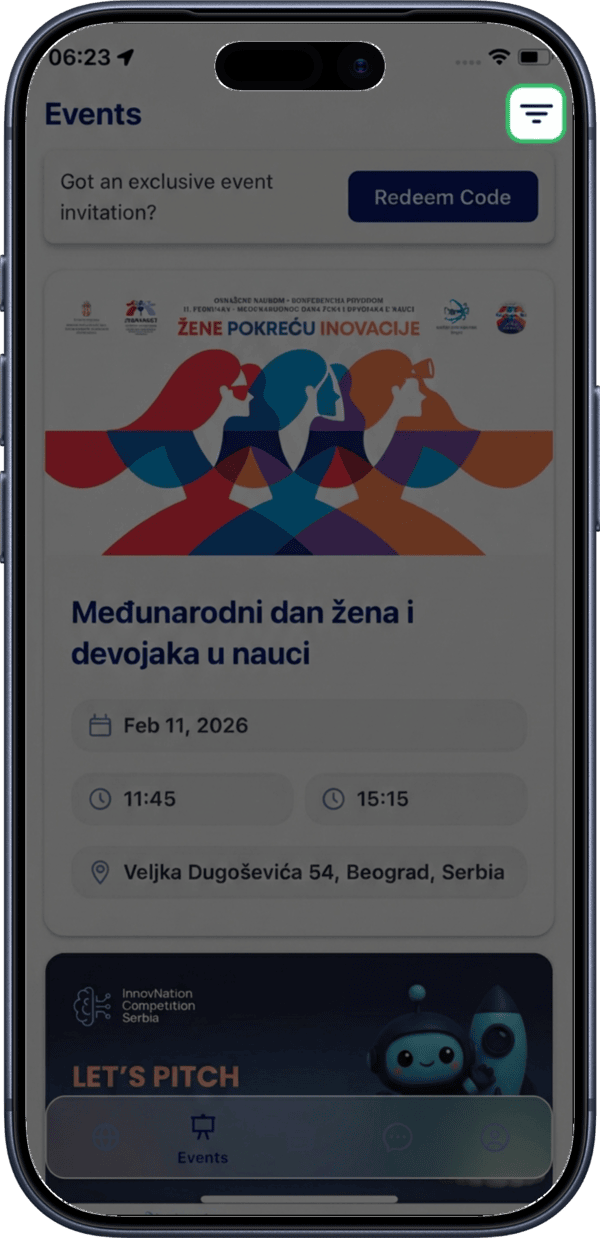
Tap the filter icon in the top right corner of the events screen to access the available filters.
Available Filter Options
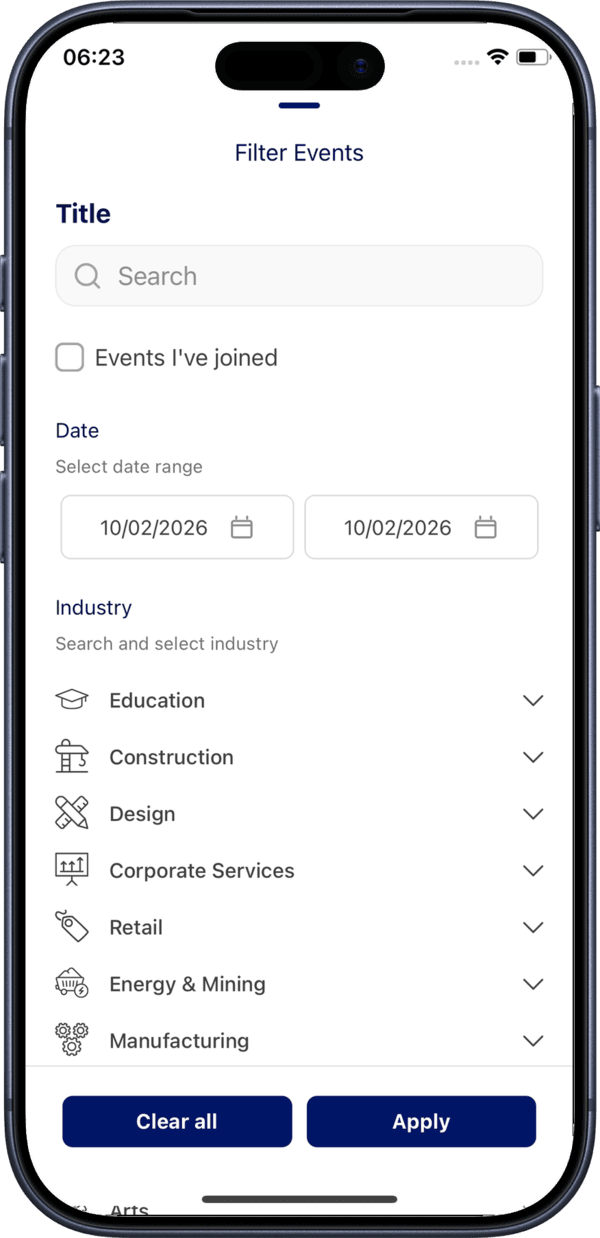
The filter screen provides several ways to narrow down the events list:
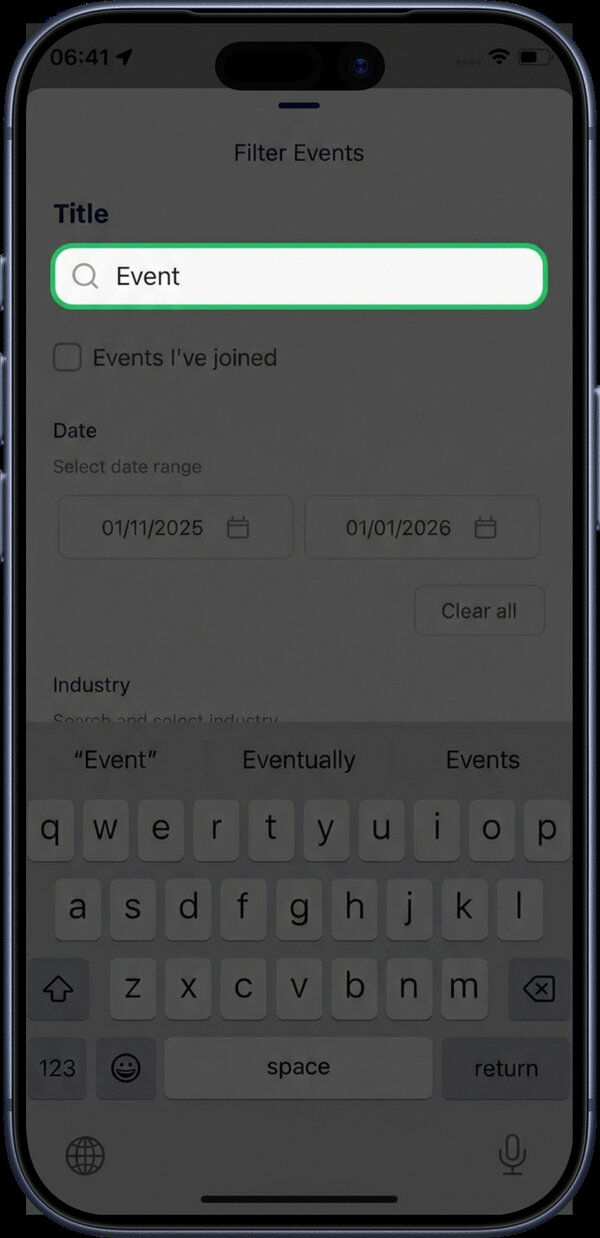
Search by Name
Use the search field at the top to find events by name. Results appear as you type.
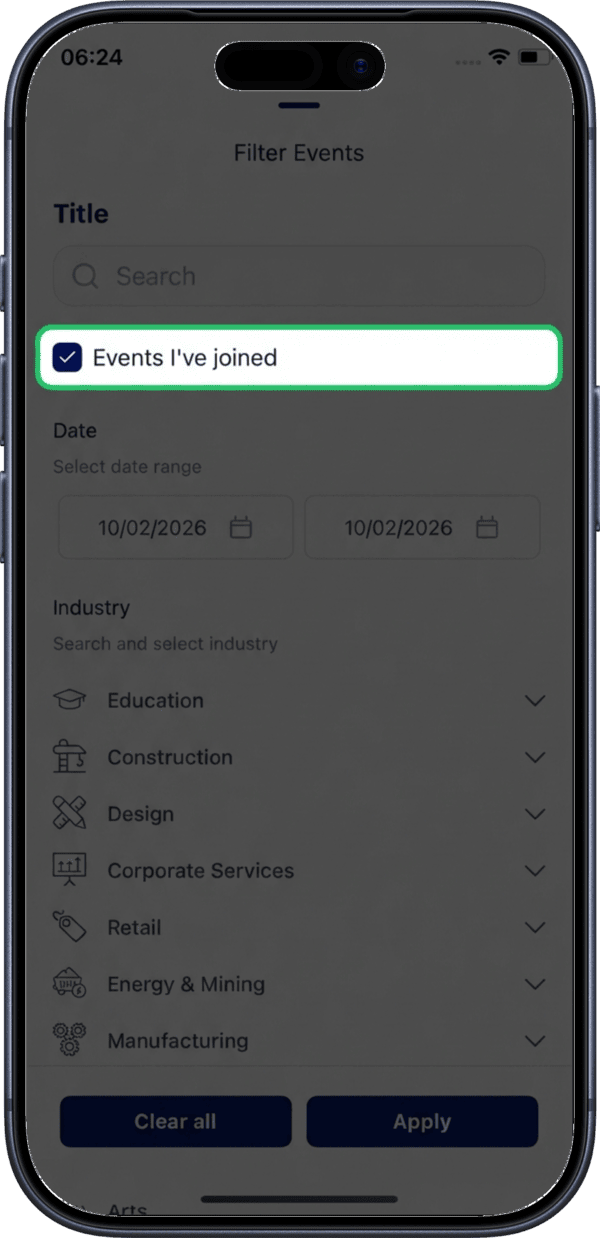
Events I've Joined
Check the Events I've joined checkbox to show only events you are already a participant of.
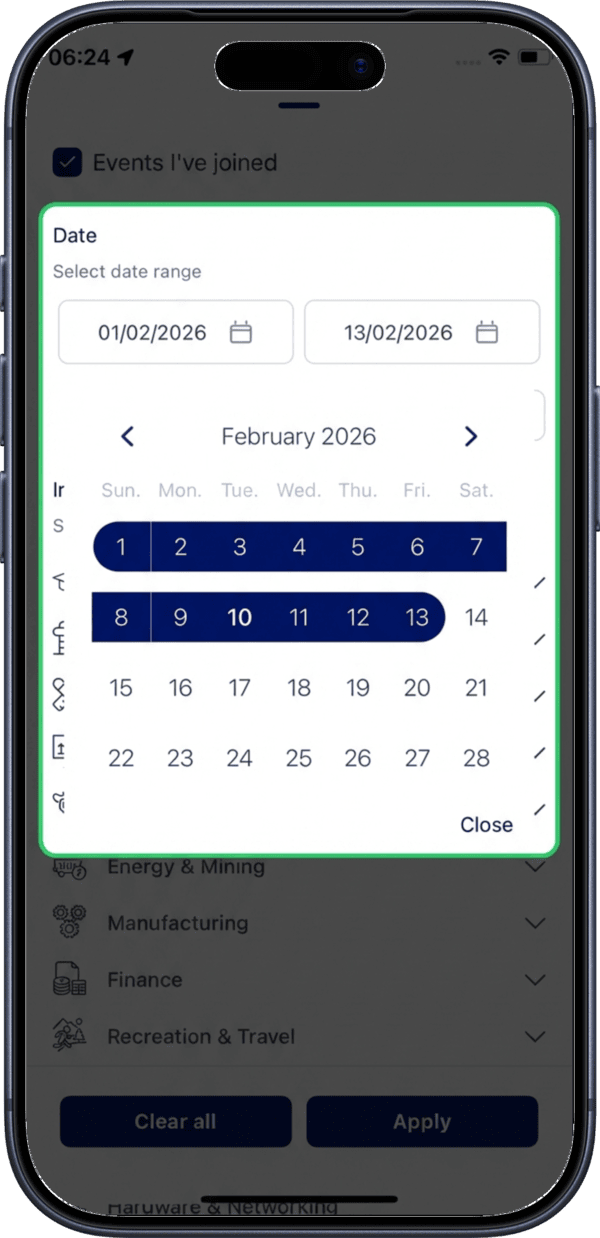
Filter by Date
Select a date range to display events within a specific time period.
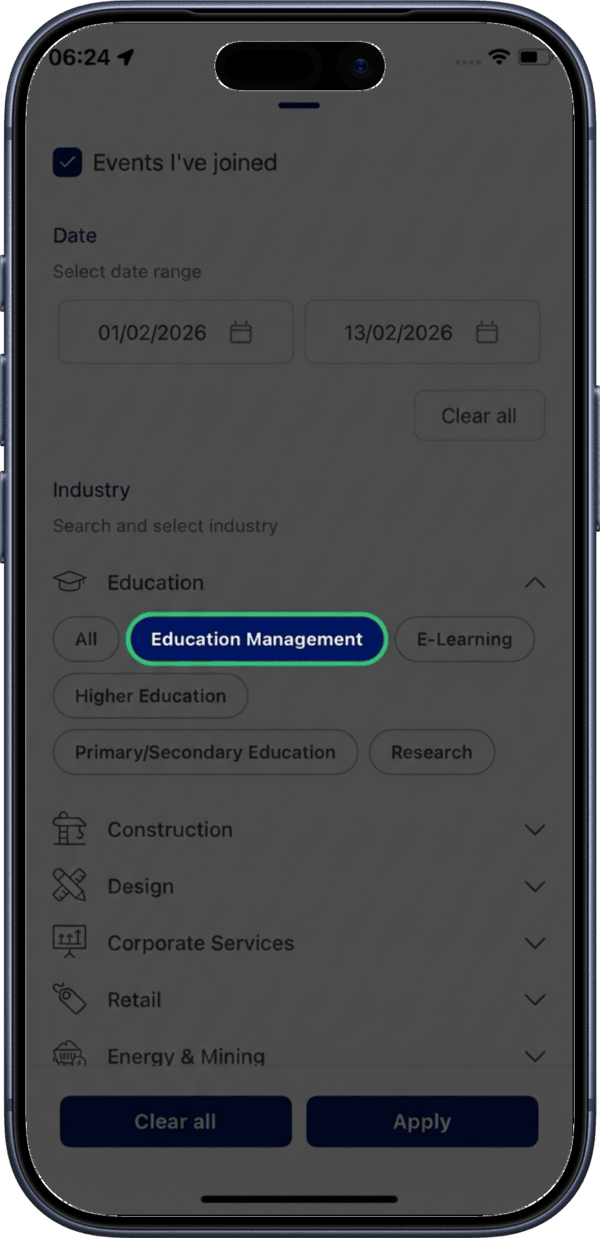
Filter by Interests
Filter events based on your professional interests to find the most relevant ones.
Applying Filters
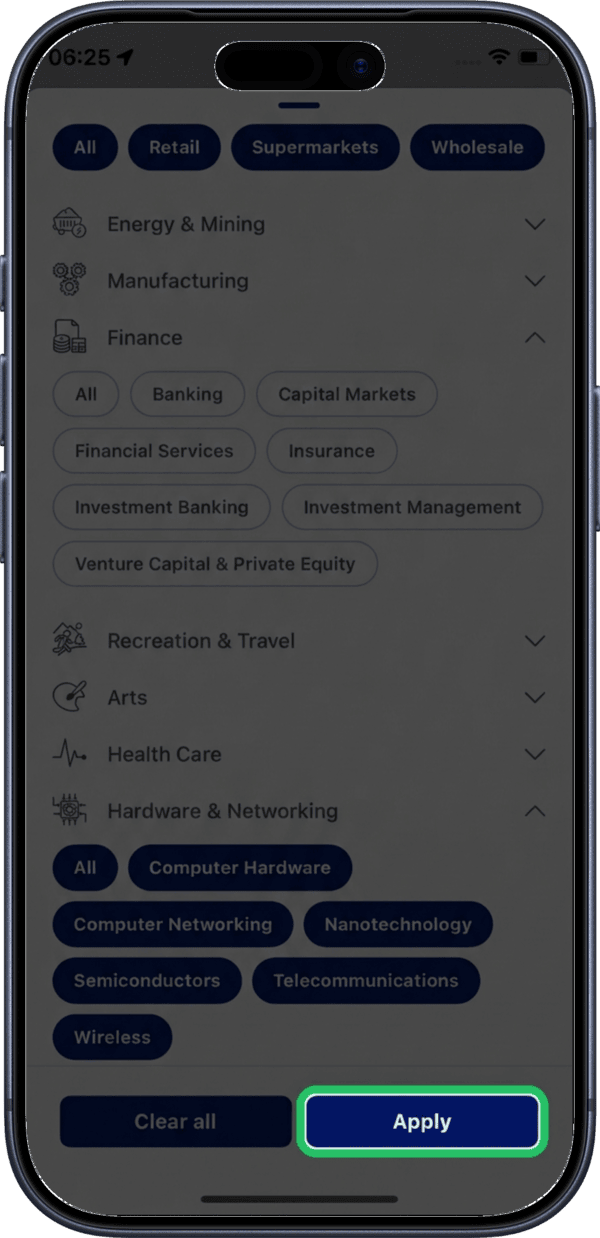
Tap the Apply button to apply your selected filters and return to the filtered events list.
Clearing Filters
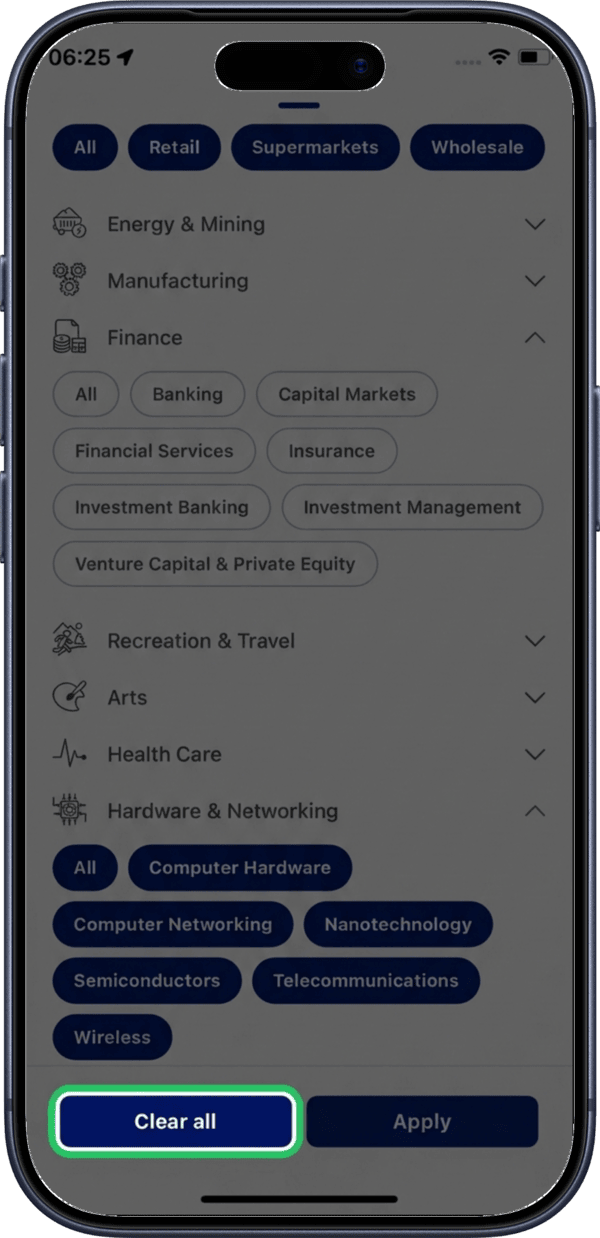
Tap the Clear all button to reset all selected filters at once.
Viewing Filtered Results
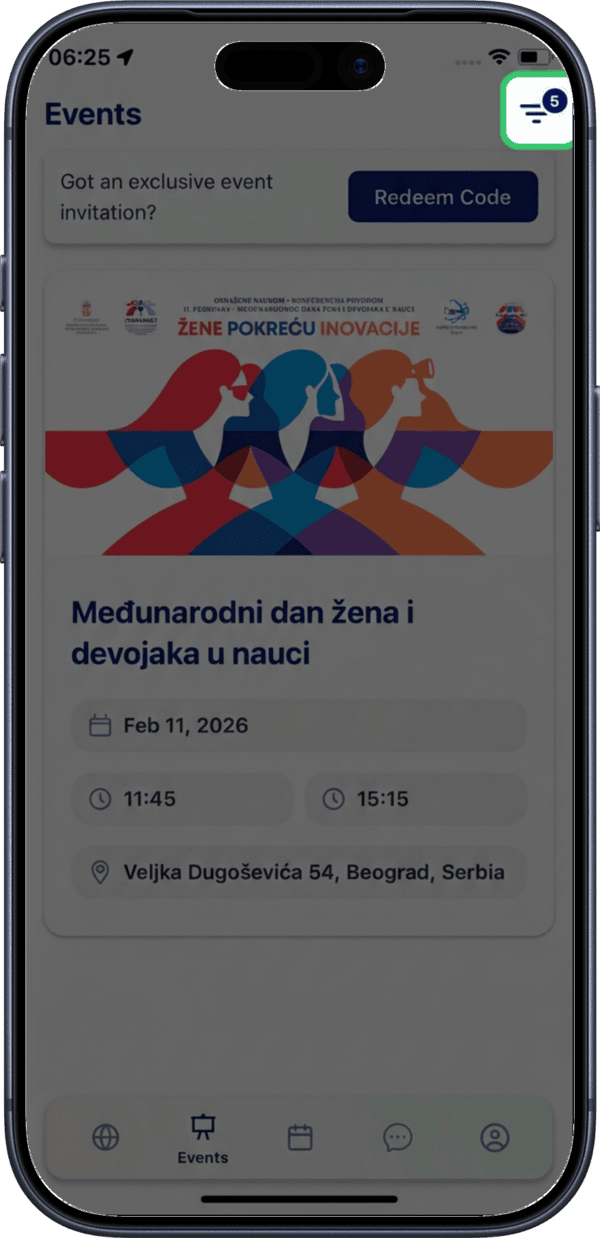
After applying filters, the events list shows only matching events. The number of active filters is displayed as a badge on the filter icon.
Stay Updated
Check the Events tab regularly for new events in your area. Events are updated as organizers publish them.