Tickets & QR Codes
Access your event ticket and use the QR code for check-in at the event entrance. Event organizers can also scan attendee tickets using the built-in scanner.
Prerequisites
- Joined an event that uses ticket-based entry
Viewing Your Ticket
On the event detail page, tap the QR icon in the top right corner to open your personal event ticket.

Your ticket displays a unique QR code along with your name, the event name, venue, date, and time.

Brightness
Increase your screen brightness before showing the QR code at the entrance for faster scanning.
For Event Organizers: QR Scanner
If you are an event organizer, you have access to a built-in ticket scanner to verify attendee tickets at the entrance.
Opening the Scanner
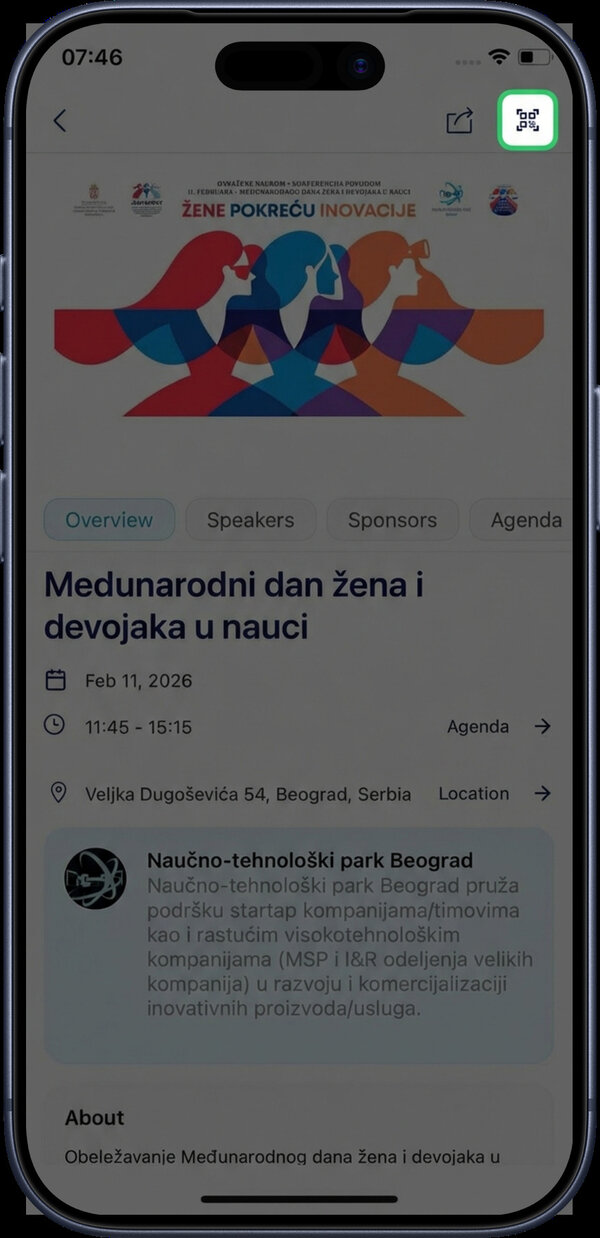
On the event page, tap the QR scanner icon in the top right corner to open the ticket scanner.
Camera Permissions
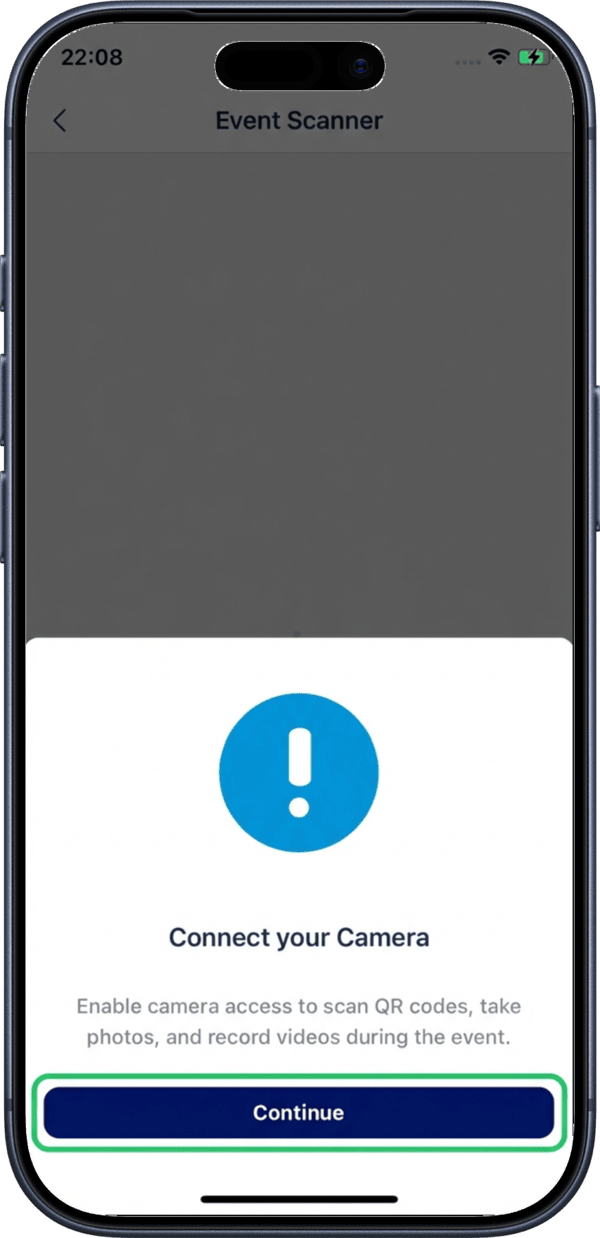
Before scanning, you need to grant camera access. If not previously allowed, the app will display a permission request. Tap Continue to open system settings.
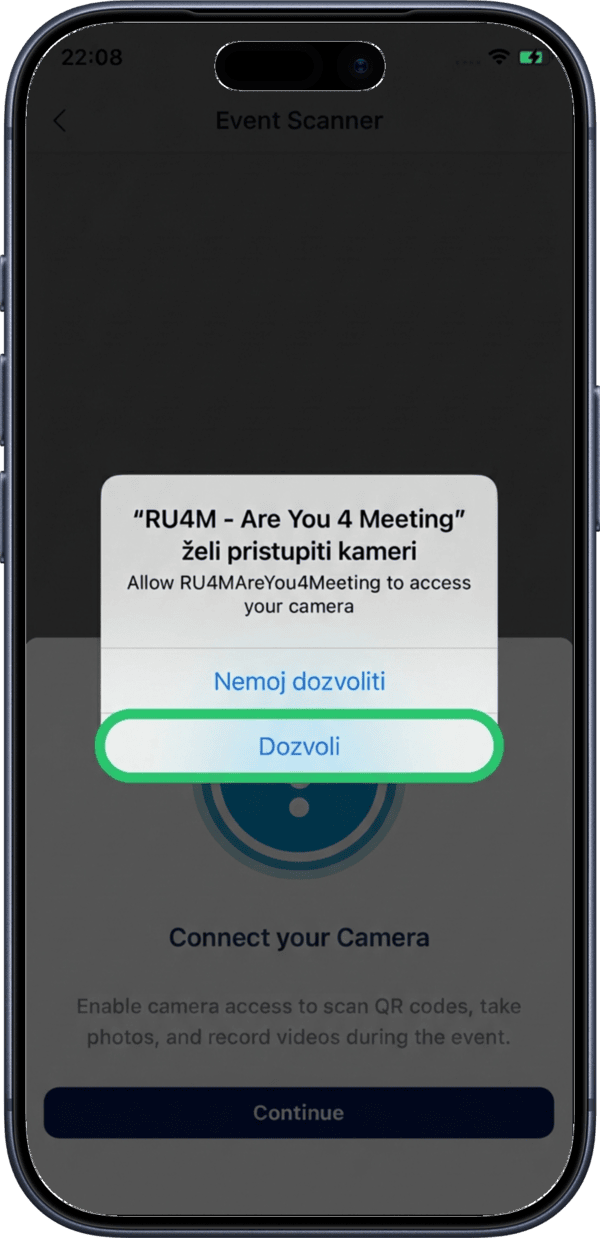
In system settings, allow camera access for the RU4M app. Without camera permission, the scanner cannot be used.
Scanning Tickets
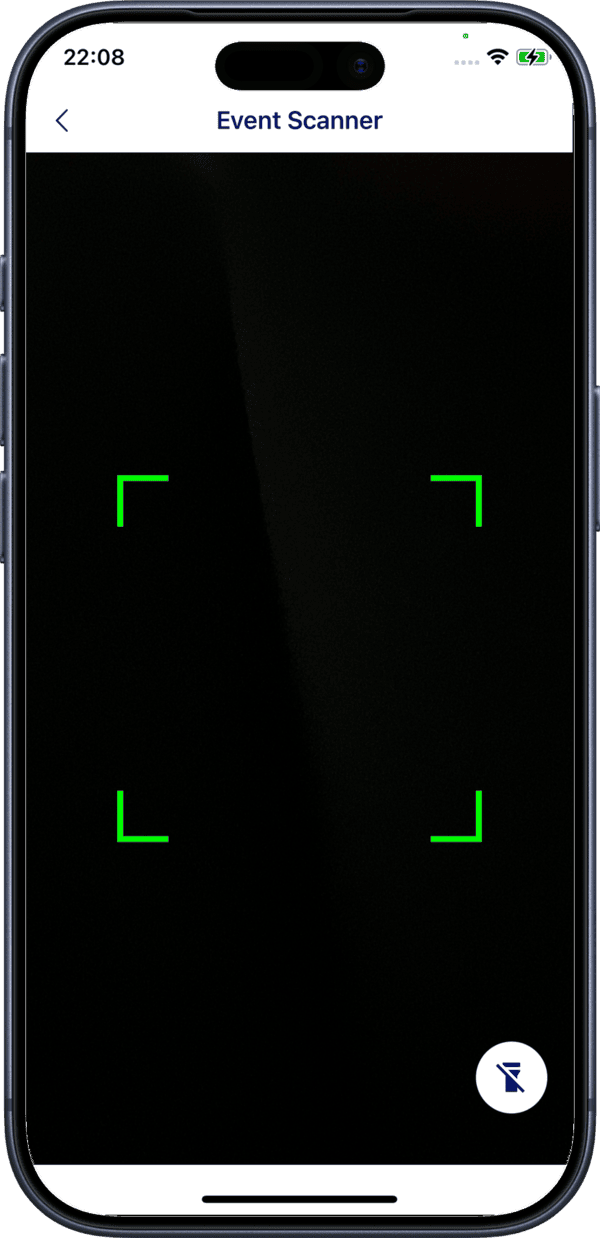
Once camera access is granted, the scanner activates. Point the camera at an attendee's QR code to verify their ticket. The scanner will display the ticket status (valid, already used, or invalid).
Ticket Statuses
- Valid — The ticket is authentic and has not been used
- Used — The ticket has already been scanned for check-in
- Invalid — The ticket is not recognized