Teleport
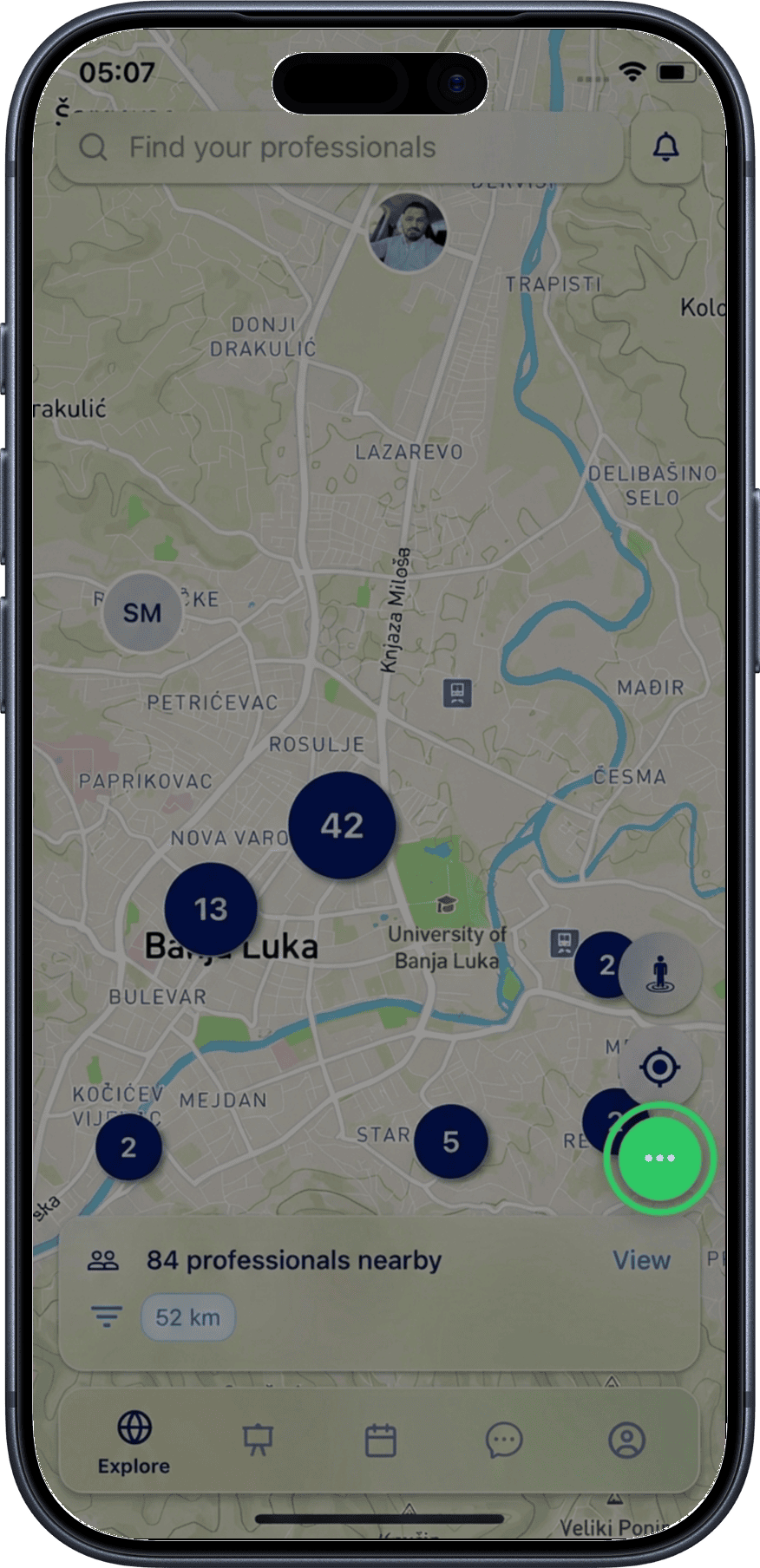
Teleport lets you virtually explore professionals in any location worldwide without physically being there. It is the first of three buttons on the right side of the Explore screen.
Prerequisites
- The Explore map is open
Using Teleport
1. Tap the Teleport button
On the right side of the Explore screen, tap the Teleport button (the first of three action buttons).
2. Open the search modal
Tapping the button opens a modal with a search field for addresses and known locations.
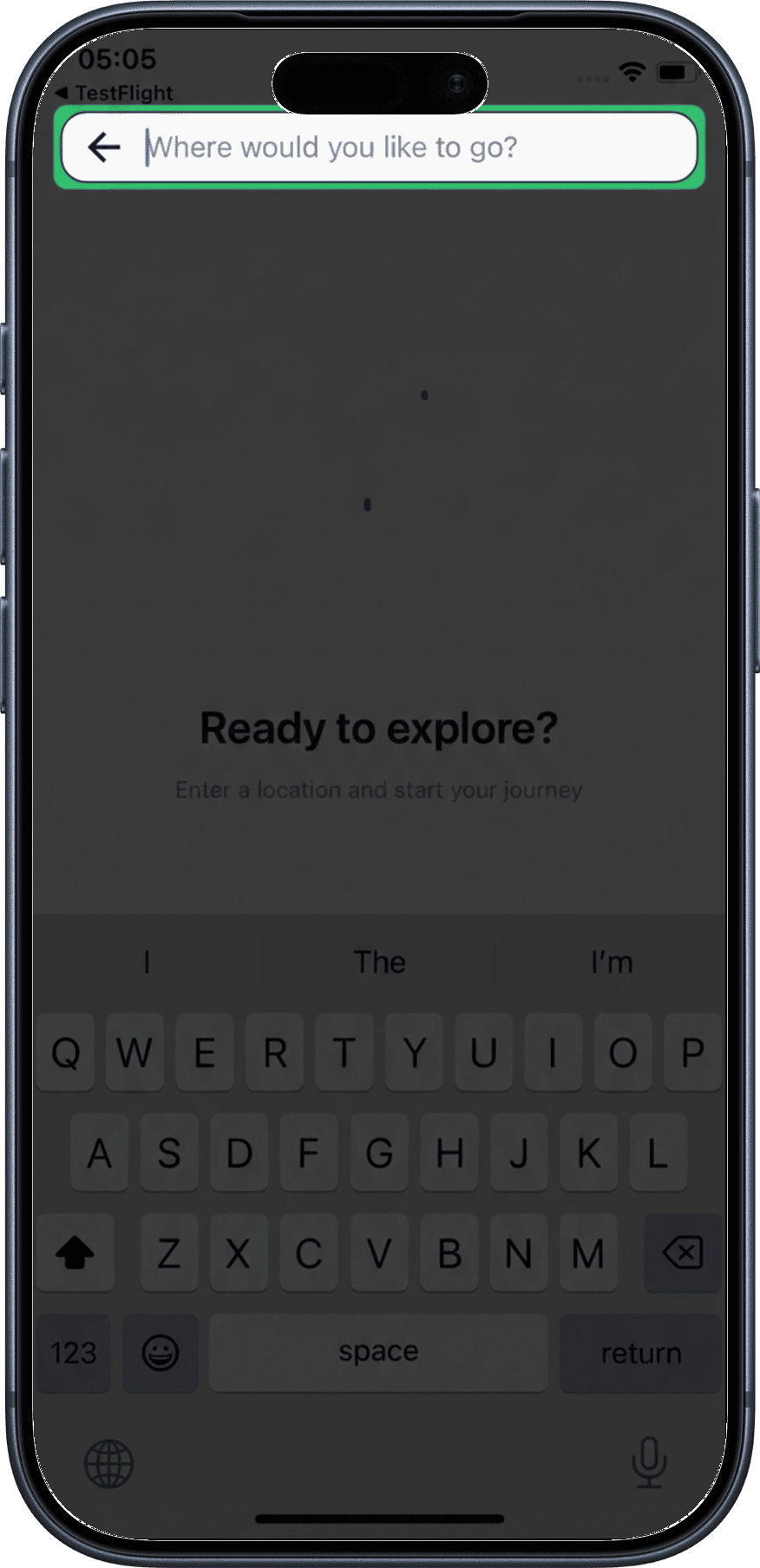
3. Search for a location
Start typing — after just two characters, results appear sorted by proximity to your current position, with the closest locations listed first.
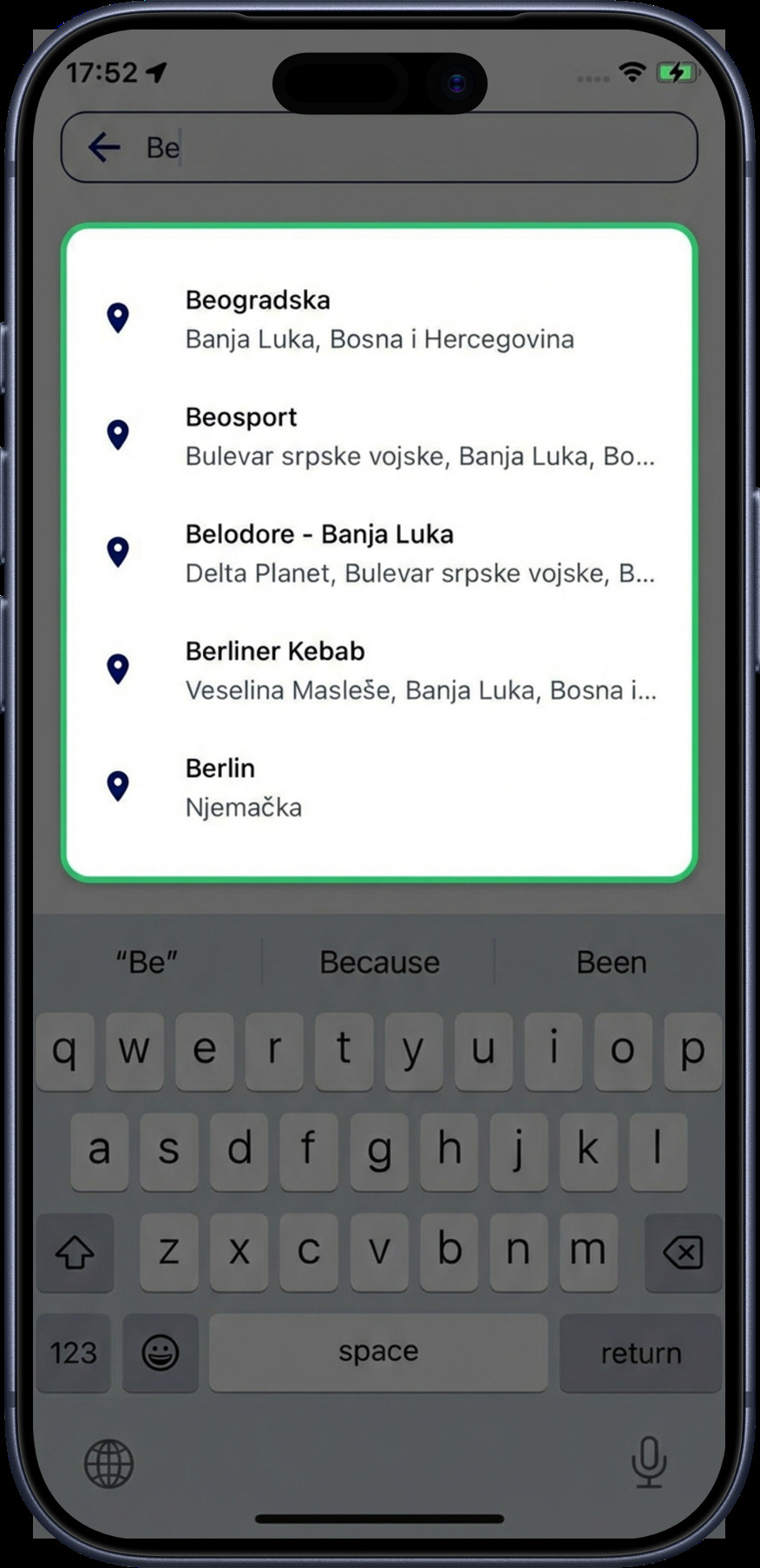
4. Select a location
Tap a result to teleport. The Explore page automatically refreshes and navigates to the selected location. All map data (nearby professionals, clusters) adapts to the new position.
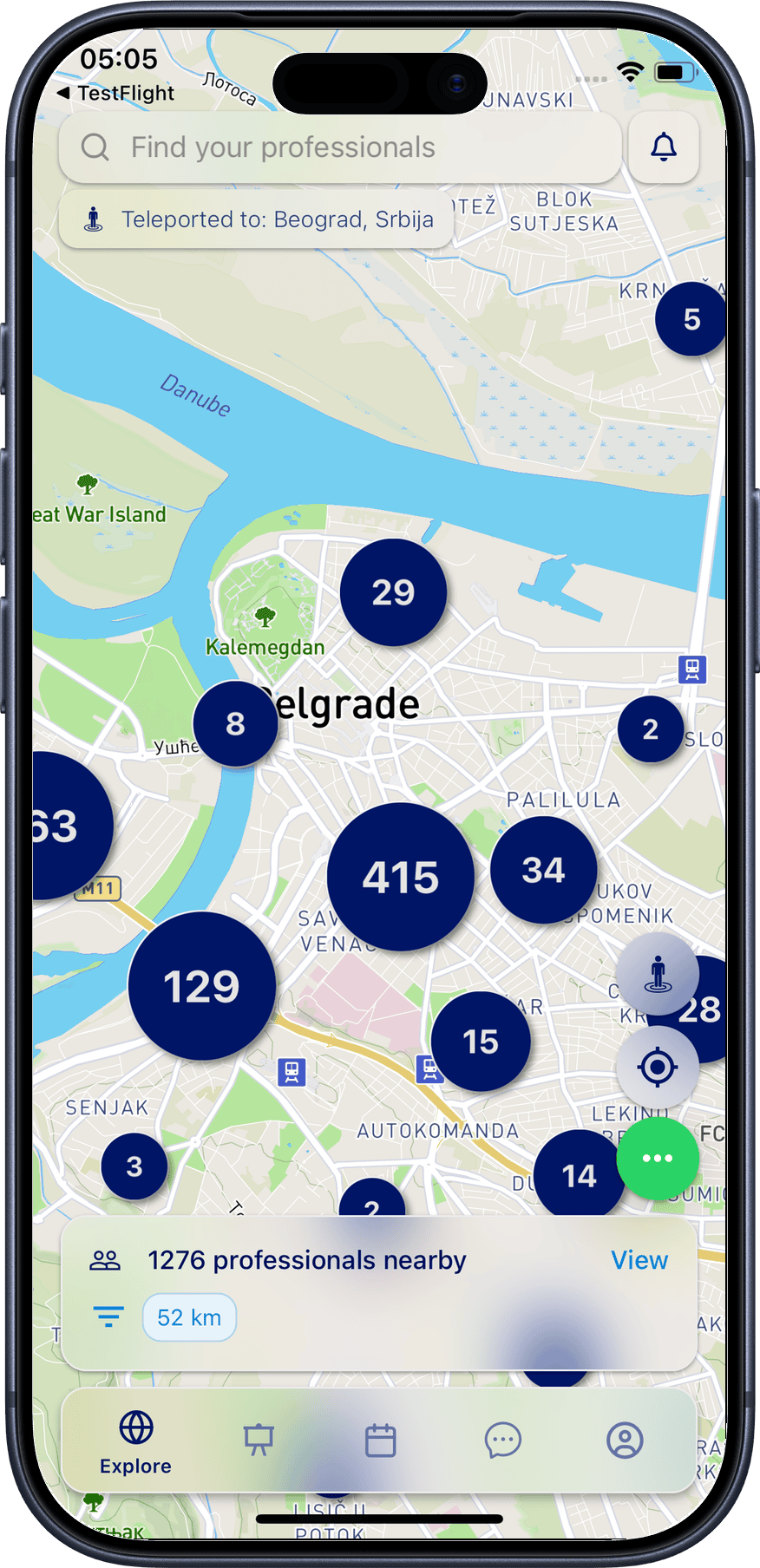
5. Teleported user indicator
Teleported users are shown on the map with a blue border around their pin, making them easy to identify.
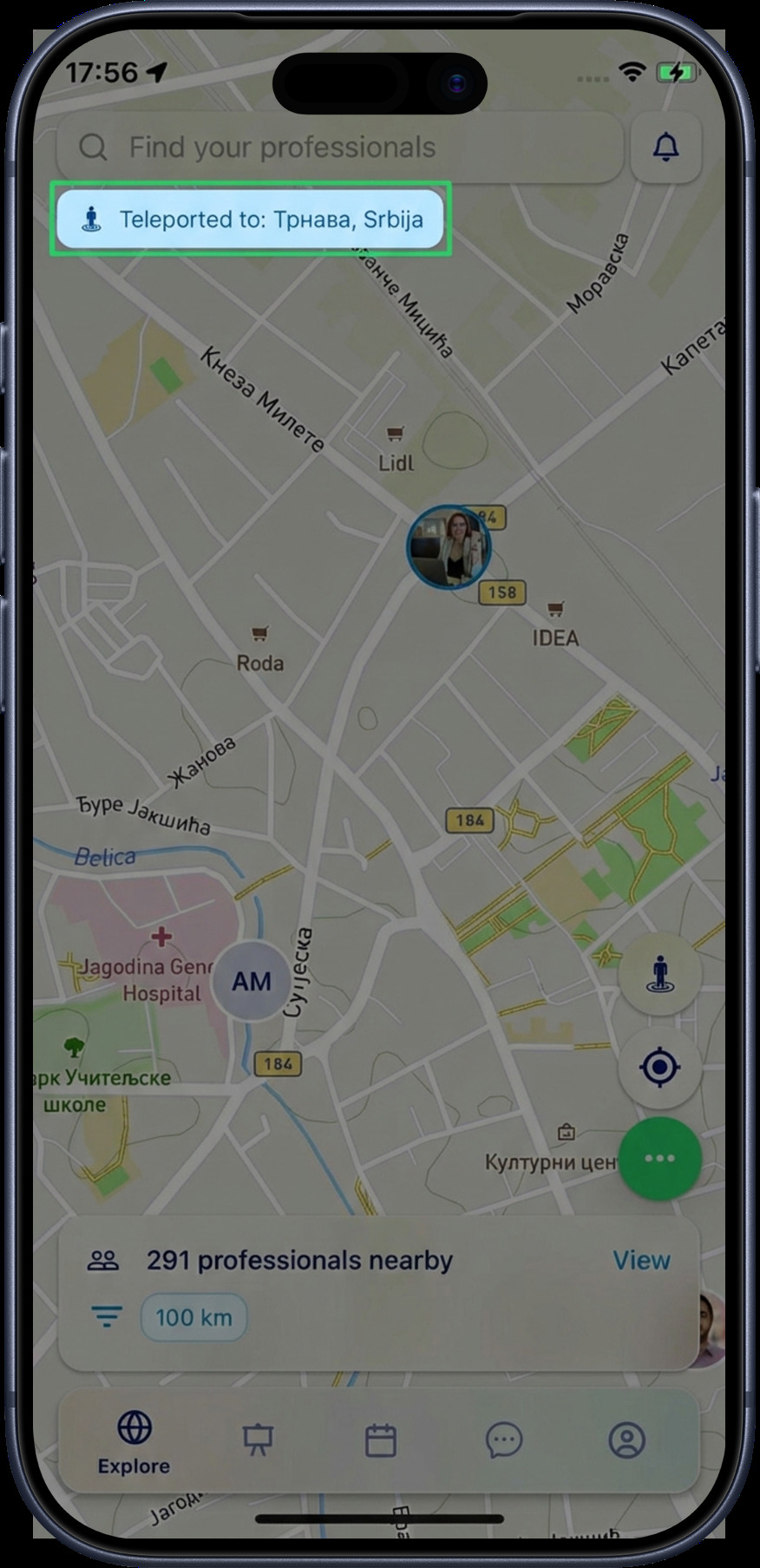
Back to Home
The Back to Home button is the second button on the right side of the Explore screen. Tap it for a quick return to your real location (or your locked location, if you've set one).
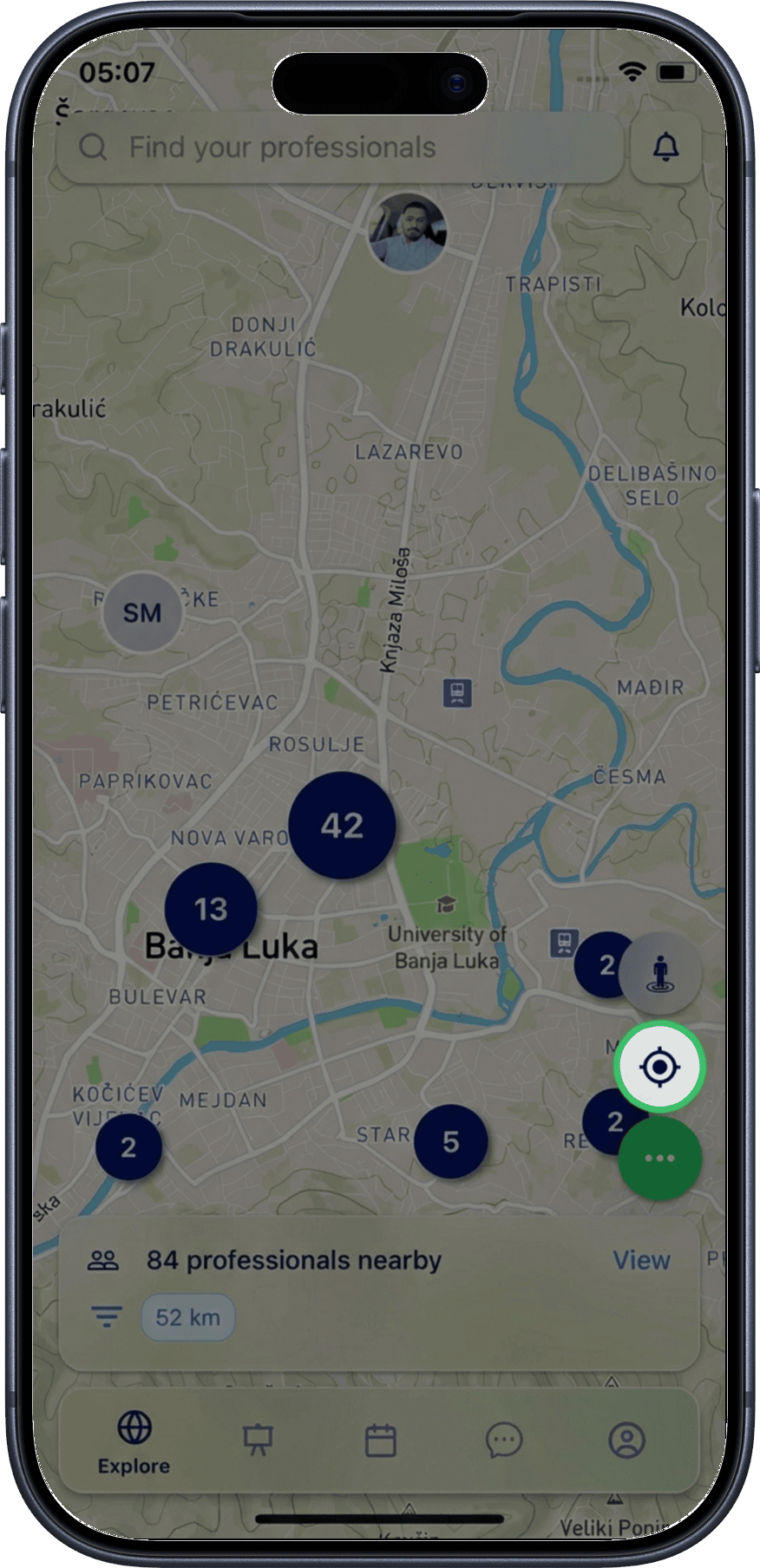
Quick return
After teleporting or manually scrolling the map, tap Back to Home to instantly snap back to your position. If you have a locked location, it will take you there instead of your GPS location.
Use Cases
- Pre-conference networking — teleport to a conference city and connect with attendees before you arrive
- Job market research — explore professionals in cities where you're considering relocating
- Global networking — find collaborators and partners across the world
What's Next?
- Location Controls — lock your position, unlock it, or hide from the map entirely
- Professionals Nearby — browse and filter professionals within 100 km
- Find Your Professional — search all registered users by name