Features Overview
Everything RU4M Can Do
A visual tour of the RU4M professional networking app — discover all the tools at your fingertips.
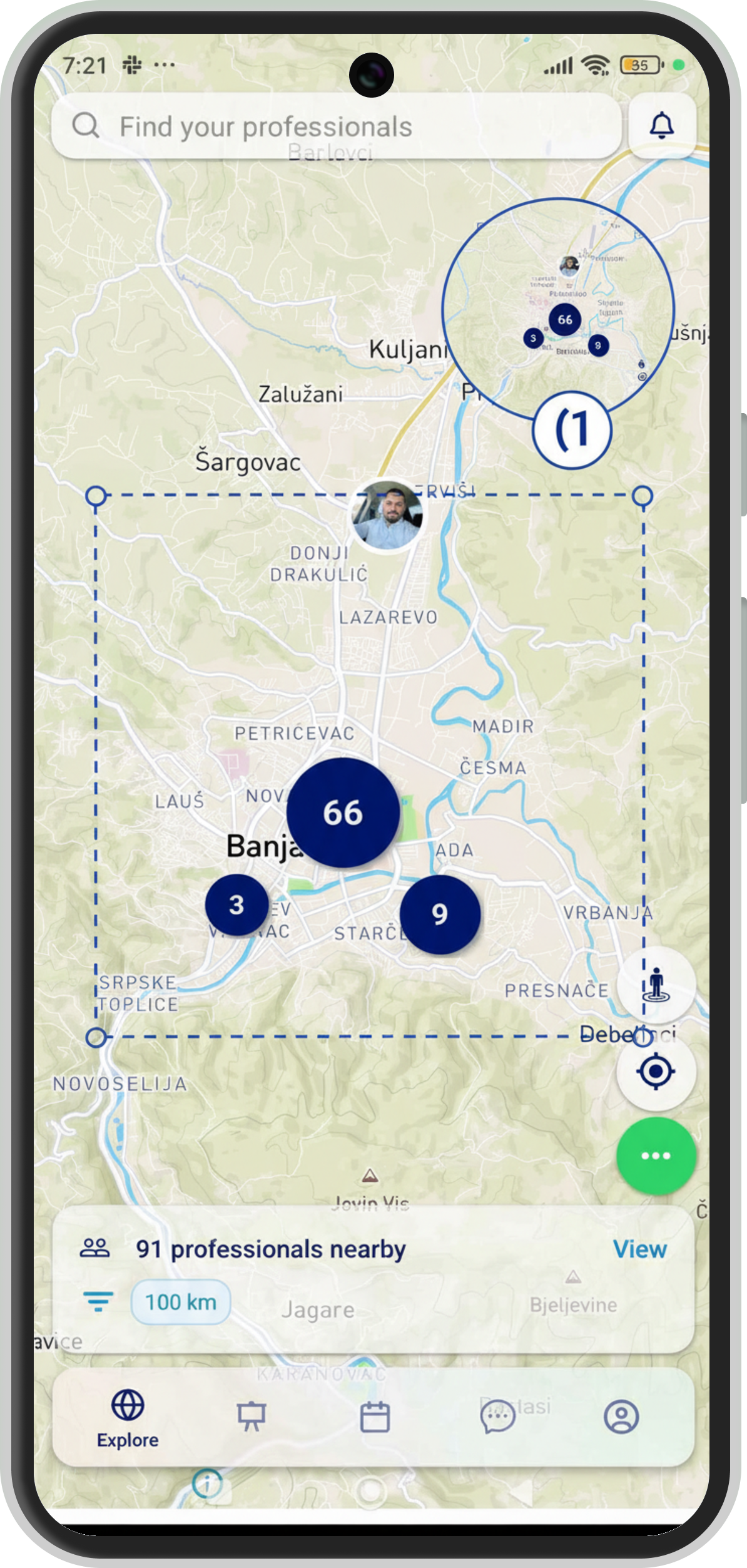
Interactive Map
Discover professionals around you on a real-time interactive map. Tap any pin to see their profile, profession, and skills.
- Search by name, profession, or skill
- Teleport to explore any city worldwide
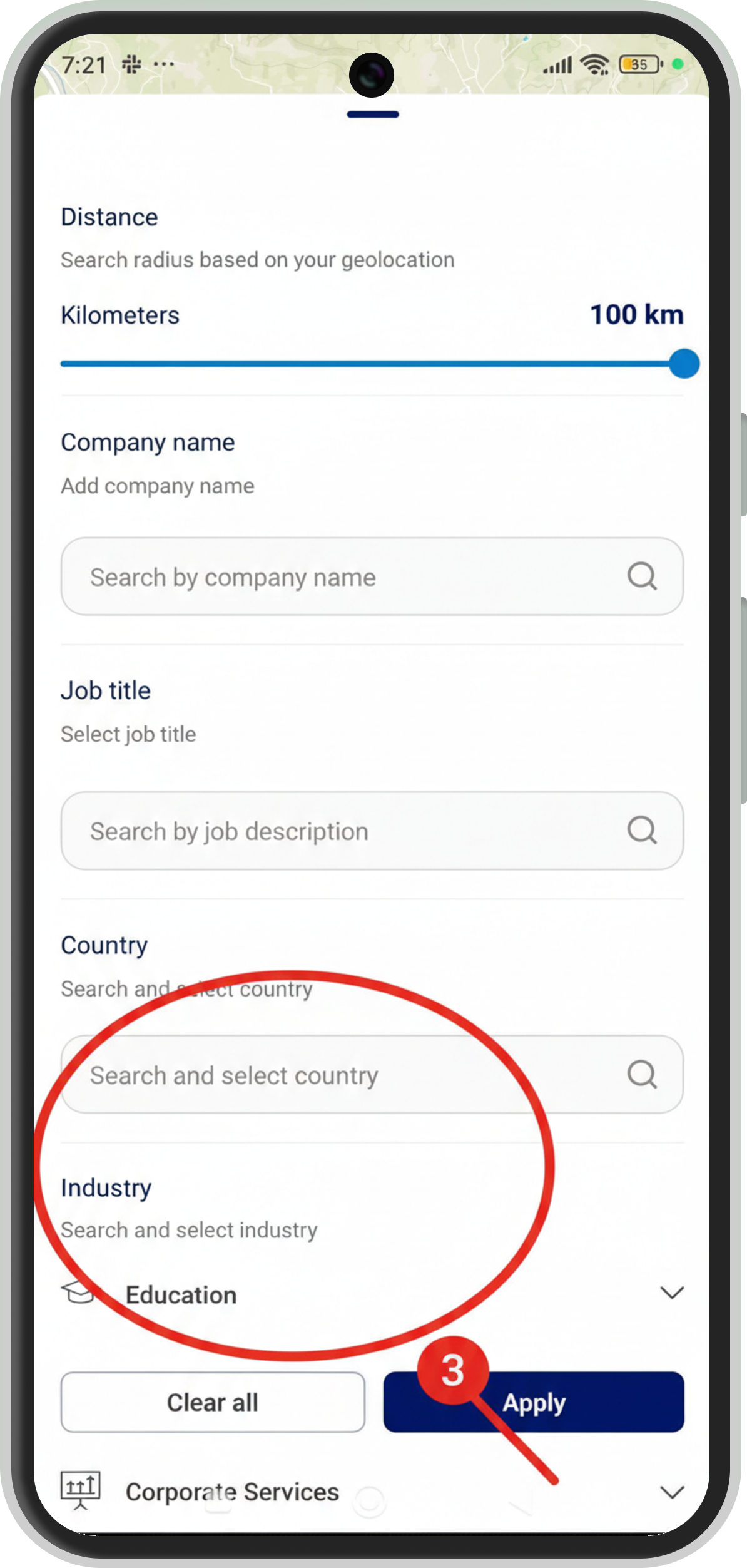
- Filter by profession, distance, and availability
- Location controls to manage your visibility
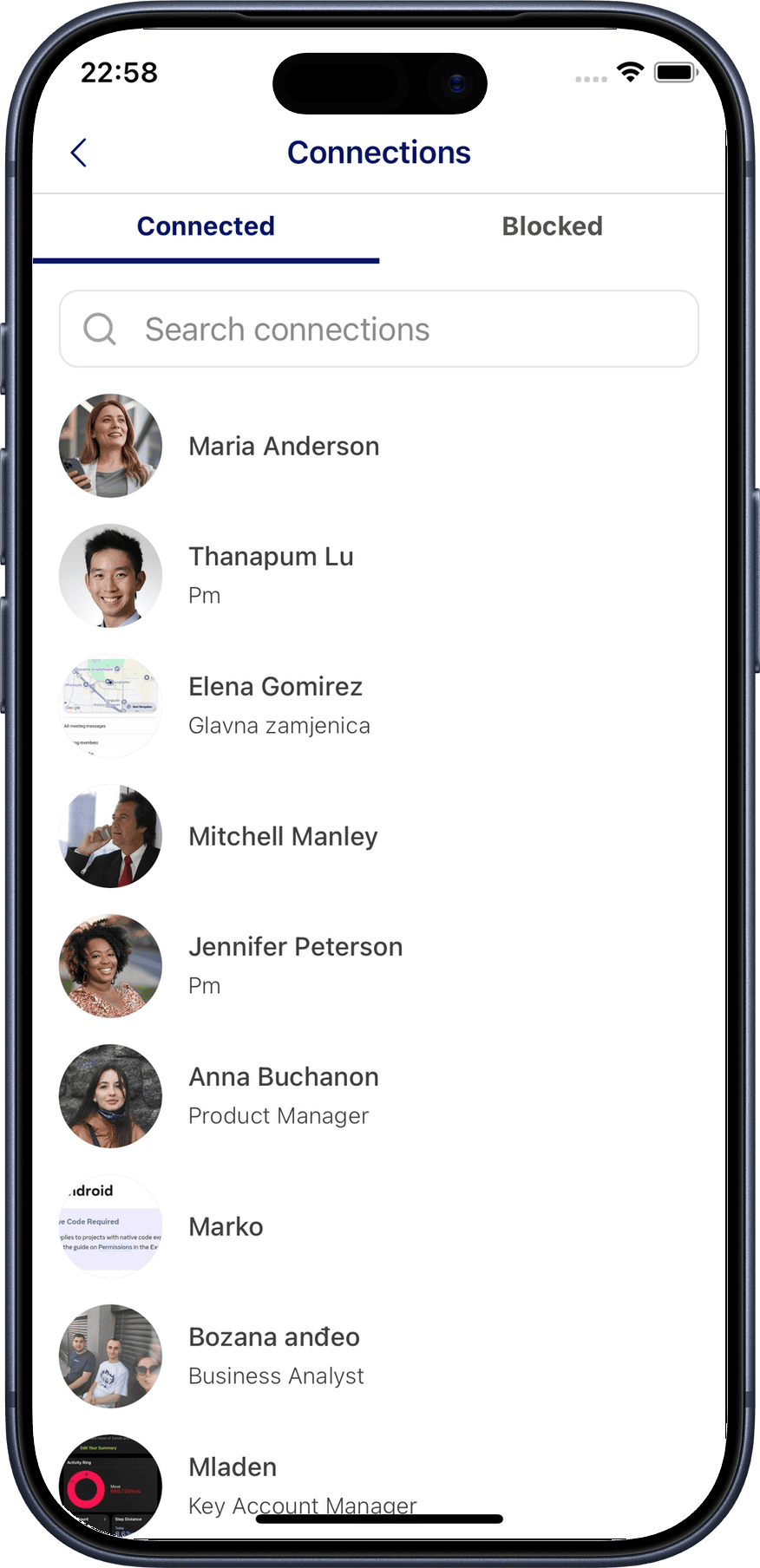
Professional Profile
Build a standout professional profile that showcases your skills, experience, and interests.
- AI Profile Completion — get smart suggestions to improve your profile
- QR code sharing — let others scan to connect instantly
- Connection management — accept, decline, and organize your network
- Profile link — share your profile via any messaging app
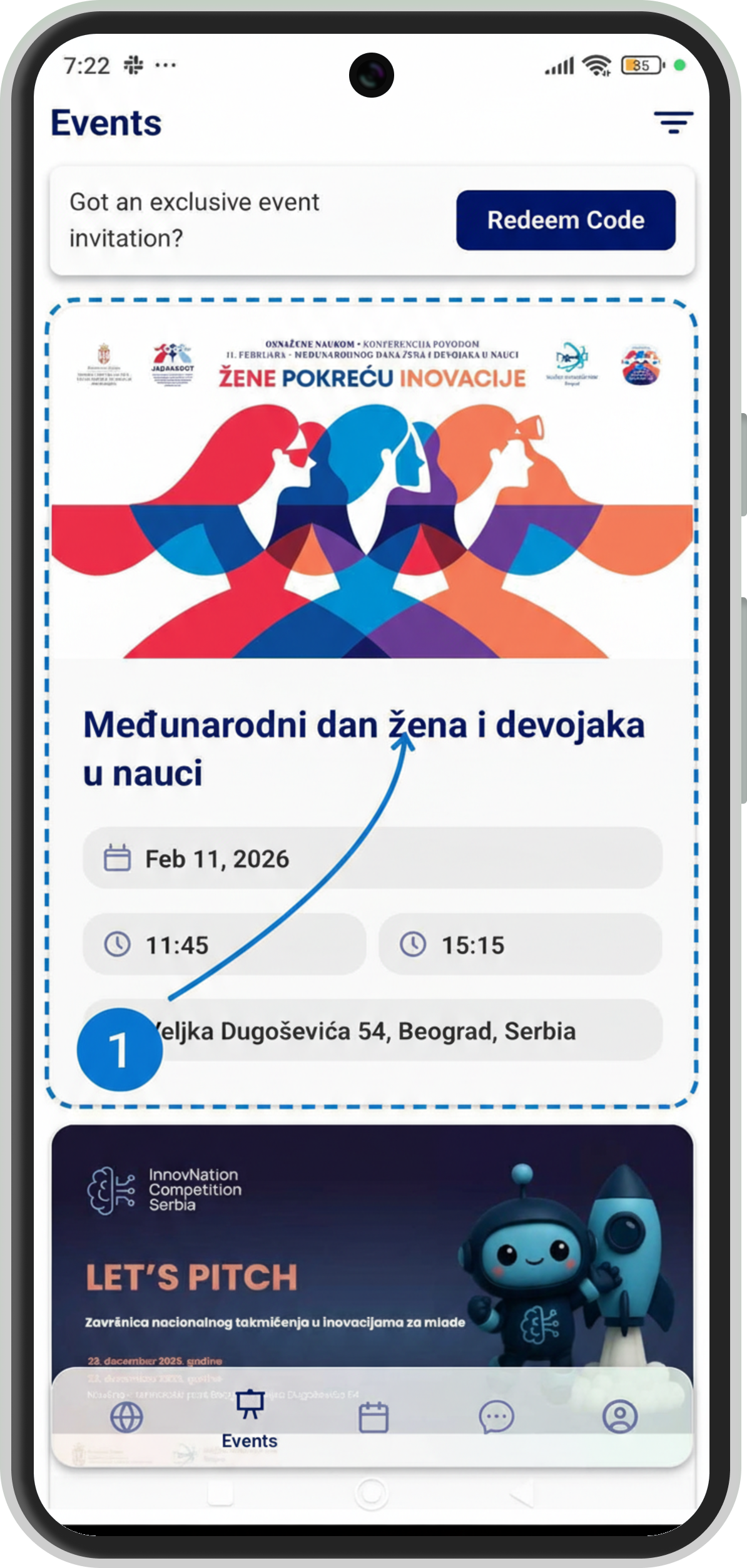
Events & Tickets
Browse upcoming professional events, view detailed agendas, and purchase tickets — all from your phone.
- Event discovery — find events by category, date, or location
- Detailed agendas — see speakers, sessions, and time slots
- Ticket purchase — buy tickets and get QR codes for entry
- Giveaways — participate in event rewards by scanning stands
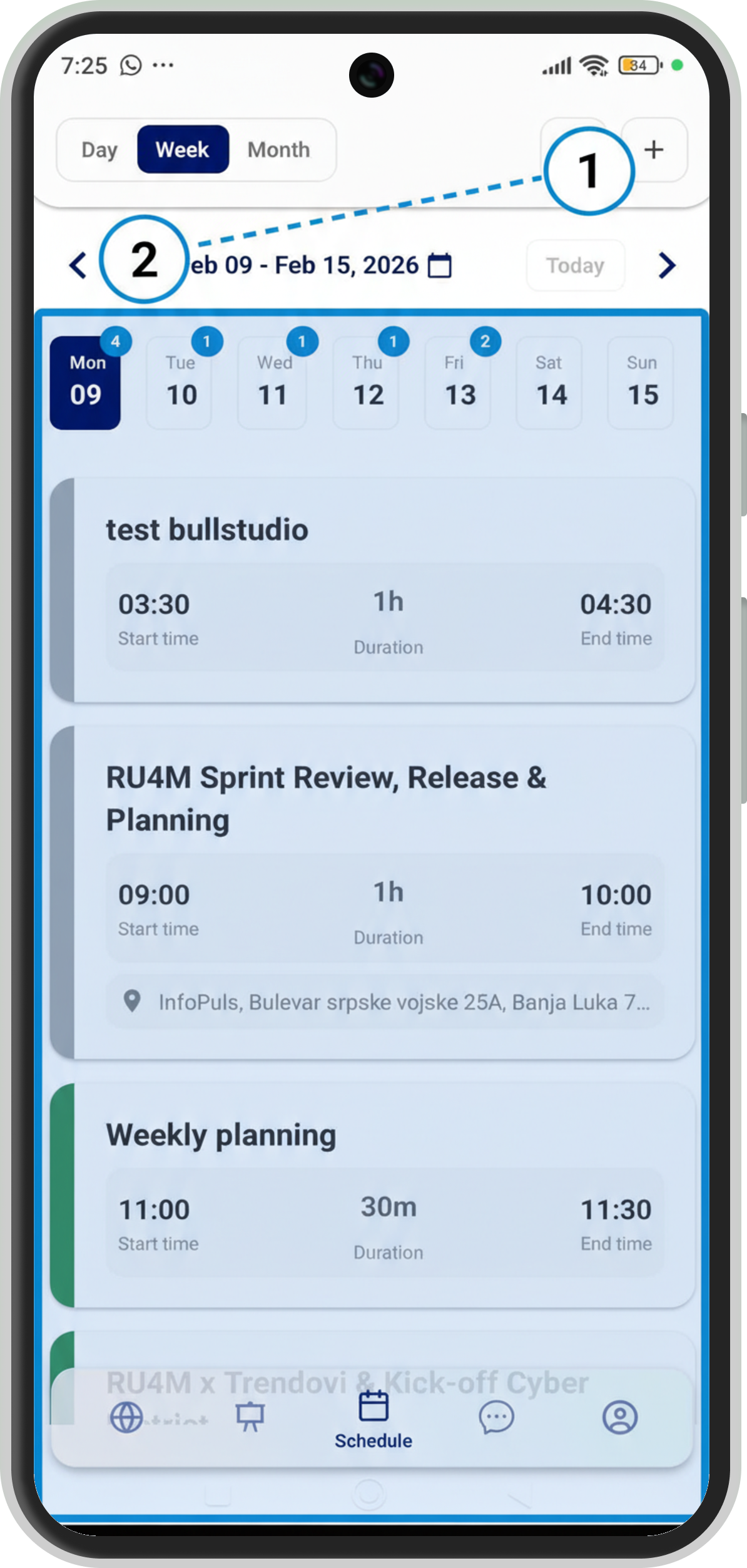
Meetings & Calendar
Schedule one-on-one meetings with professionals and keep your calendar organized.
- Day, week, and month views — see your schedule at a glance
- Create meetings — pick a time, place, and invitee
- Meeting details — view location, notes, and status
- Calendar sync — integrate with Google Calendar, Apple Calendar, or CalDAV
Chat & Messaging
Stay in touch with your professional network through direct and group conversations.
- Direct messages — one-on-one conversations with connections
- Group chats — collaborate with multiple professionals
- Search — find past conversations and messages quickly
- Media sharing — send images and files

Settings & Privacy
Full control over your experience — from location privacy to appearance.
- Location privacy — choose who can see you on the map
- Notifications — fine-tune push and email alerts
- Appearance — switch between light and dark mode
- Account management — update email, password, or delete account