Onboarding
After creating your account, you'll be guided through a quick onboarding process to personalize your RU4M experience.
Prerequisites
- A freshly created RU4M account
Steps
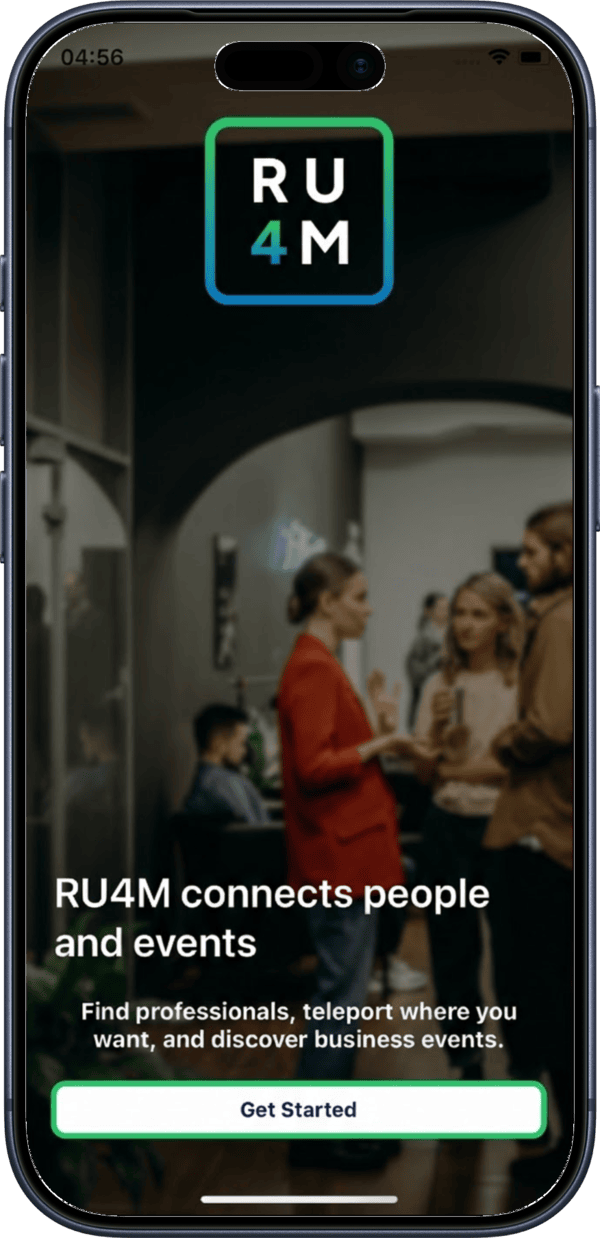
1. Welcome screen
After registration, you'll see a welcome screen introducing RU4M's key features.
2. Select your professional interests
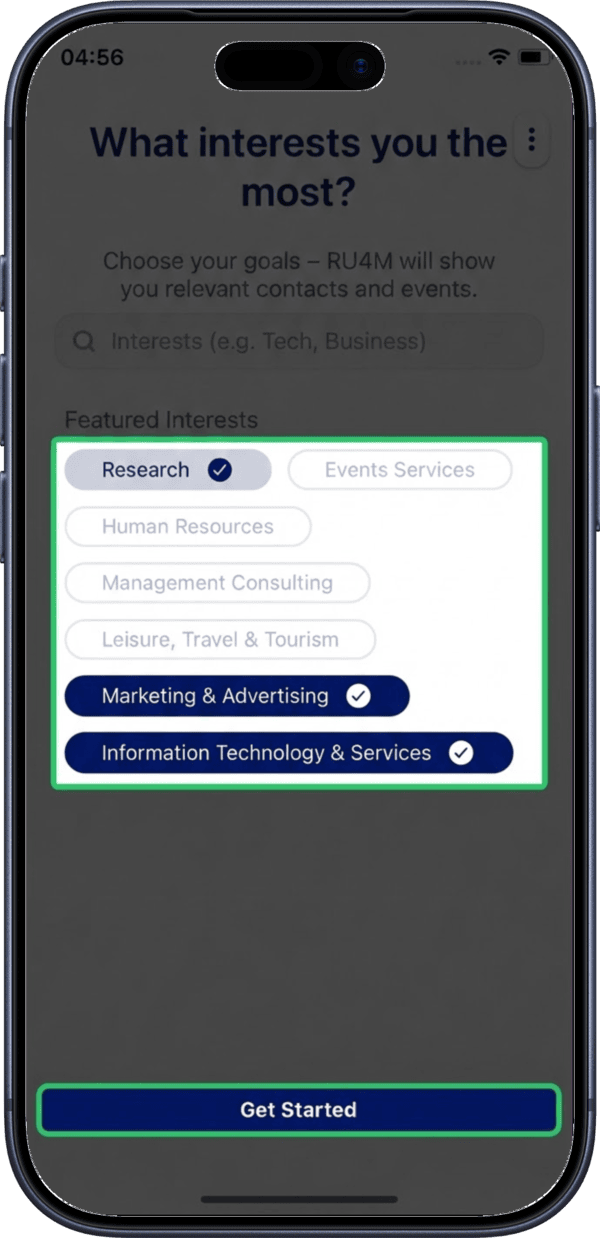
Browse through the available interest categories and select the ones that match your professional profile. These help RU4M recommend relevant connections and events.
Choose wisely
Your interests help other professionals find you on the map. You can always update them later in your interest settings.
3. Onboarding complete
You're all set! Tap Continue to be taken to the Explore map where you can start discovering professionals near you.
What's Next?
- Set up your profile with a photo, bio, and job details
- Explore the map to discover professionals nearby
- Browse events happening in your area