Meeting Details
View meeting details, respond to invitations, and propose new times for meetings you have been invited to.
Prerequisites
- An existing meeting (either created by you or received as an invitation)
Viewing Meeting Details
1. Open a meeting
Tap any meeting on your calendar to see its details.
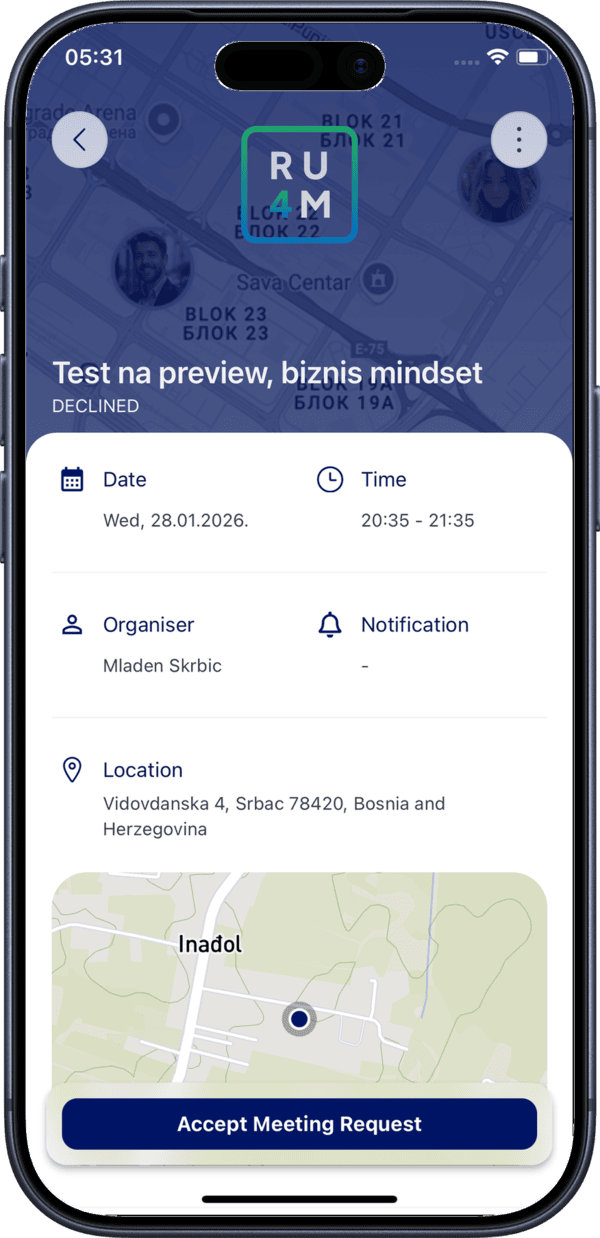
The meeting detail screen shows:
- Meeting title
- Date and time
- Location (if set)
- List of participants and their response status
Responding to Invitations
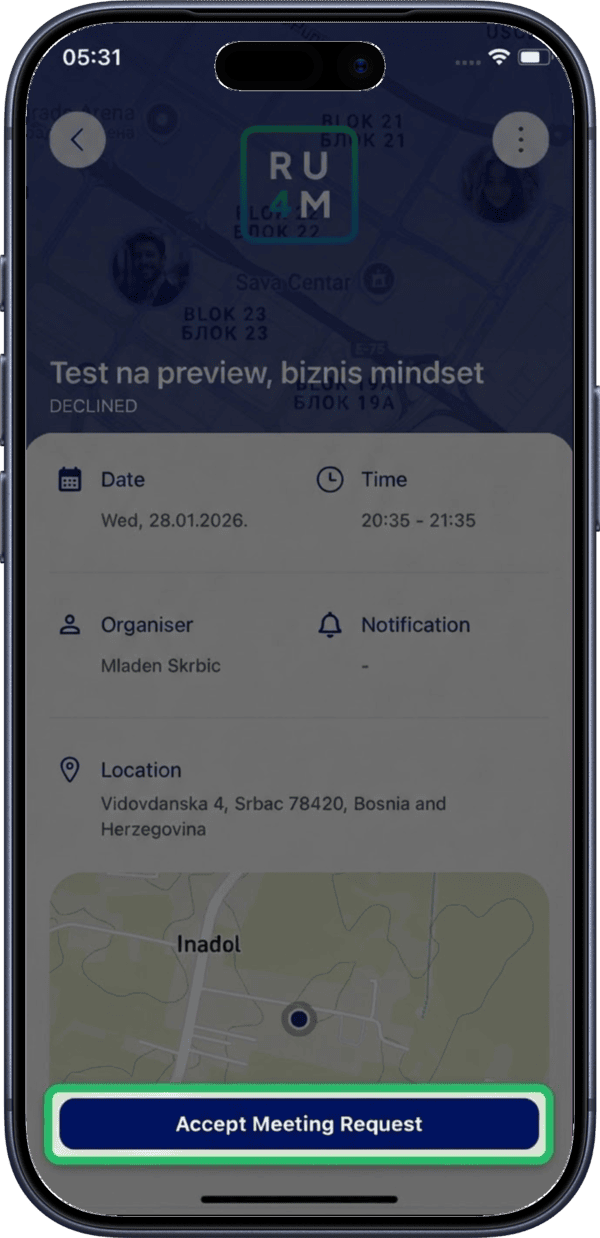
2. Accept a meeting request
When someone invites you to a meeting, tap Accept to confirm your attendance.
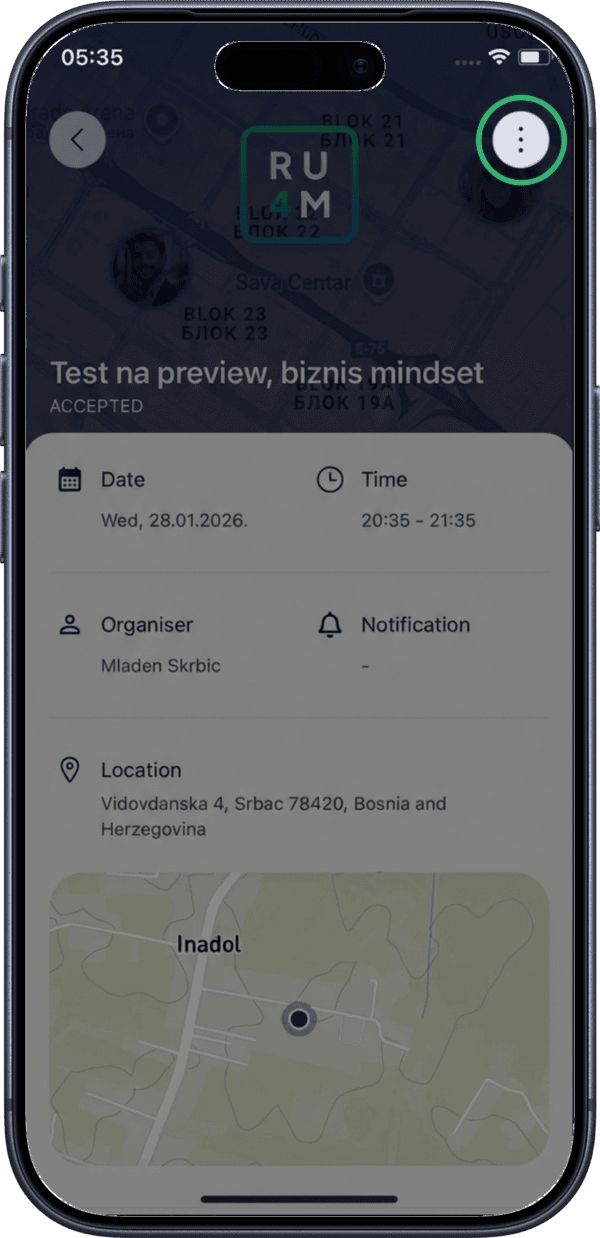
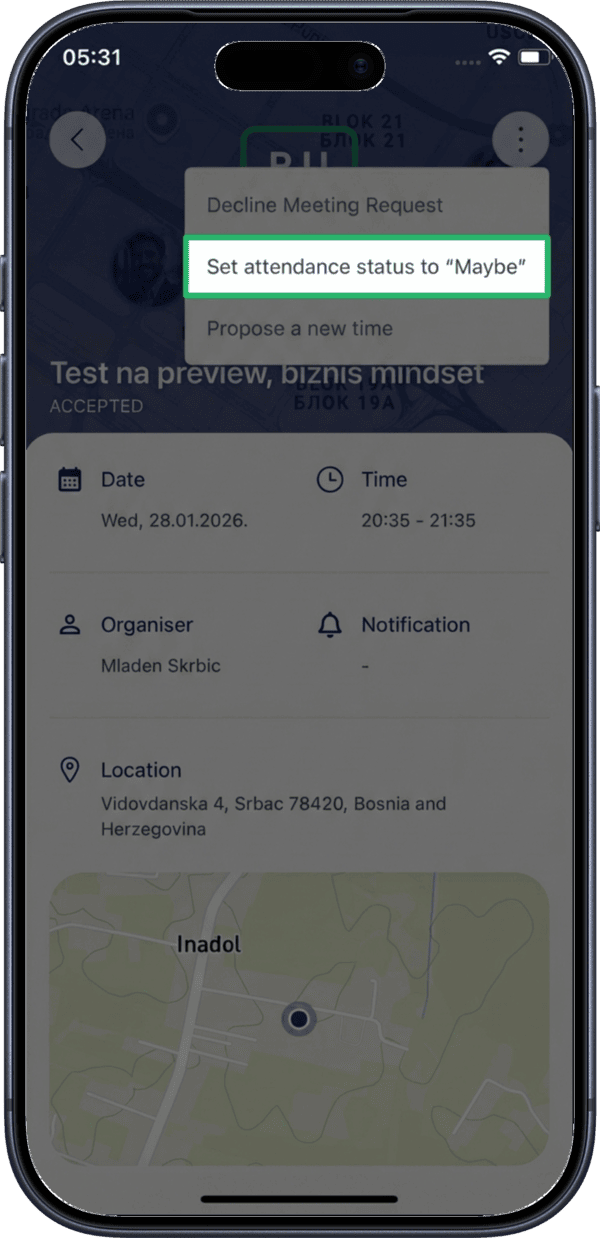
3. Open the menu for more options
Tap the three-dot menu (more options) to see additional response choices.
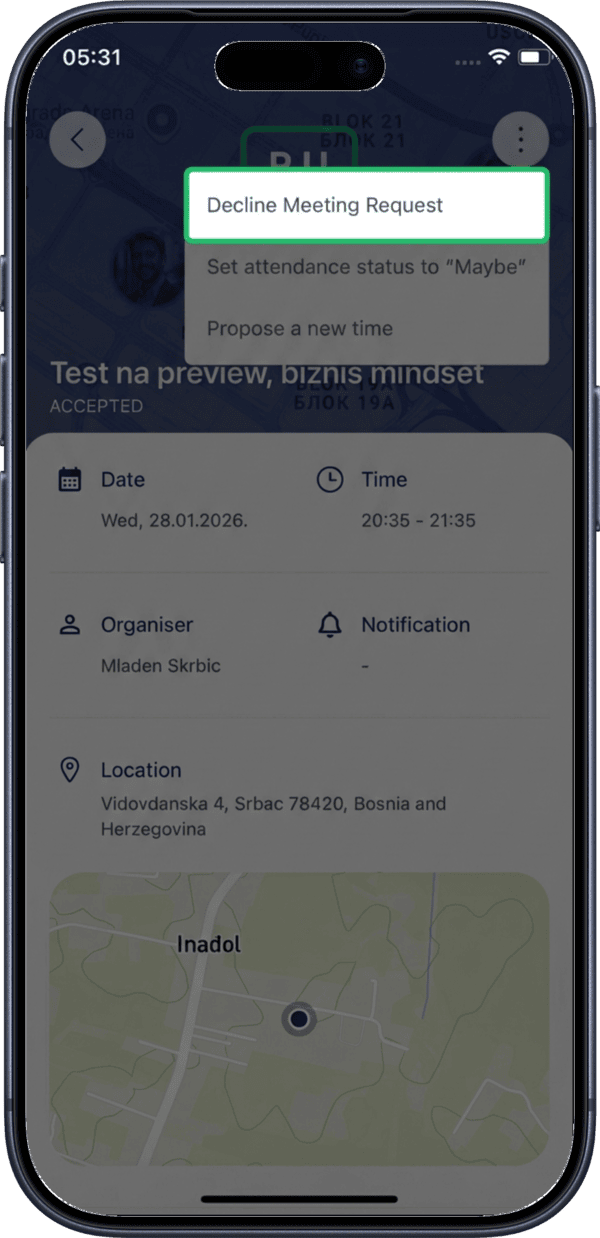
4. Decline the meeting
Select Decline from the menu if you cannot attend.
5. Respond with Maybe
Select Maybe if you are not sure whether you can attend.
Proposing a New Time
If the scheduled time does not work for you, you can propose an alternative instead of declining.
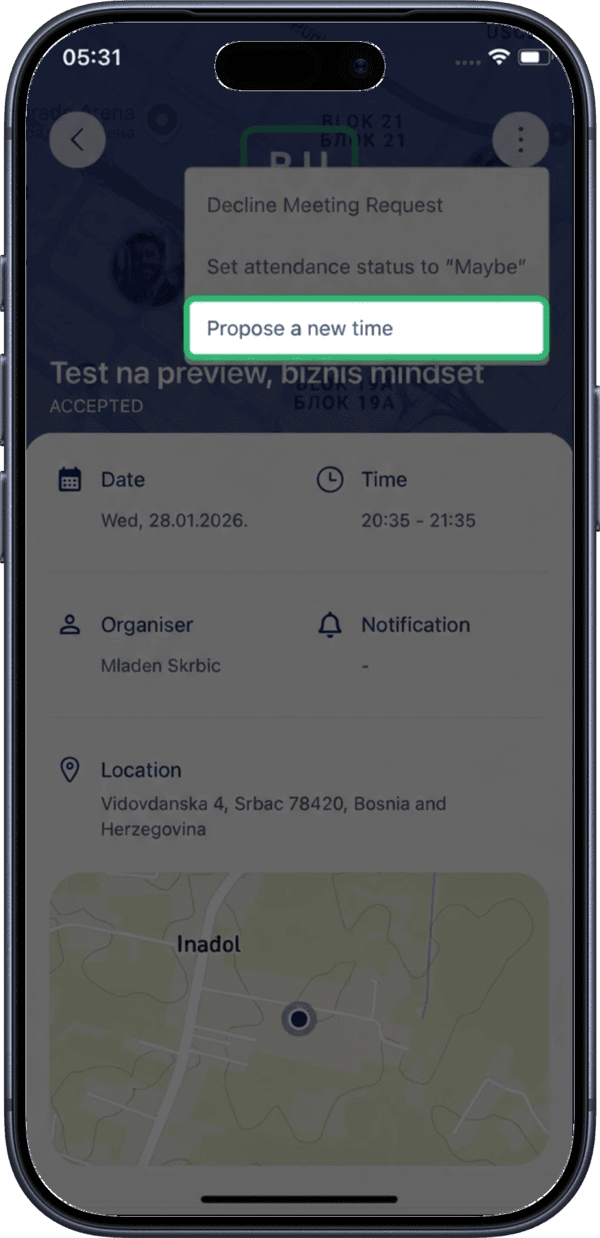
6. Tap Propose New Time
Select Propose New Time from the menu.
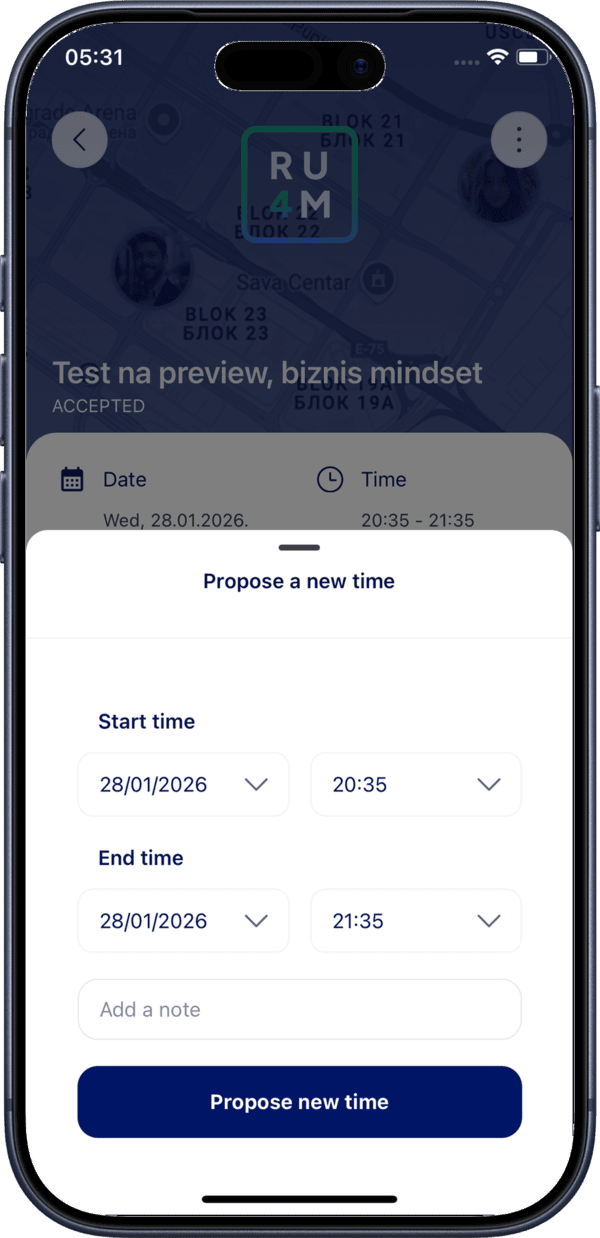
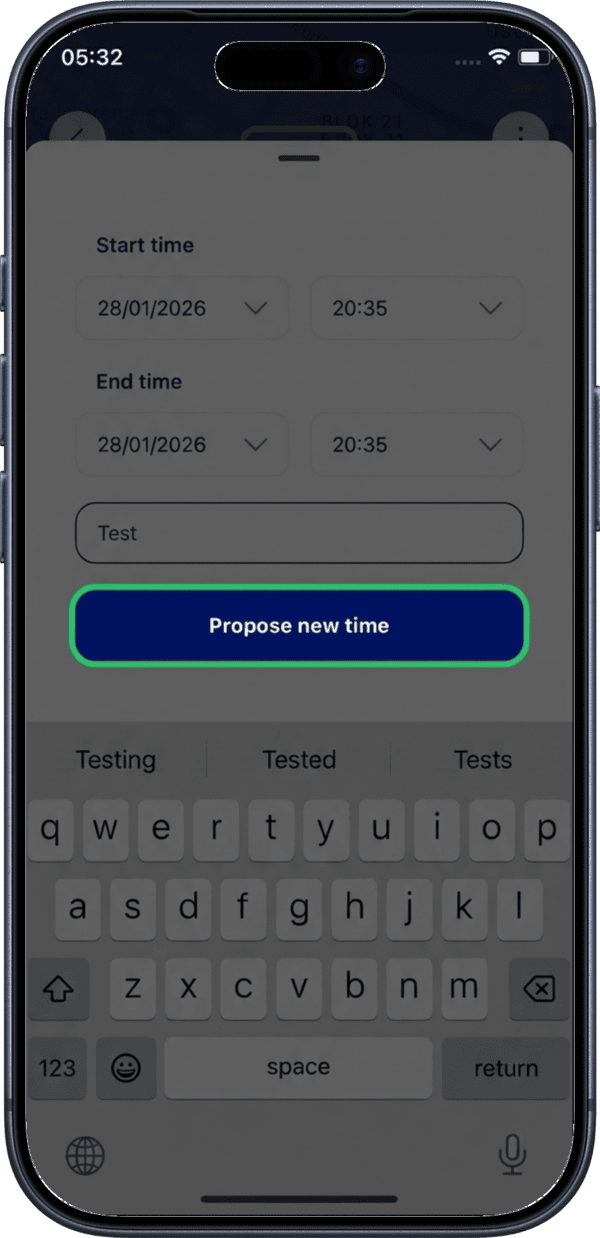
7. Open the proposal form
The proposal form opens where you can suggest a different date and time.
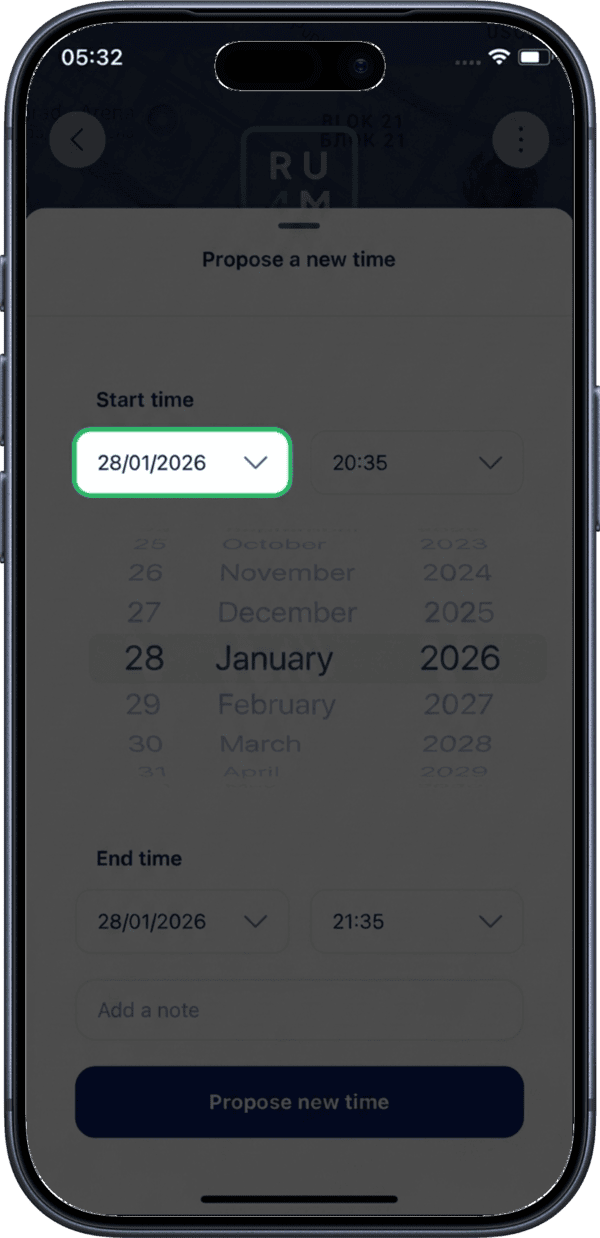
8. Select proposed start date
Choose your proposed start date using the date picker.
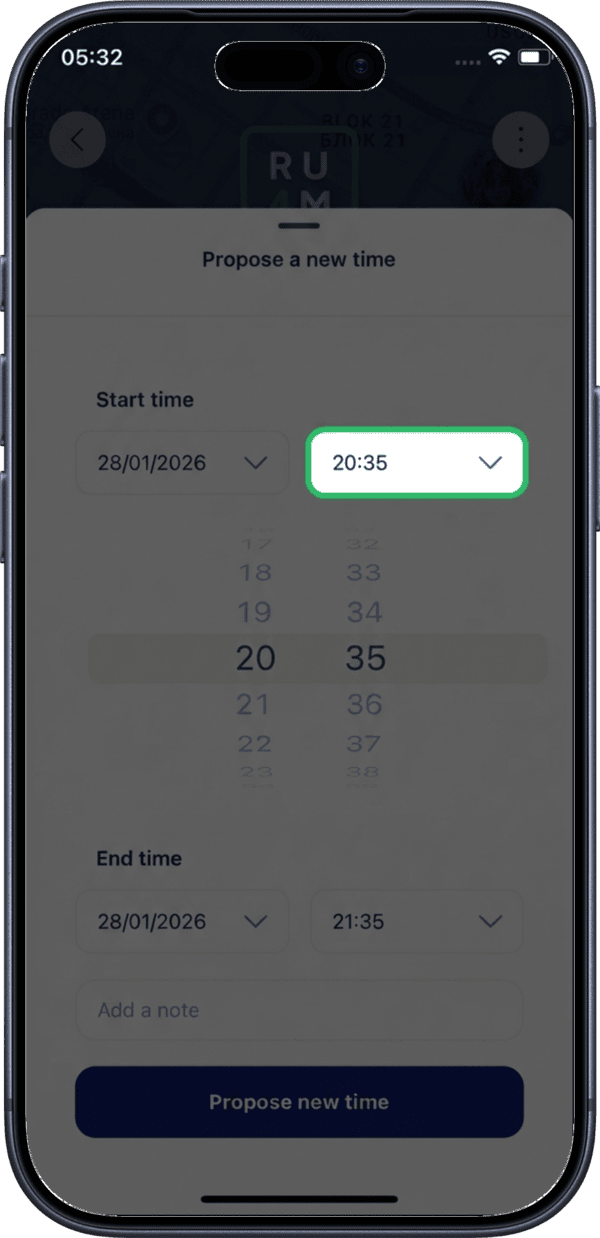
9. Select proposed start time
Choose your proposed start time.
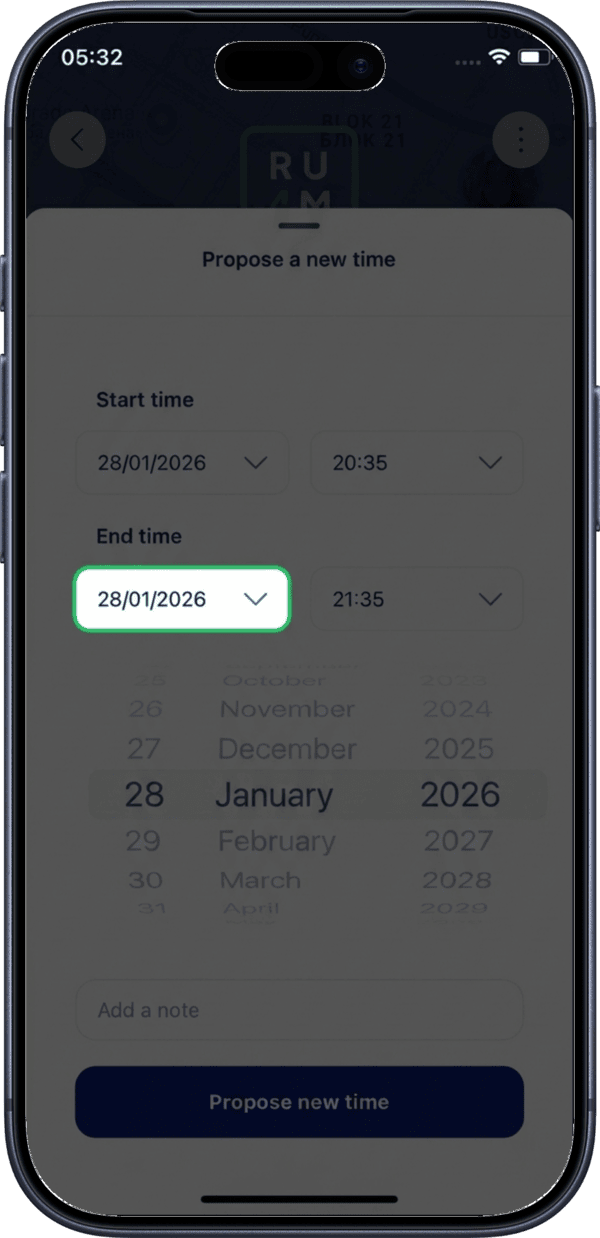
10. Select proposed end date
Choose your proposed end date.
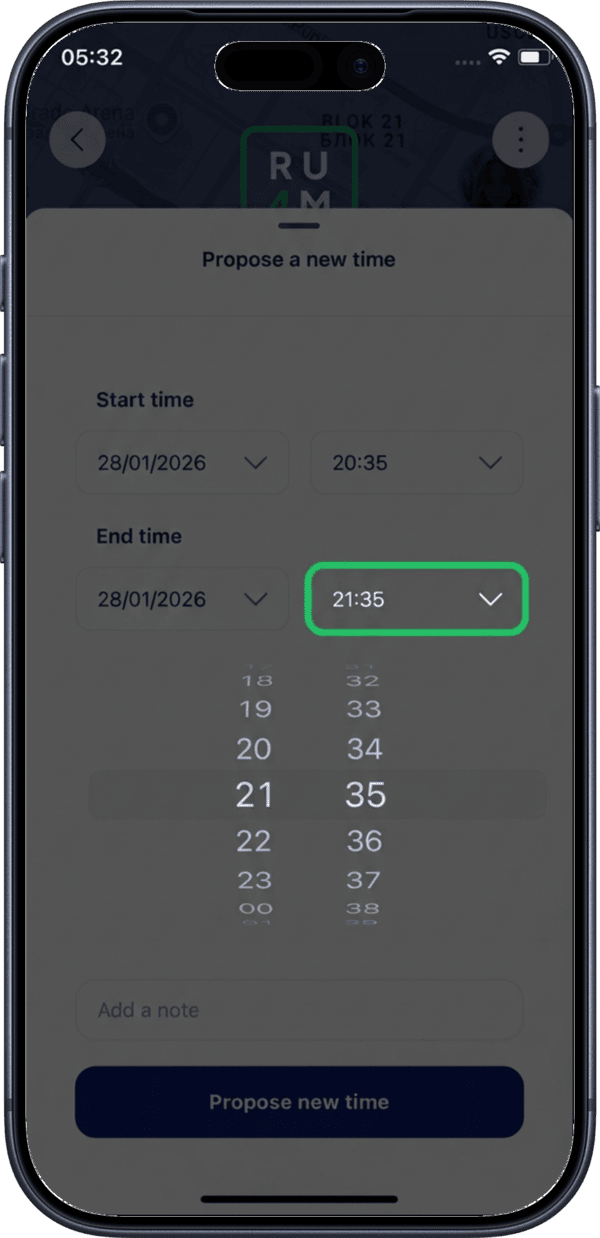
11. Select proposed end time
Choose your proposed end time.
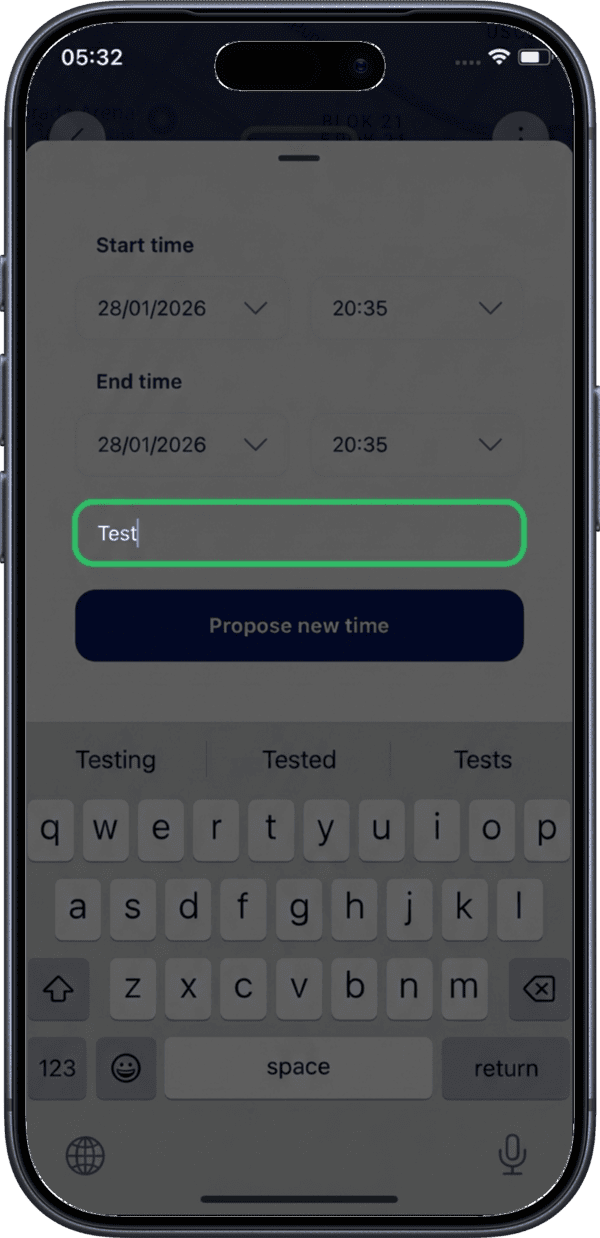
12. Add a note
Optionally add a note to explain why you are proposing a different time.
13. Submit the proposal
Tap Propose New Time to send your time proposal to the meeting organizer.
What Happens Next
- The organizer receives a notification with your proposed time
- The organizer can accept or reject your proposal
- If accepted, the meeting time is updated for all participants
- All participants are notified of any changes
Propose instead of decline
Proposing a new time shows the organizer you are interested but the timing does not work. It is a more constructive response than simply declining.