AI Profile Completion
RU4M uses artificial intelligence to suggest improvements to your profile. When the AI generates a suggestion, you'll receive a notification and can choose to accept or decline the changes.
Prerequisites
- A registered RU4M account
- An existing profile with some information filled in
Steps
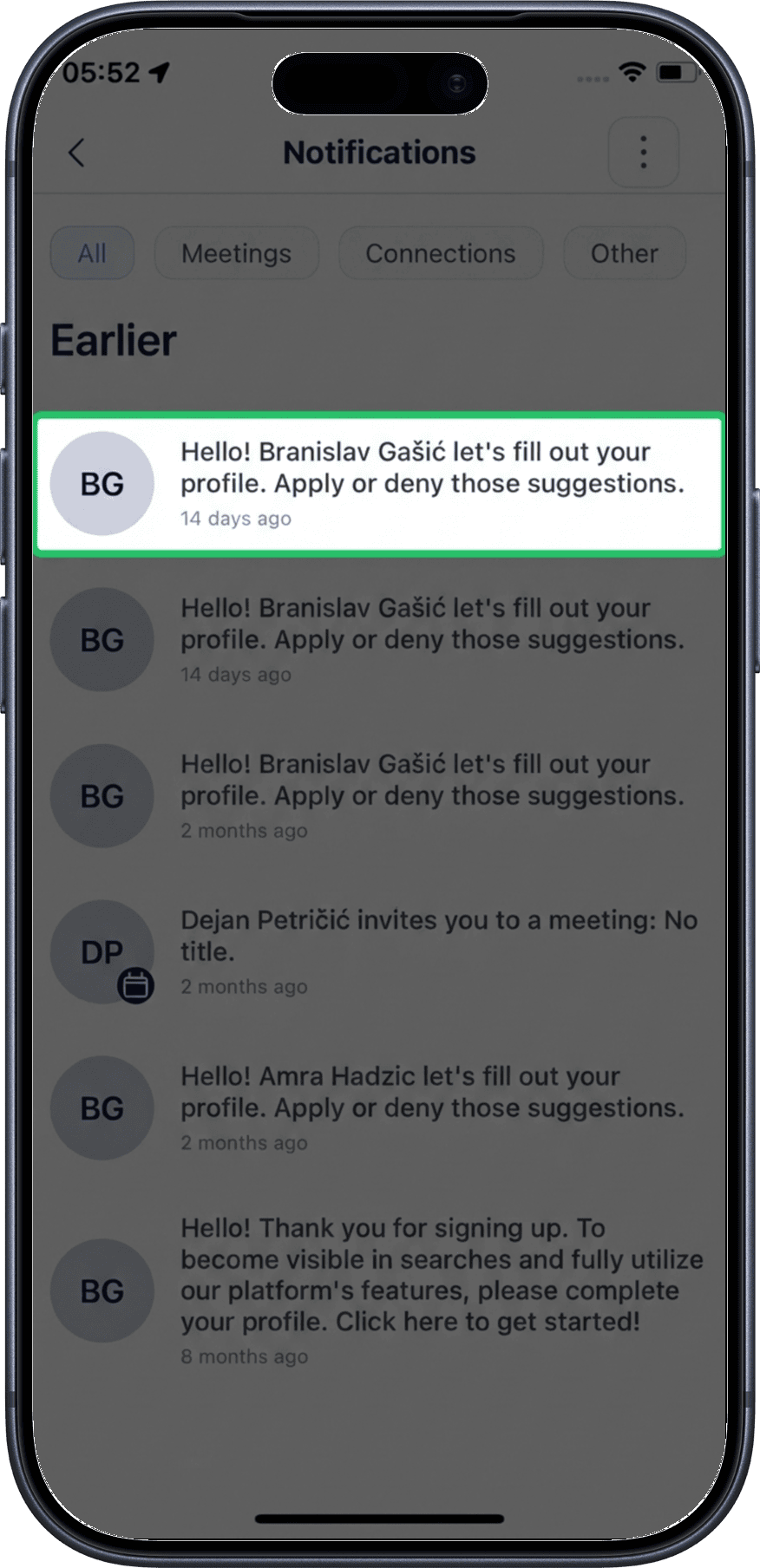
1. Tap the AI suggestion notification
When the AI generates a profile improvement suggestion, you'll receive a notification. Tap the notification to review the suggestion.
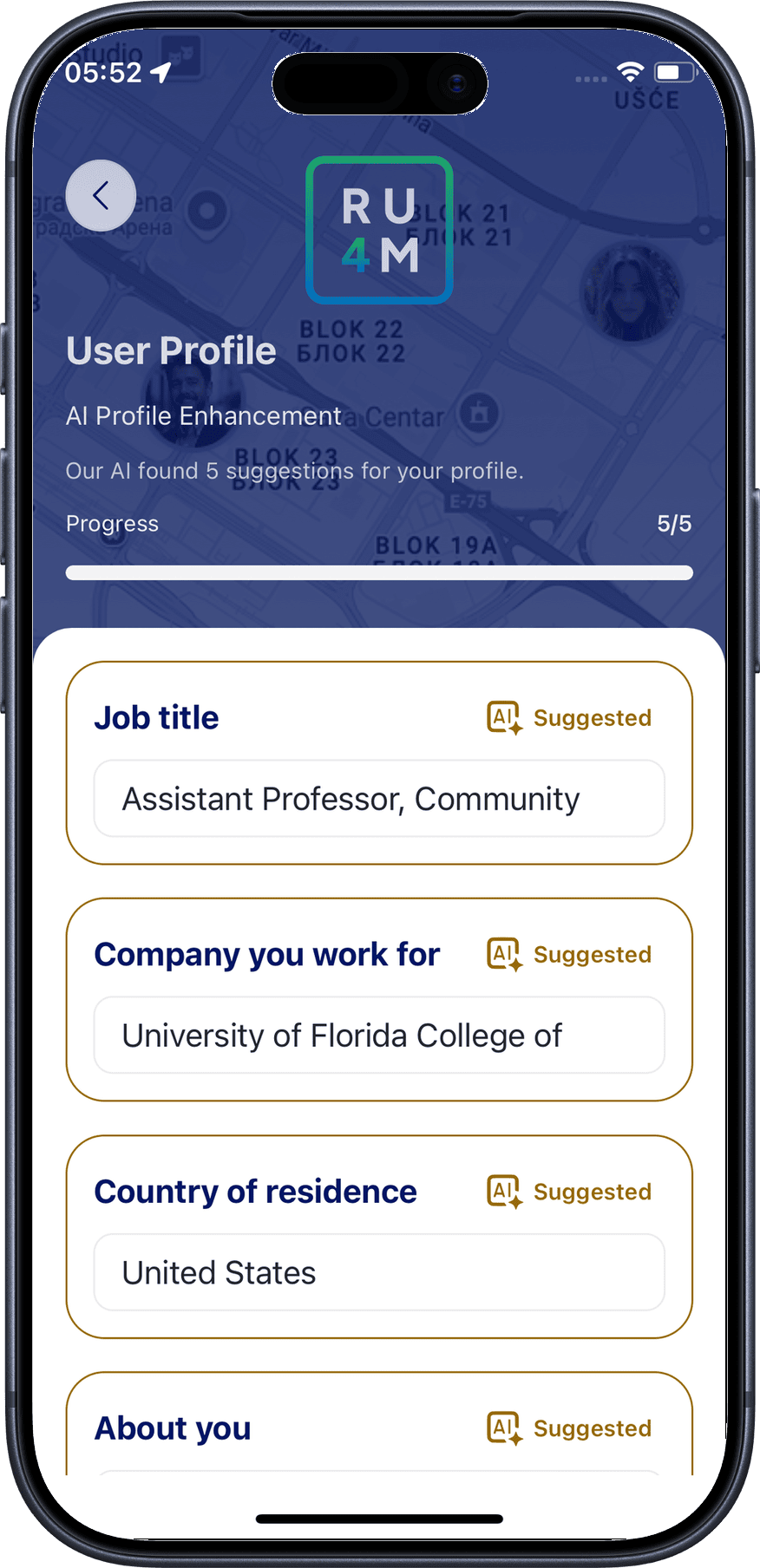
2. Review the AI suggestion
The suggestion overview shows you what the AI has generated for your profile. Review the proposed changes carefully to ensure they accurately represent you.
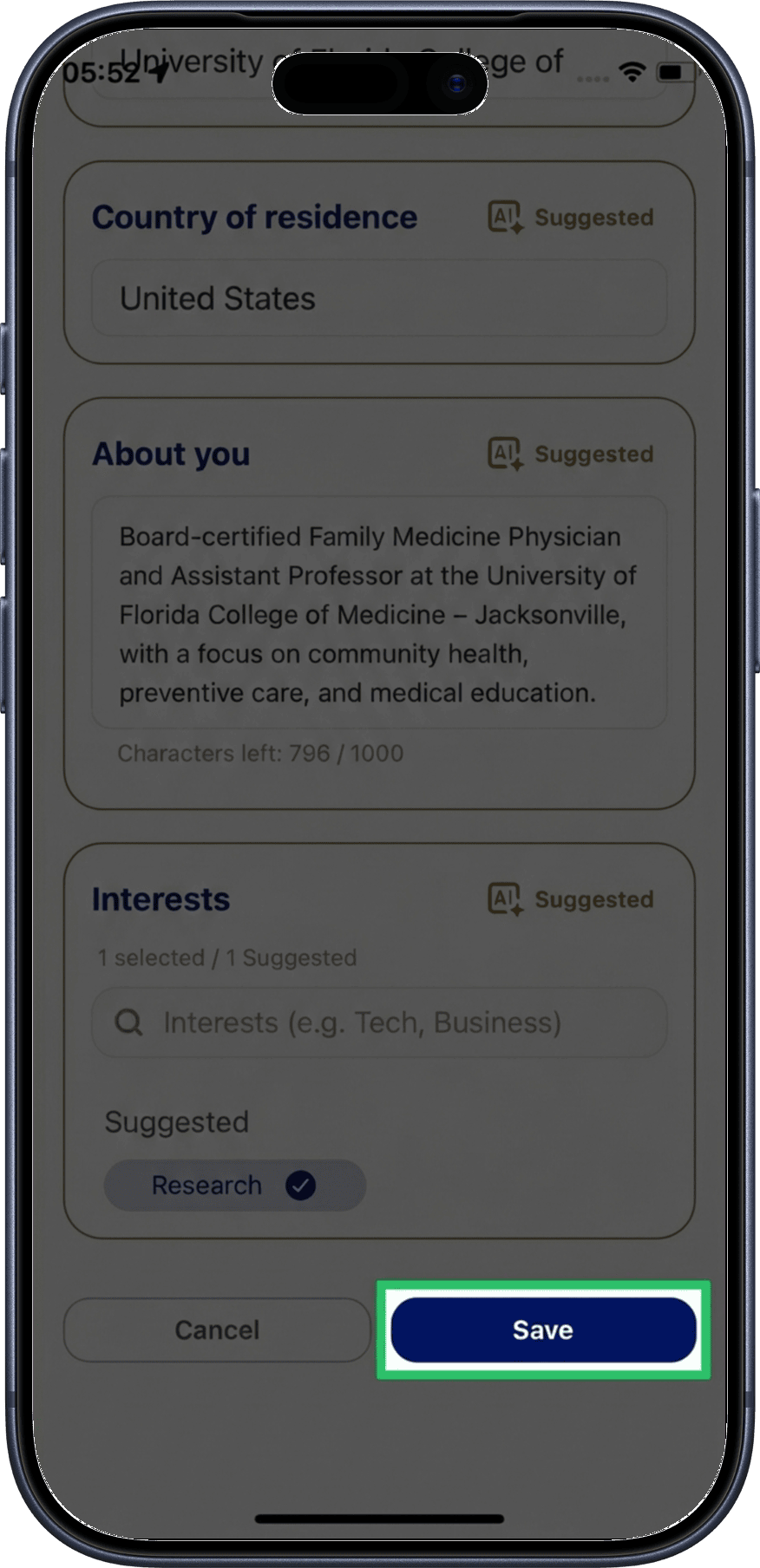
3. Save the suggestion
If you're happy with the AI-generated content, tap Save to apply the suggestion to your profile.
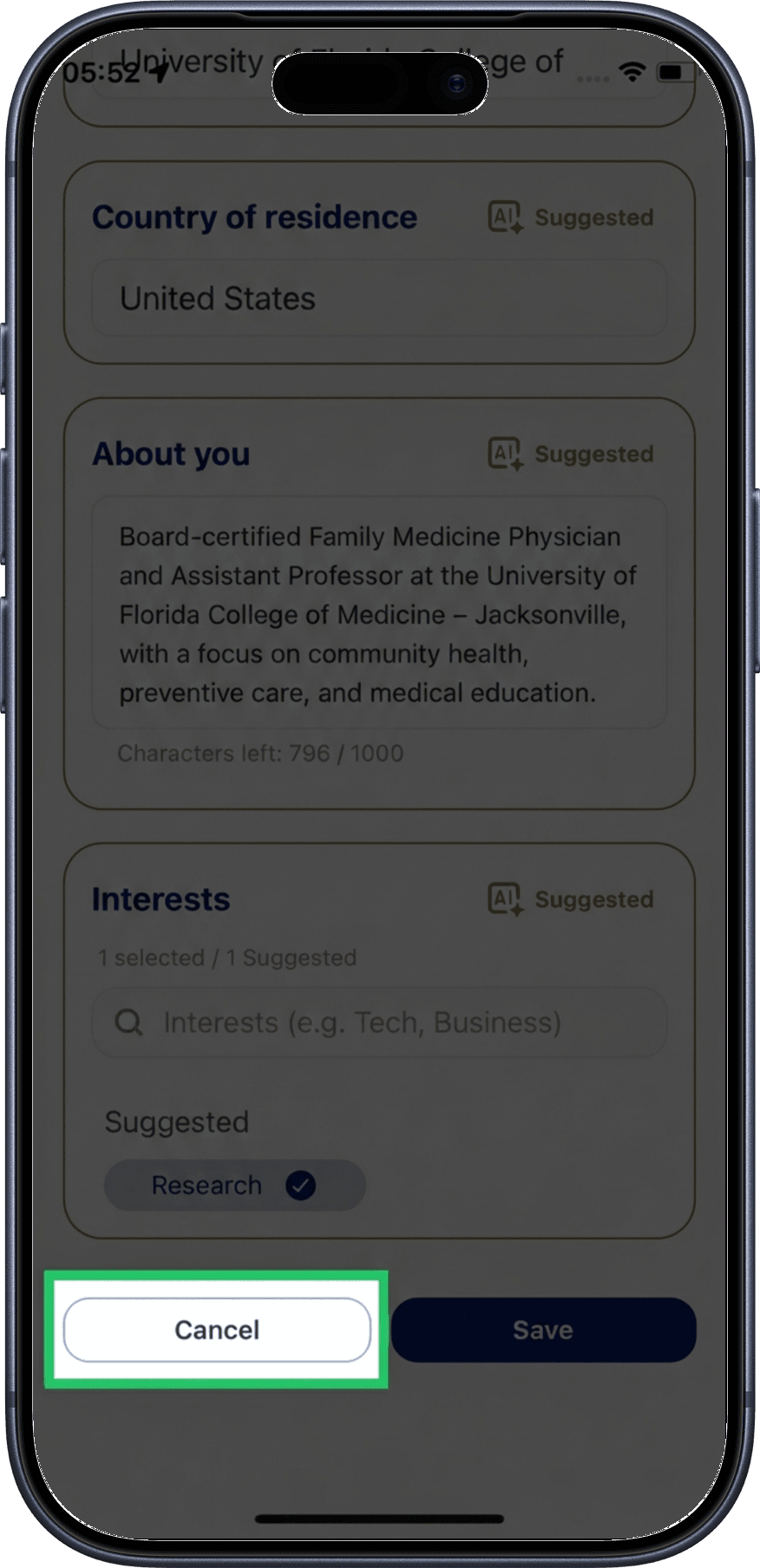
4. Decline the suggestion
If the suggestion doesn't match your preferences, tap Decline to dismiss it. Your profile will remain unchanged.
How It Works
- The AI analyzes your existing profile information to generate improvement suggestions
- Suggestions may include enhanced biography text, better descriptions, or additional details
- You always have full control — every suggestion requires your approval before being applied
- Declined suggestions are discarded and won't be applied to your profile
Get the most from AI suggestions
The more information you add to your profile, the better the AI can generate relevant suggestions. Start by filling in your basic details in Edit Profile.
Related
- My Profile — View your full profile
- Edit Profile — Manually edit your profile information
- Edit Interests — Update your professional interests