Edit Profile
Update your professional information on RU4M, including your name, photo, job title, company, country, invite code, and biography.
Prerequisites
- A registered RU4M account
- Access to your profile screen
Steps
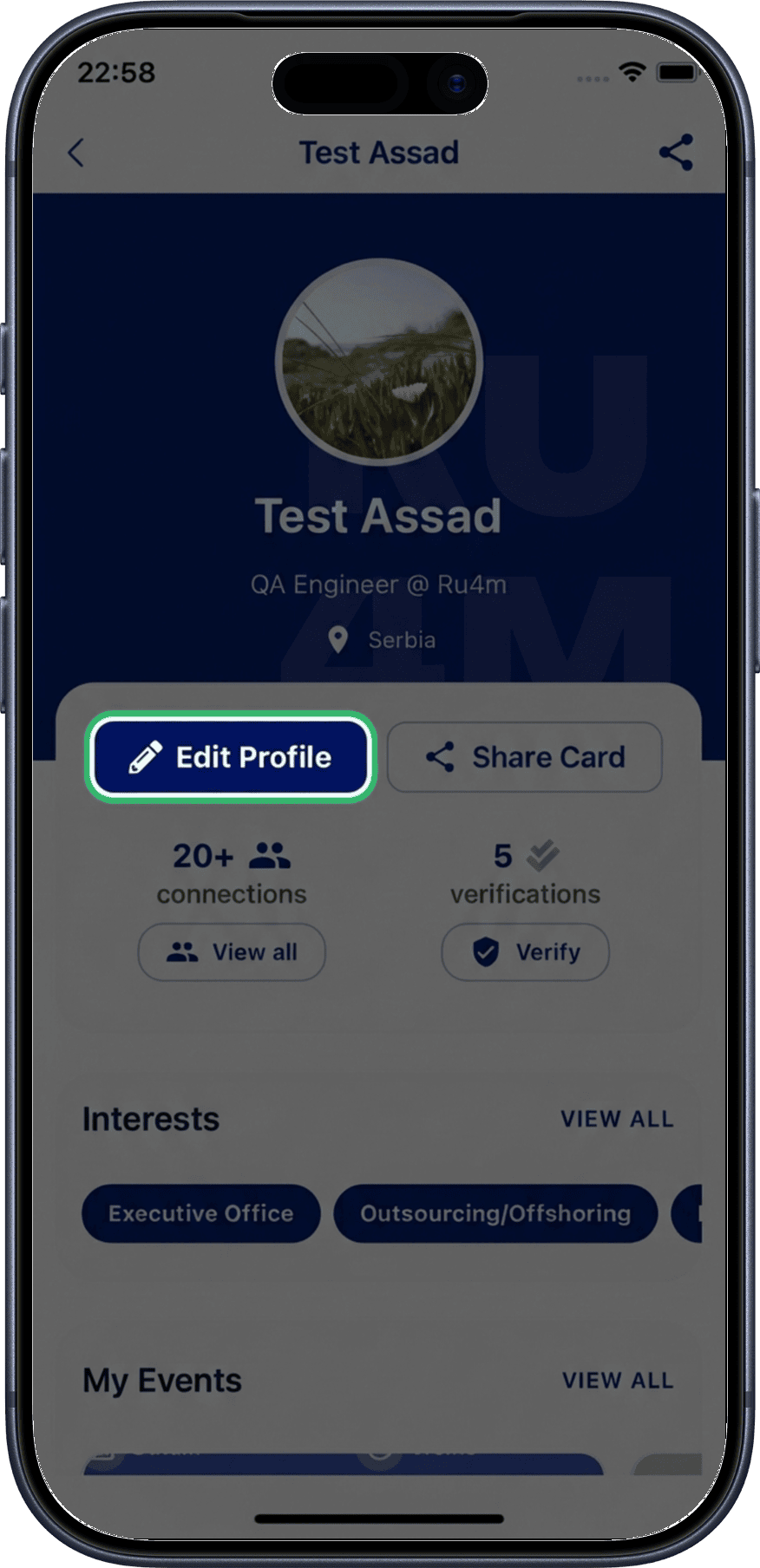
1. Tap Edit
From your profile screen, tap the Edit button to enter edit mode.
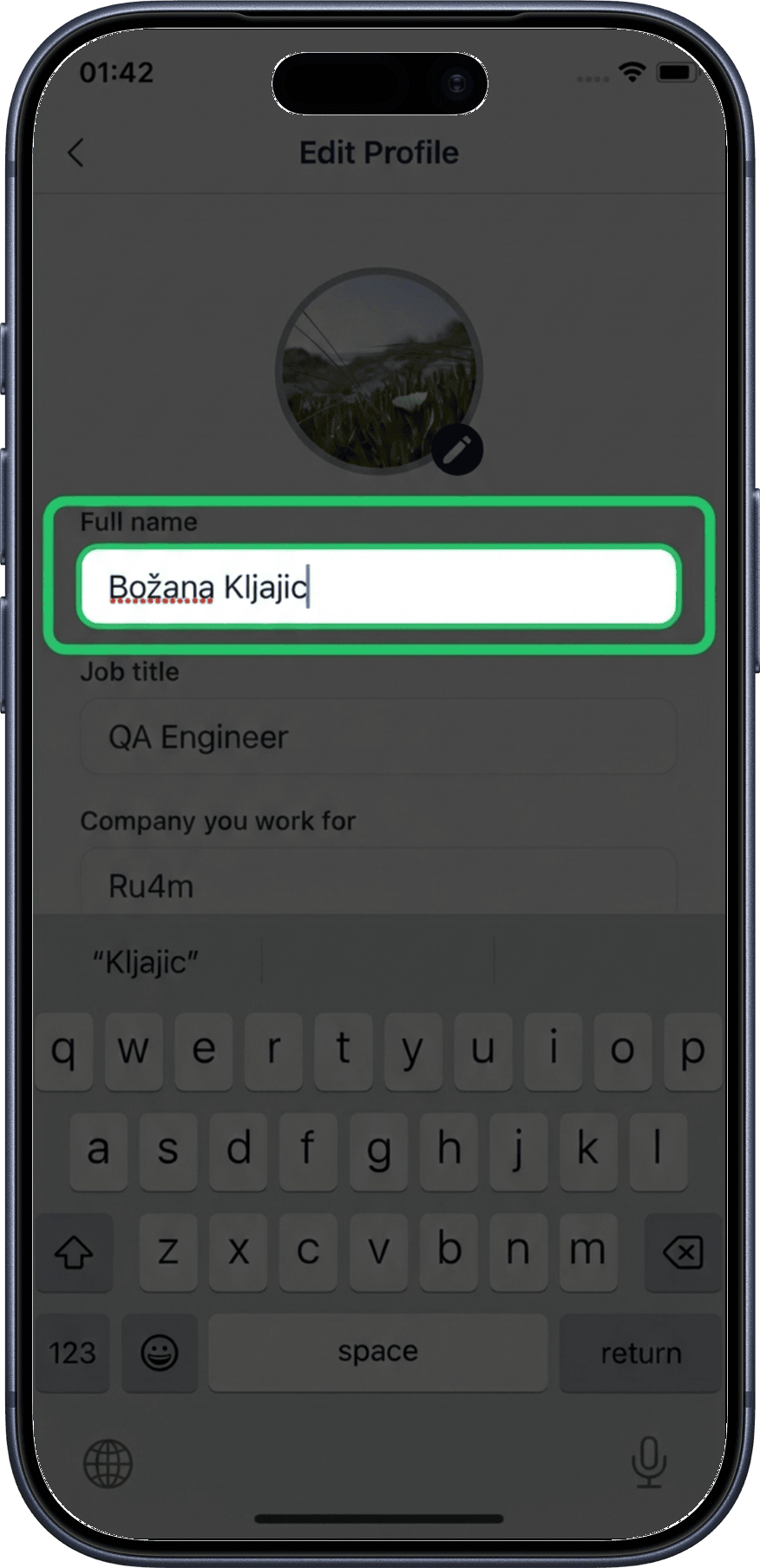
2. Edit your name
Update your first and last name in the name fields.
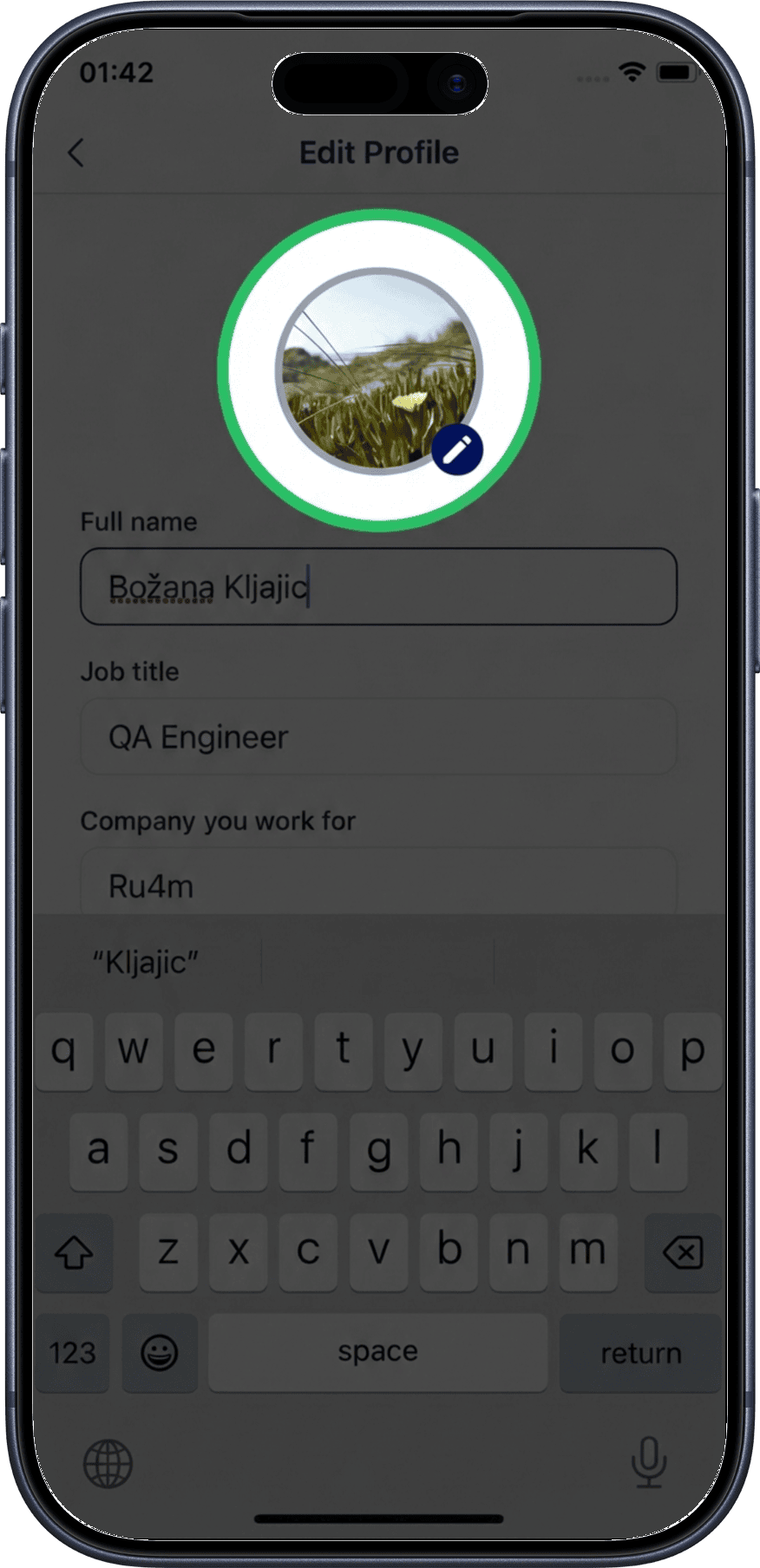
3. Change your photo
Tap the profile photo area to upload a new photo from your gallery or take a new one with your camera.
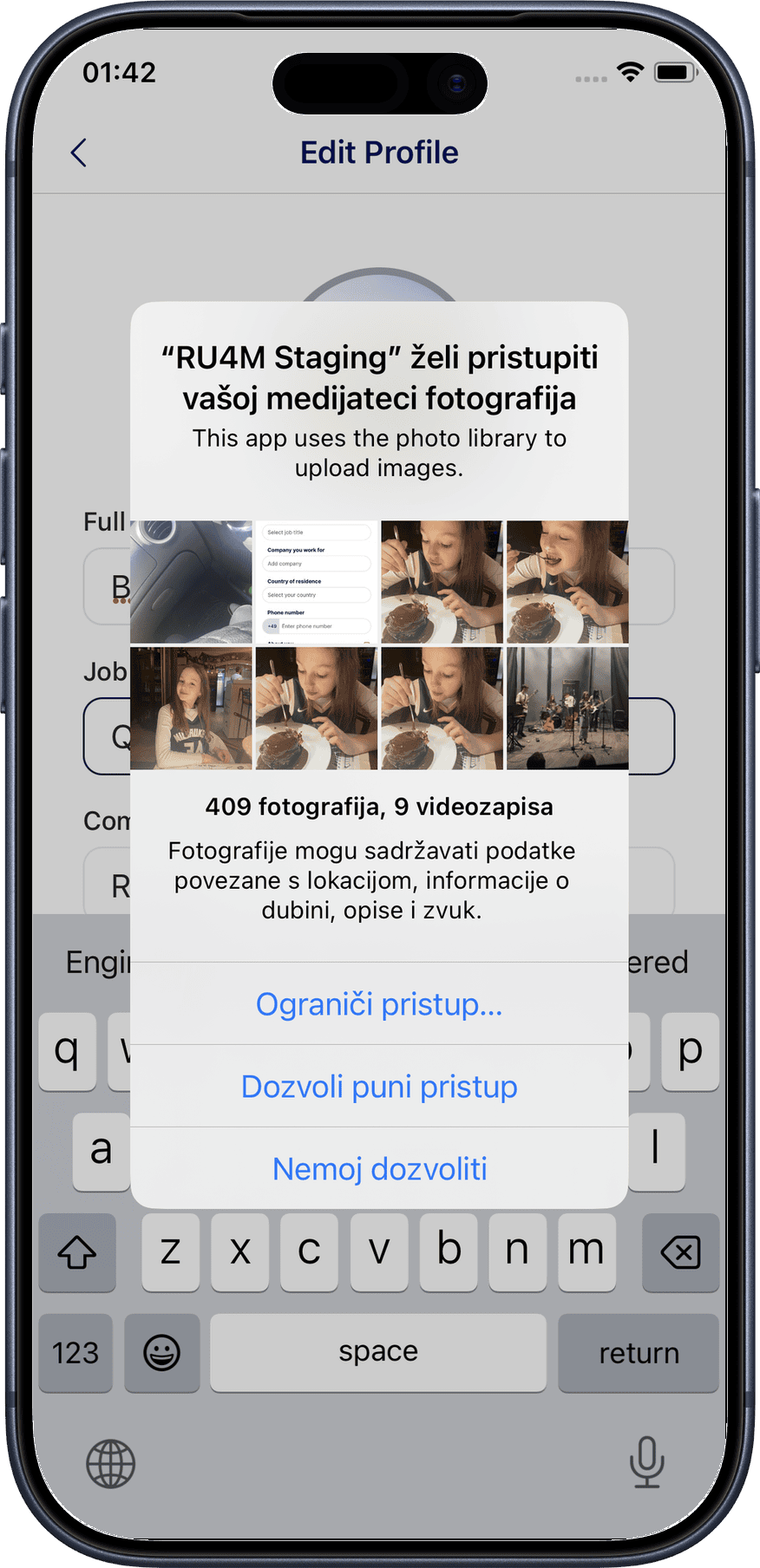
4. Grant photo permissions
If prompted, allow RU4M to access your photos or camera. This is required to update your profile picture.
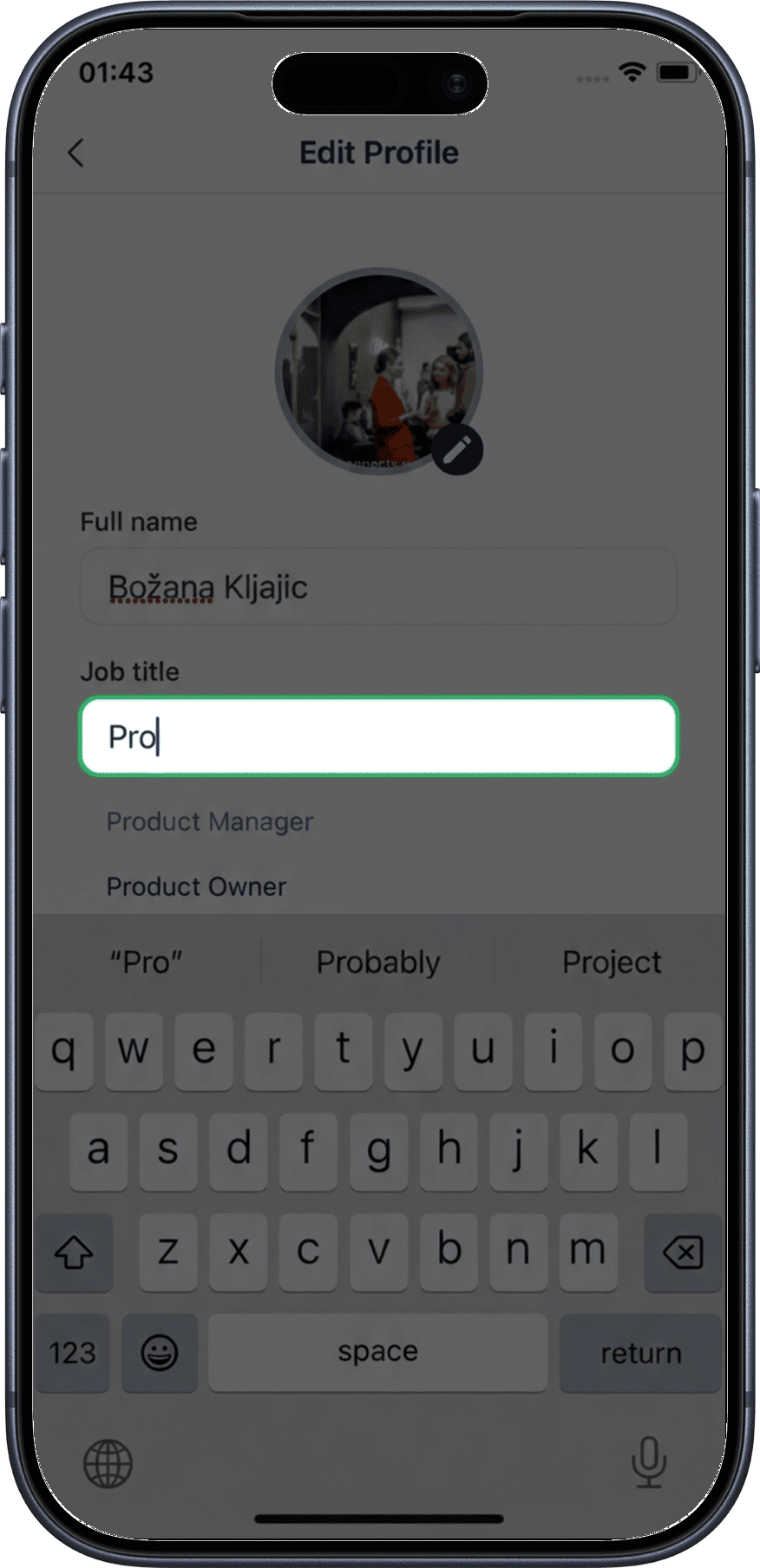
5. Edit job title
Update your current job title or professional role.
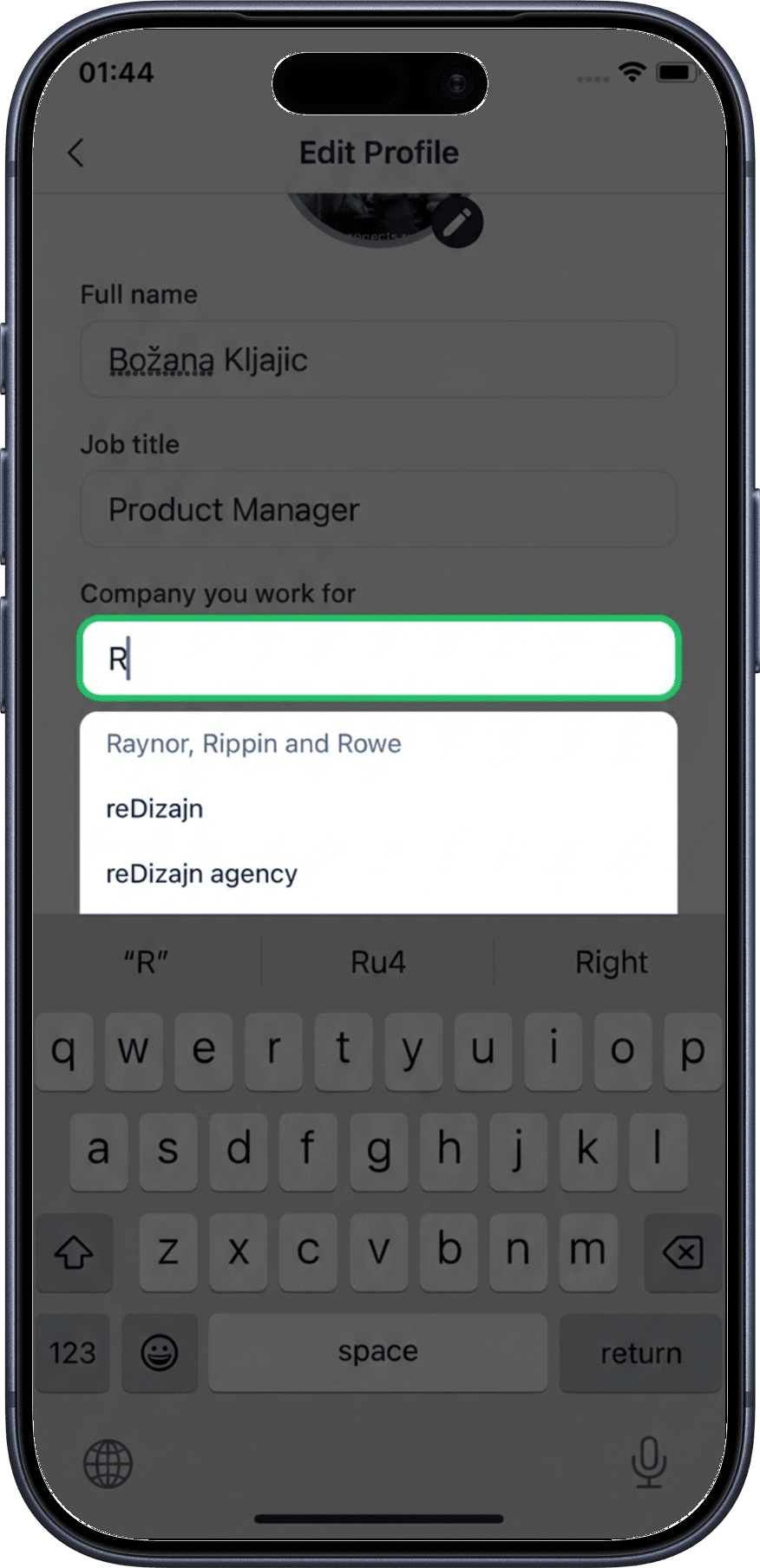
6. Edit company
Update the name of your current company or organization.
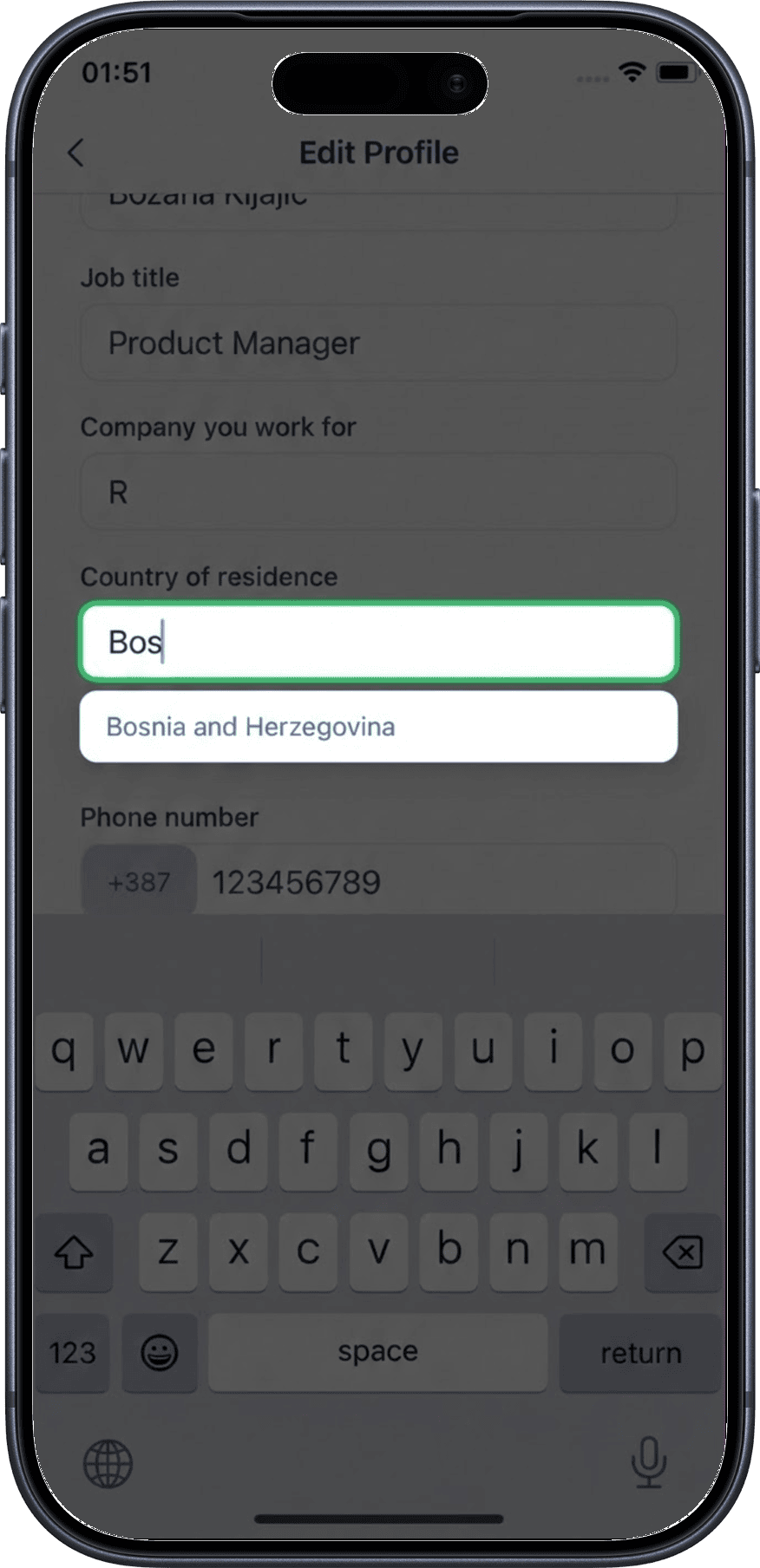
7. Edit country
Select or change your country of residence or work.
8. Edit invite code
Enter or update an invite code if you have one.
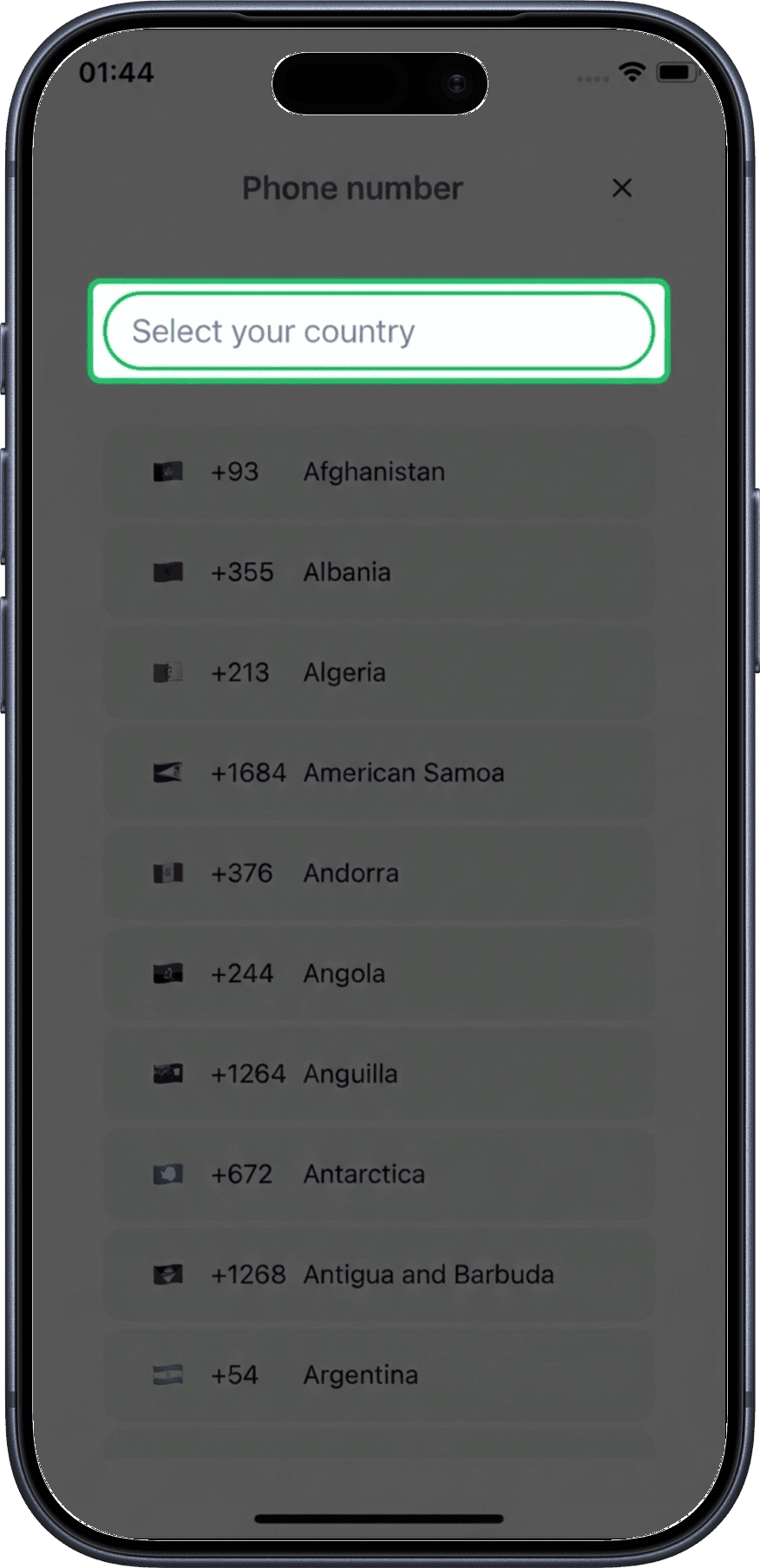
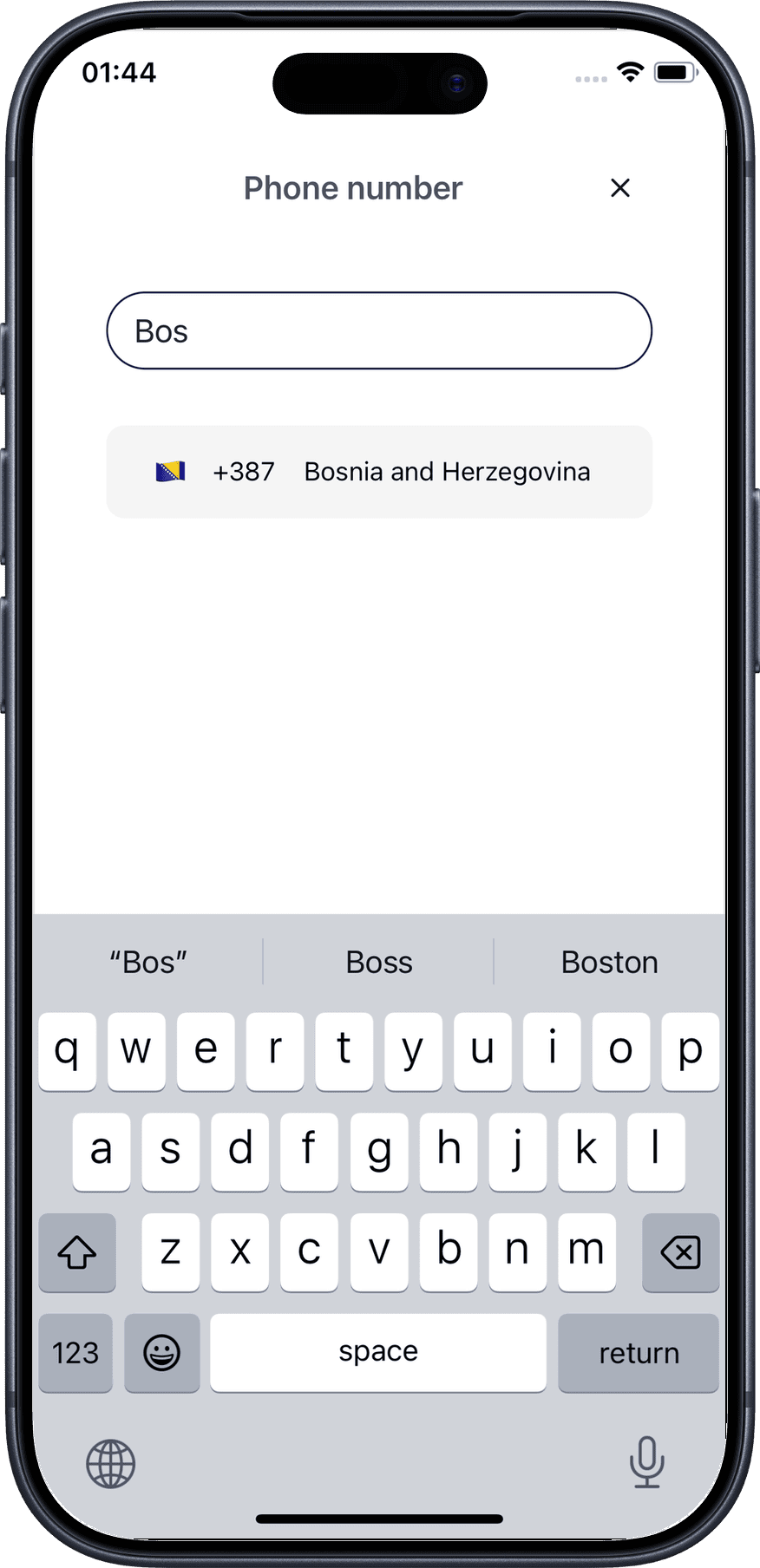
9. Search invite code
Use the search function to find a specific invite code.
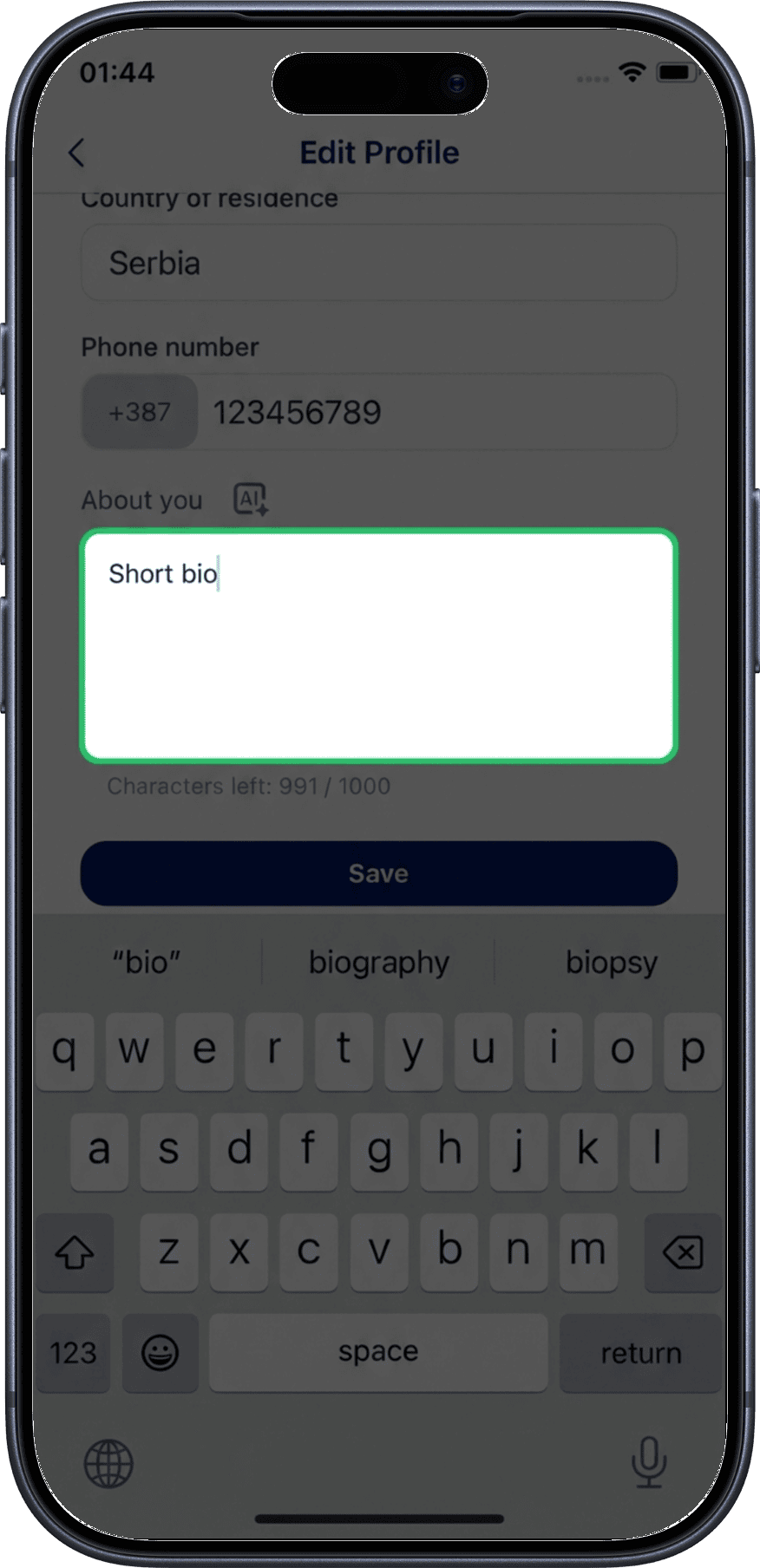
10. Edit About Me
Write or update your professional biography in the About Me section. This is your chance to introduce yourself to other professionals.
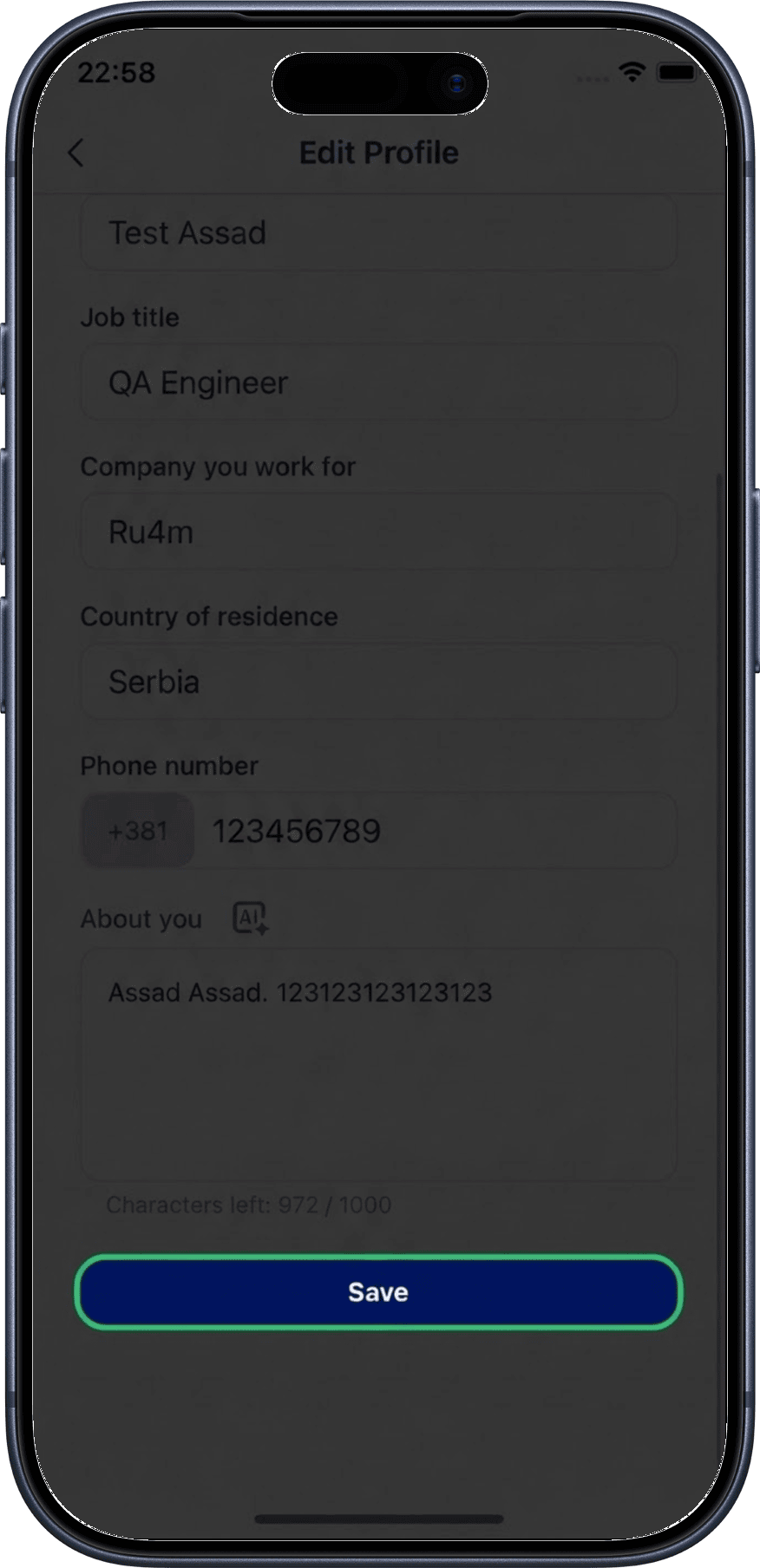
11. Save changes
Tap the Save button to apply all your profile changes.
Profile tips
- Use a professional headshot for your photo
- Keep your job title and company up to date
- Write a concise, informative bio that highlights your expertise
- A complete profile helps you appear in more search results
Related
- My Profile — View your full profile
- Edit Interests — Update your professional interests
- AI Profile Completion — Get AI-powered suggestions for your profile