Share Profile
Share your RU4M profile with others using a QR code or a shareable link. Great for in-person networking at events and conferences.
Prerequisites
- A registered RU4M account with a completed profile
Steps
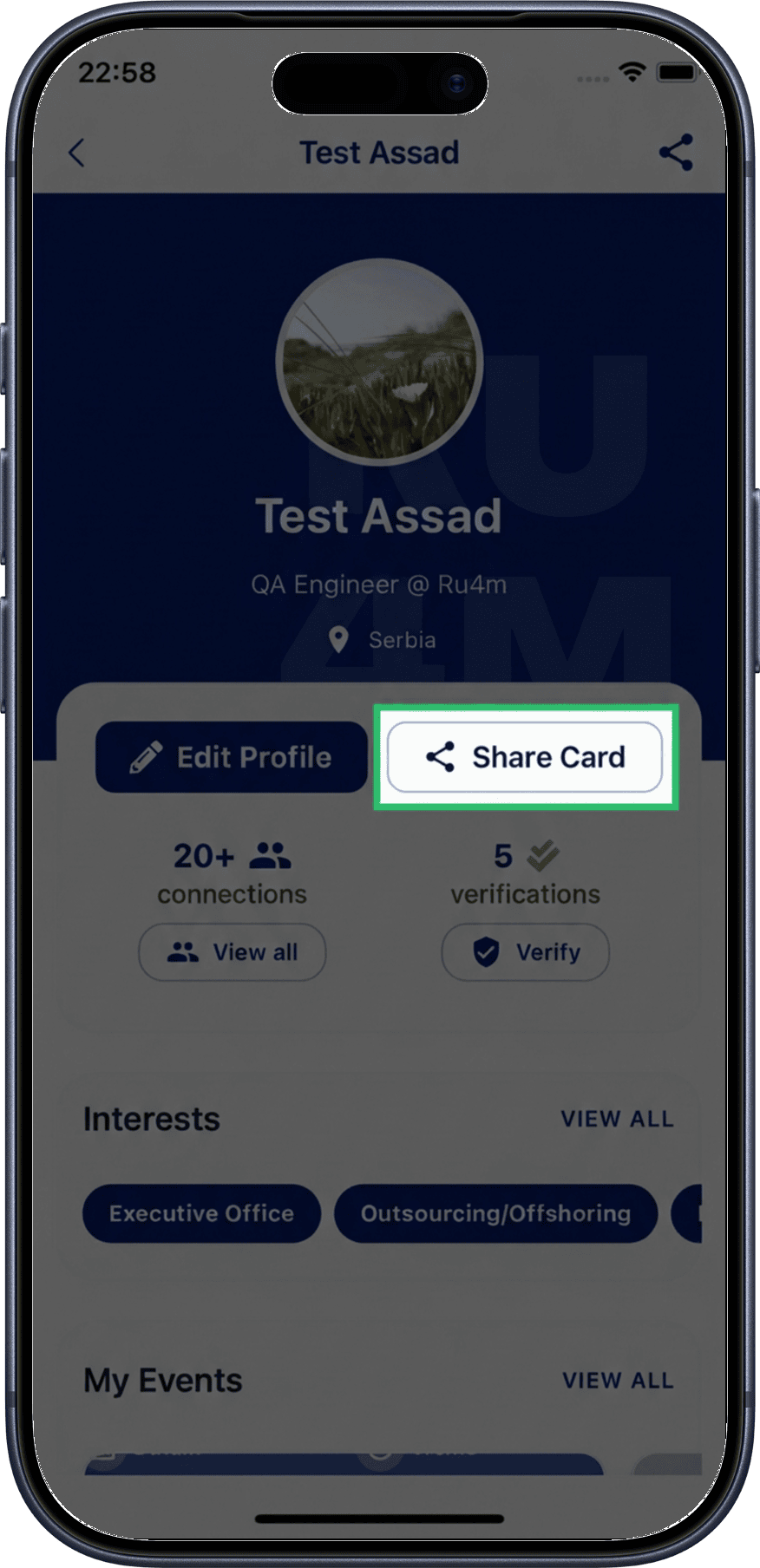
1. Tap Share
From your profile screen, tap the Share button.
2. Share via QR Code
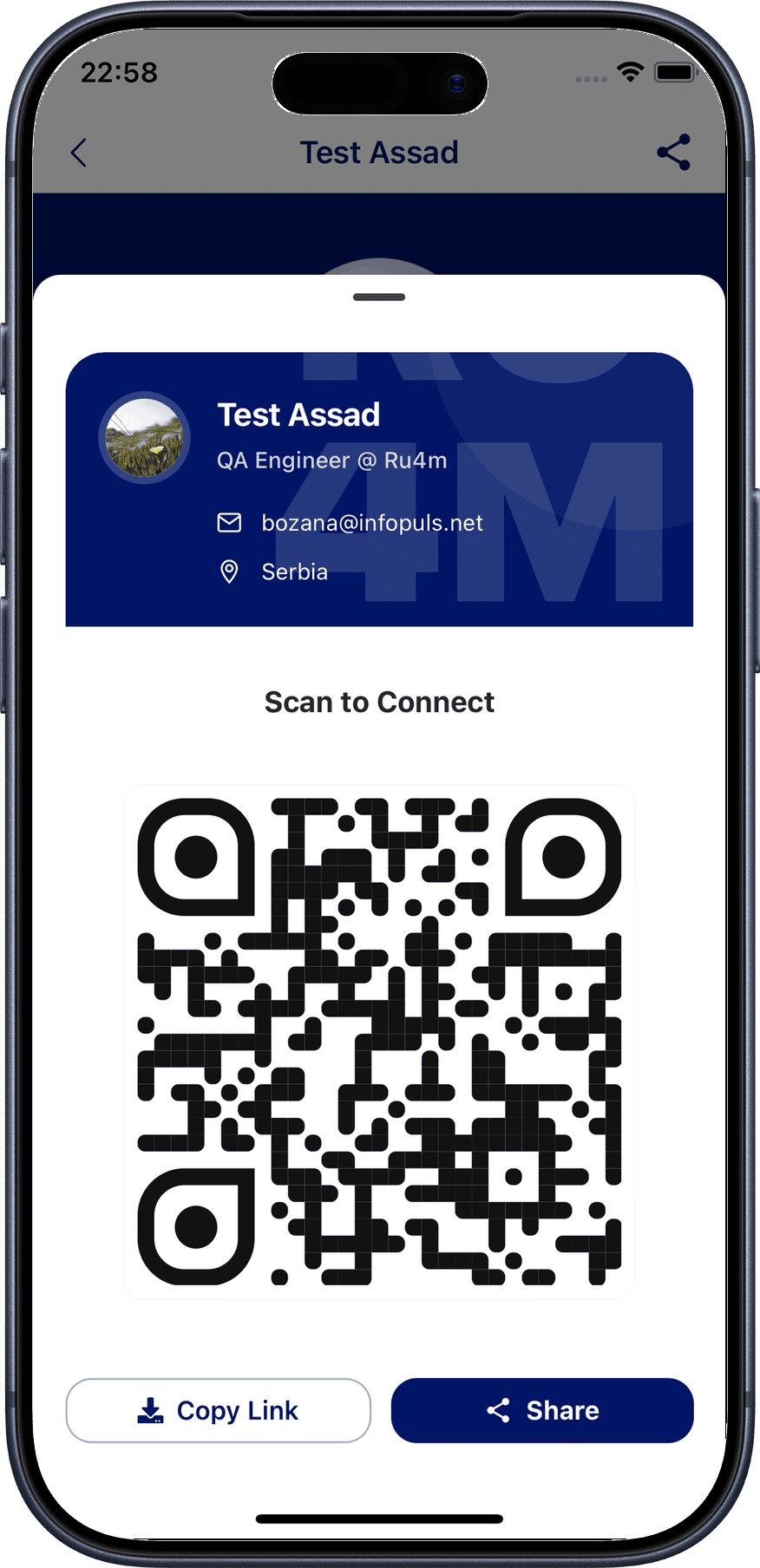
Your profile QR code is displayed. Other users can scan this code with their phone camera or the RU4M app to open your profile directly.
At events
Show your QR code when meeting new professionals at events. It's the fastest way to connect in person.
3. Share via link
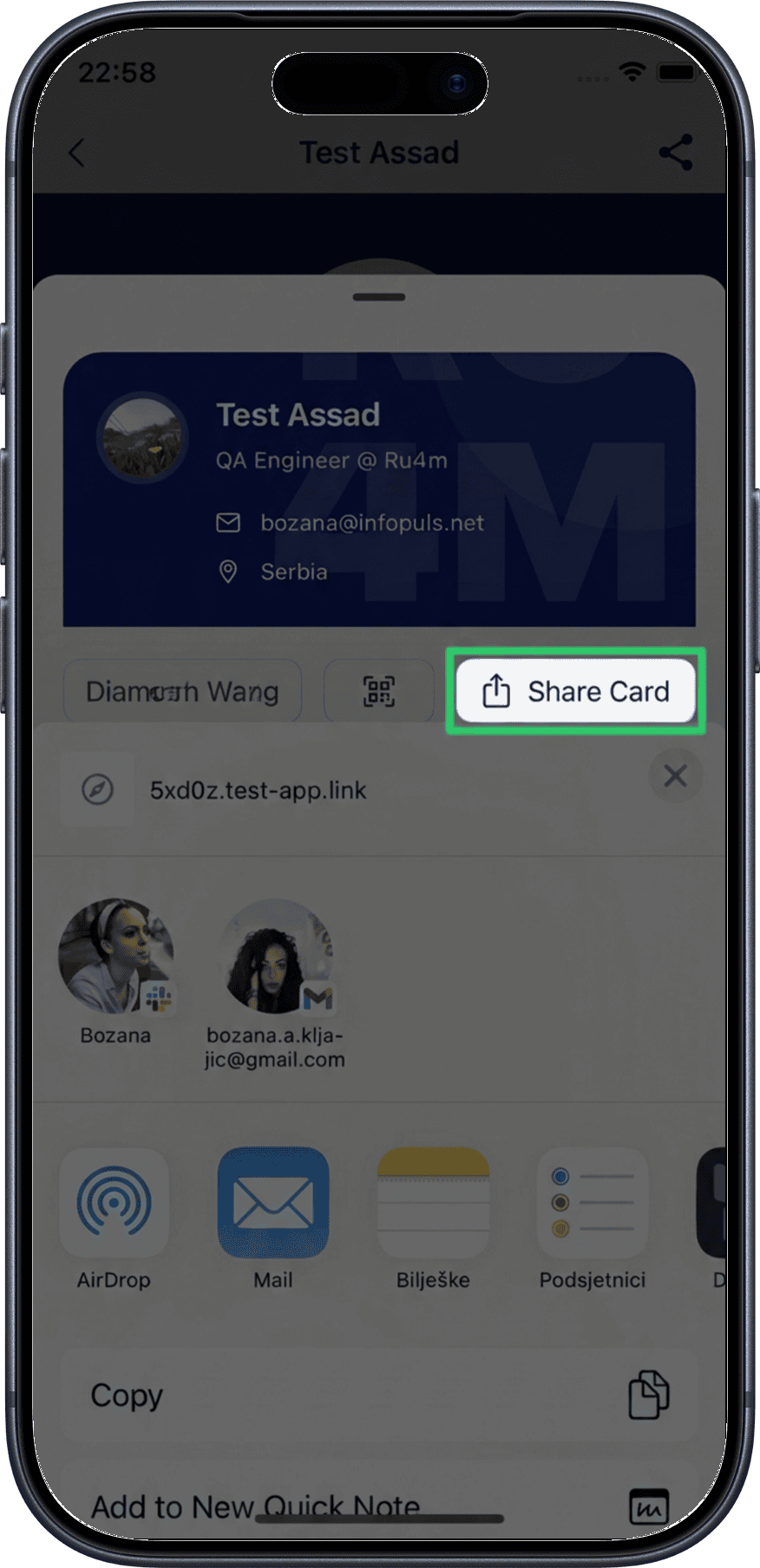
Tap the share options to copy your profile link or share it via messaging apps, email, or social media.
Scanning Someone's QR Code
When someone shows you their RU4M QR code:
- Open your phone's camera or the RU4M app
- Point it at the QR code
- Tap the notification to open their profile
- Send a connection request from their profile