Event Details
View complete information about an event including overview, description, speakers, sponsors, participants, location, and announcements.
Prerequisites
- Found an event via Browse Events
Opening Event Details
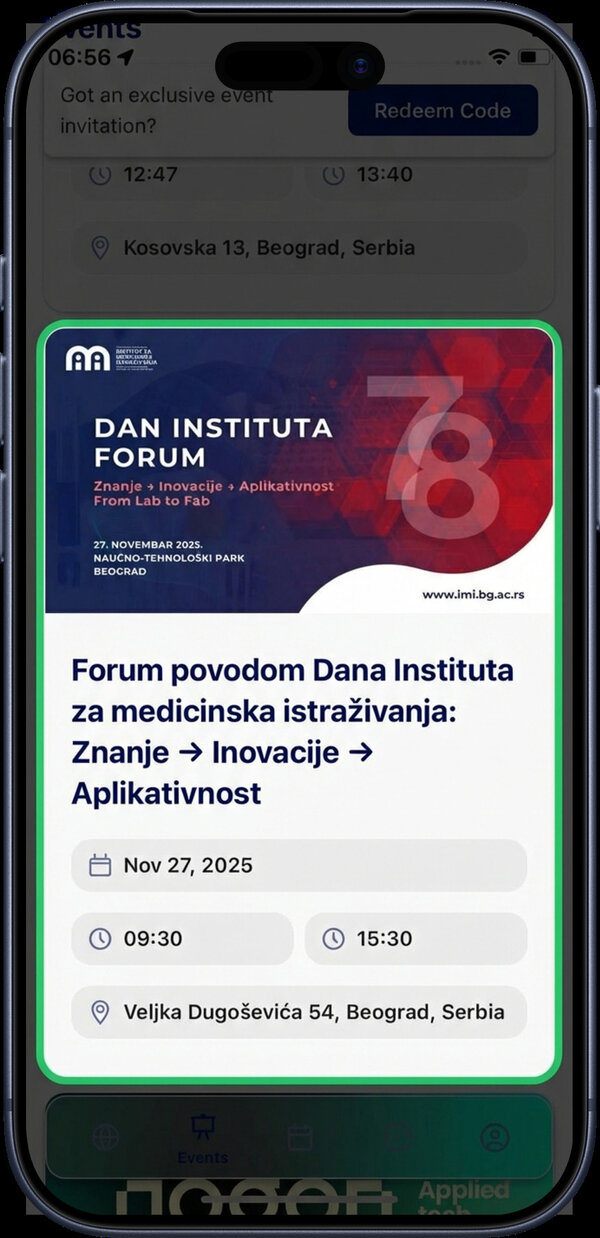
Tap an event card from the events list to open its detail page.
Overview Tab
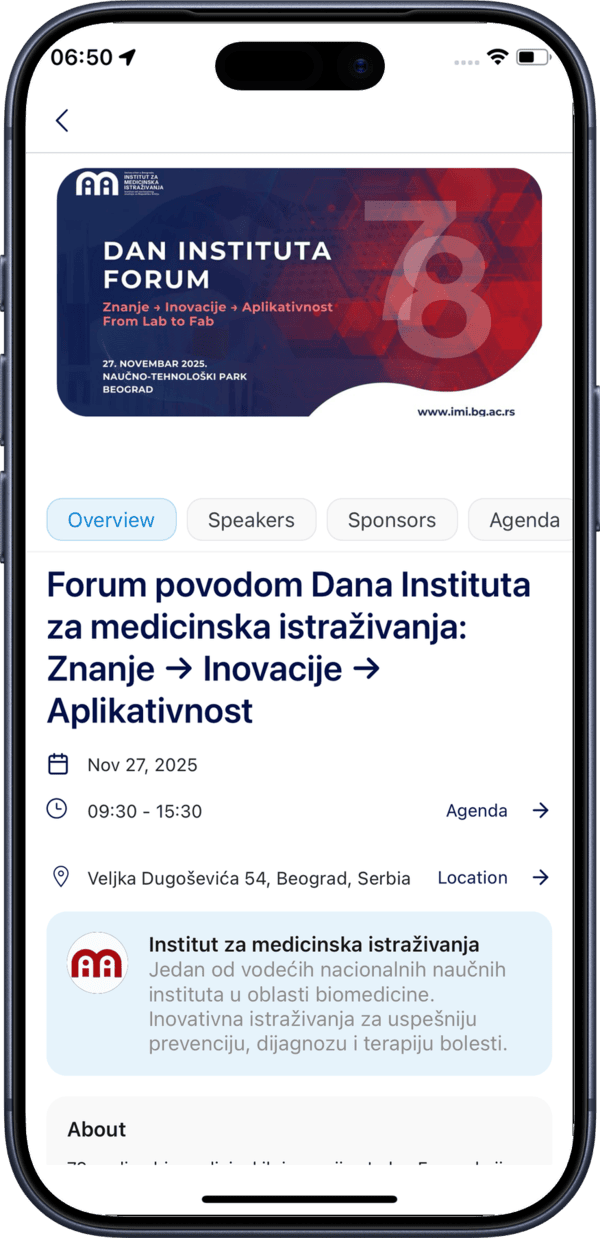
The Overview tab displays the key information about the event: name, date, time, organizer, and a summary.
Joining the Event
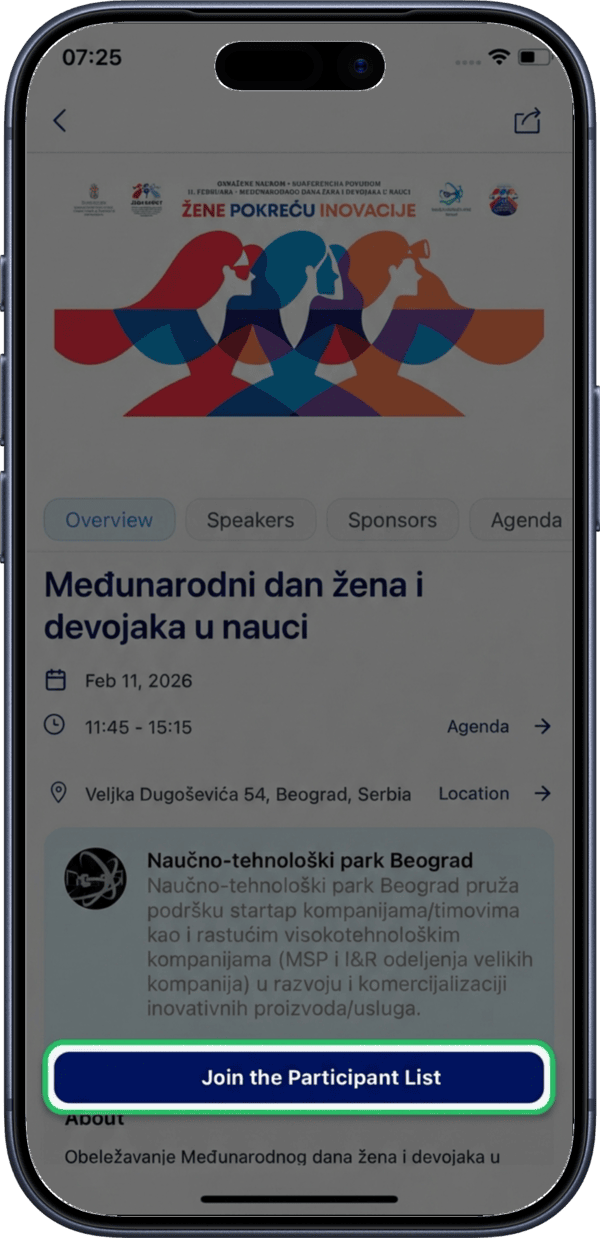
Tap the Join the Participant List button to register as a participant.
Adding to Calendar
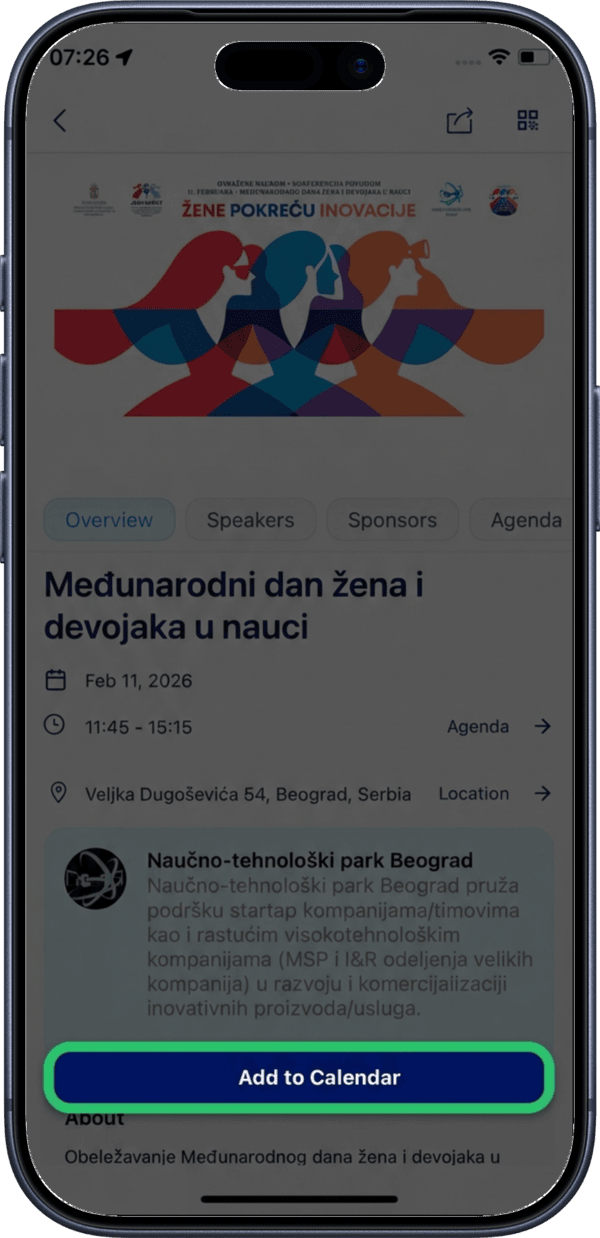
Tap the Add to Calendar button to sync the event to your connected calendar (Google or Microsoft). If you haven't connected a calendar yet, you will be prompted to do so.
Reading the Full Description
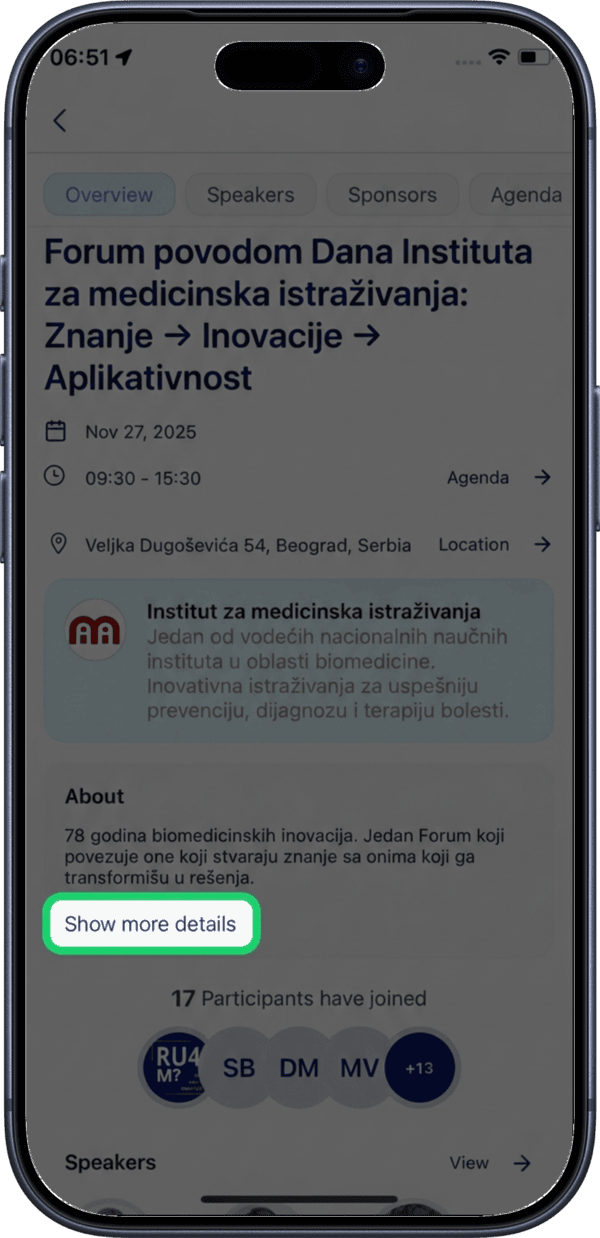
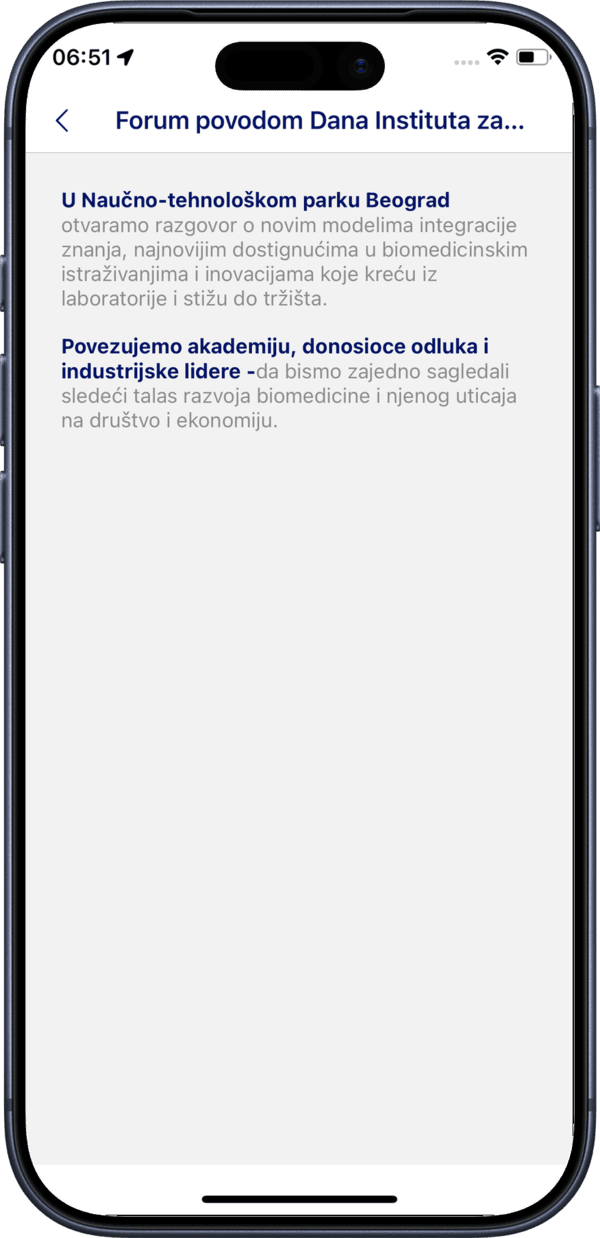
Tap Show more details to expand the event description and see additional information about the event.
The full event description provides detailed information about what to expect, the event program, and any special instructions.
Participants
Viewing the Participant List
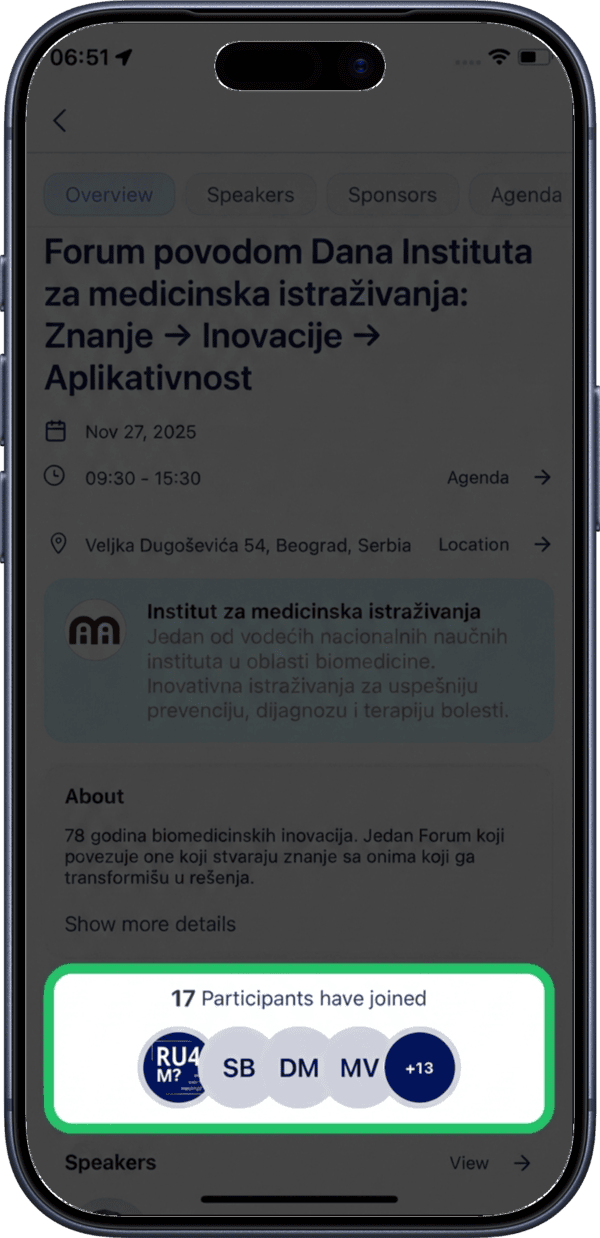
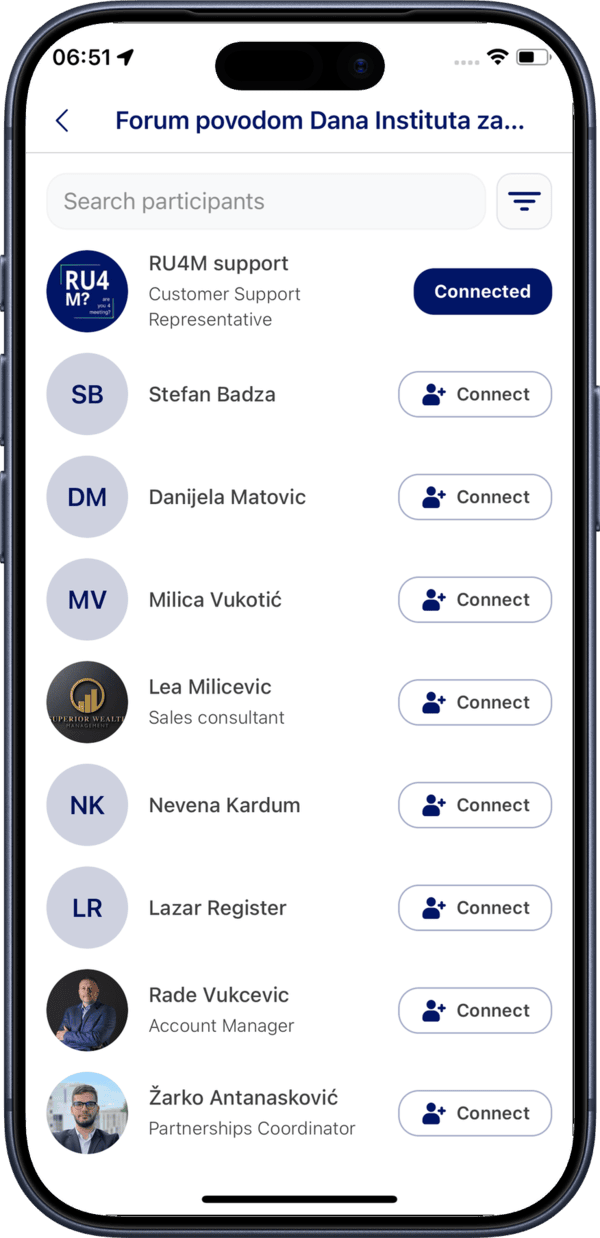
Tap on the participants section to see the full list of people attending the event.
The participants list shows profile pictures, names, job titles, and companies for each attendee.
Searching Participants
Use the search field at the top of the participants list to find specific attendees by name.
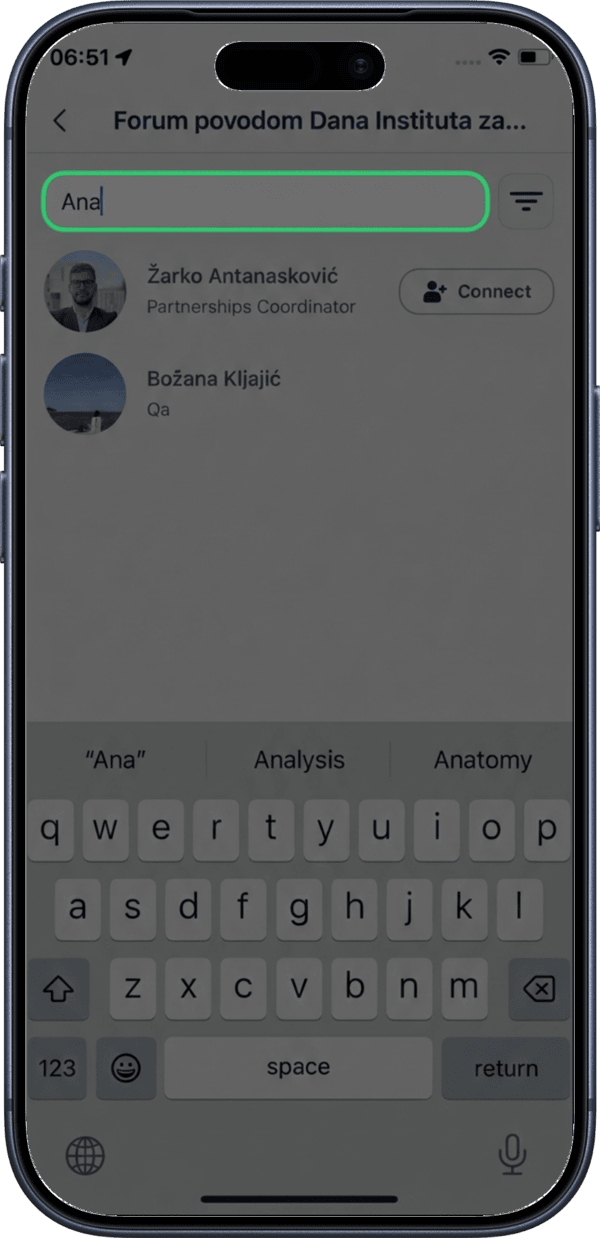
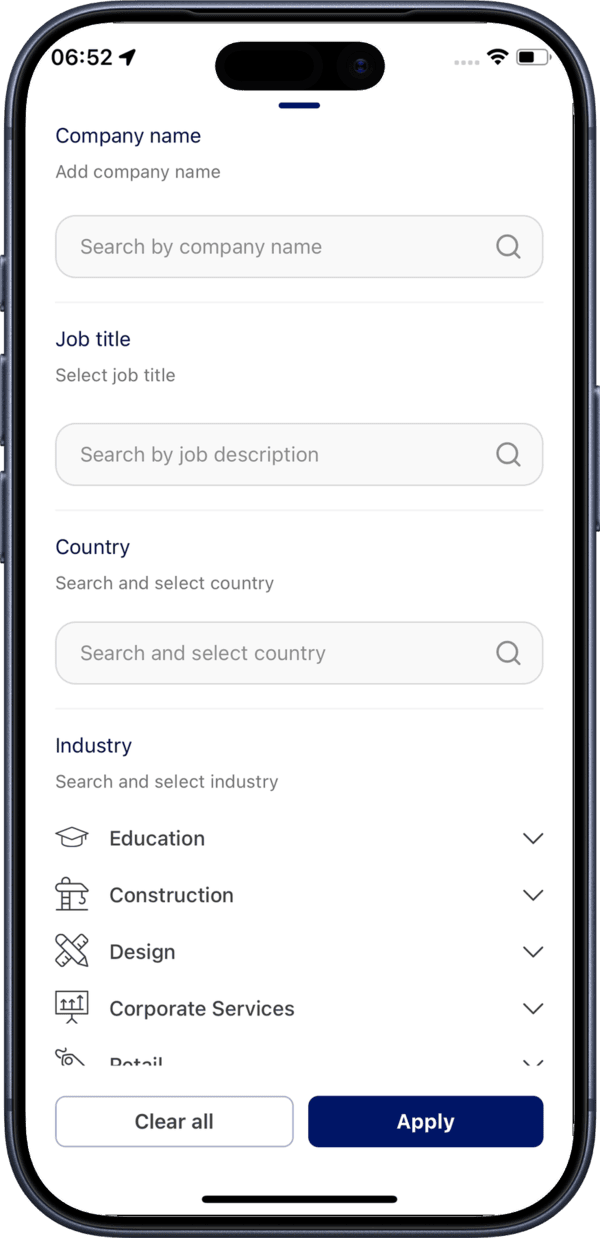
Filtering Participants
Tap the filter icon to narrow down participants by company, job title, or interests.
Speakers Tab
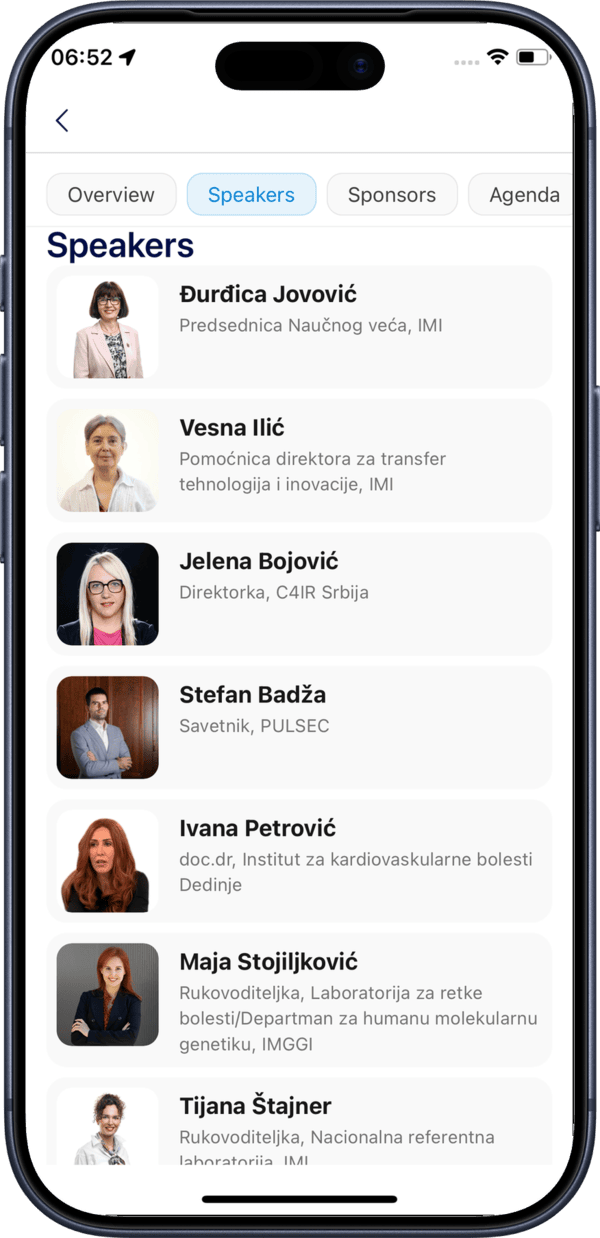
The Speakers tab lists all speakers presenting at the event with their name, photo, and title.
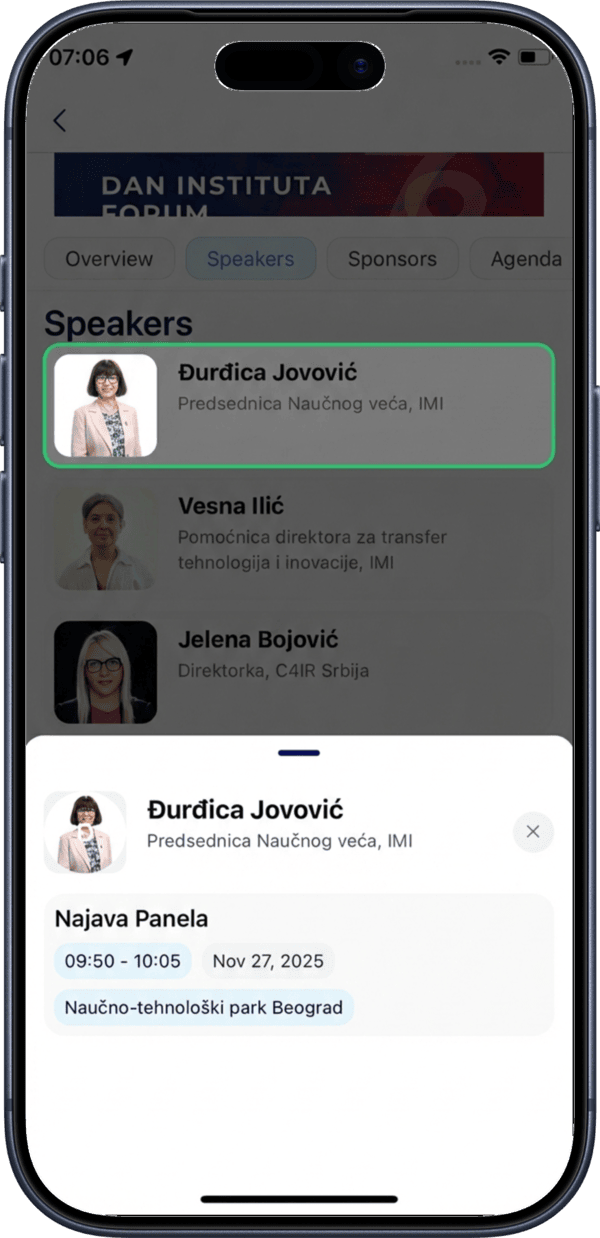
Tap on any speaker to see a modal with the list of sessions they are participating in.
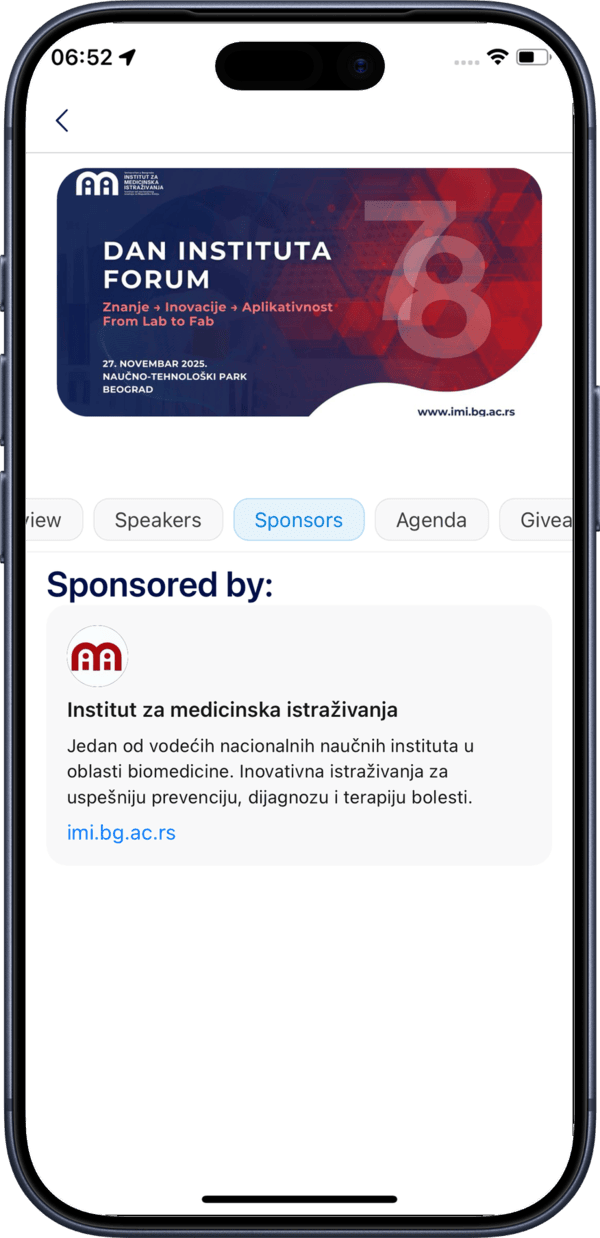
Sponsors Tab
The Sponsors tab displays all event sponsors and their information.
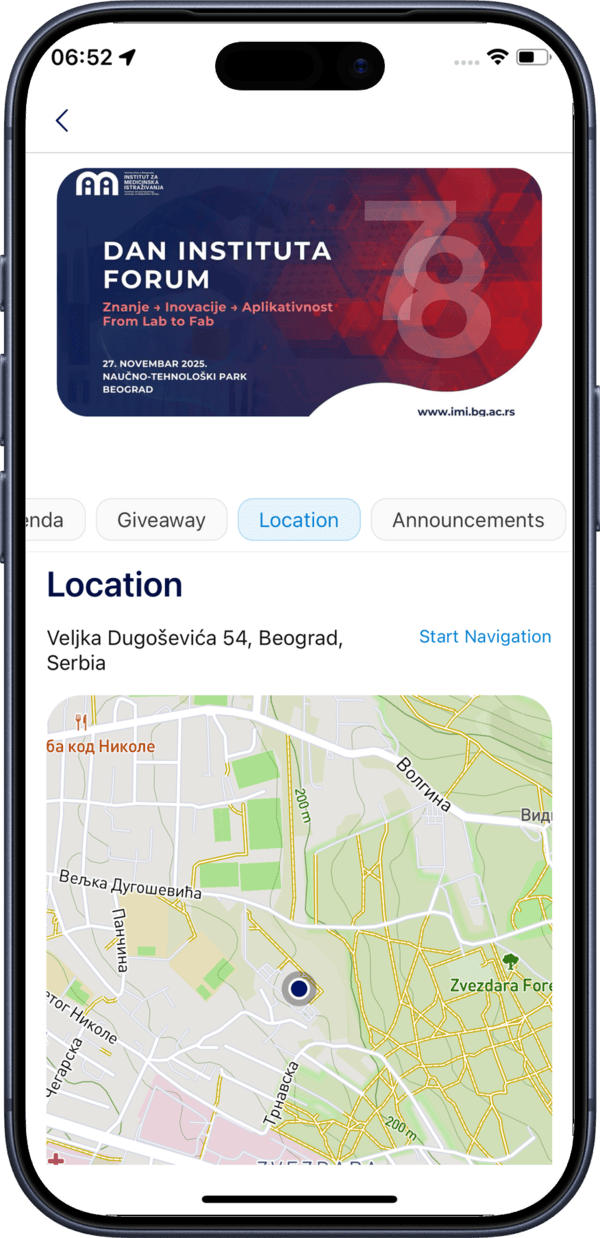
Location Tab
The Location tab shows the event venue on an interactive map with the full address.
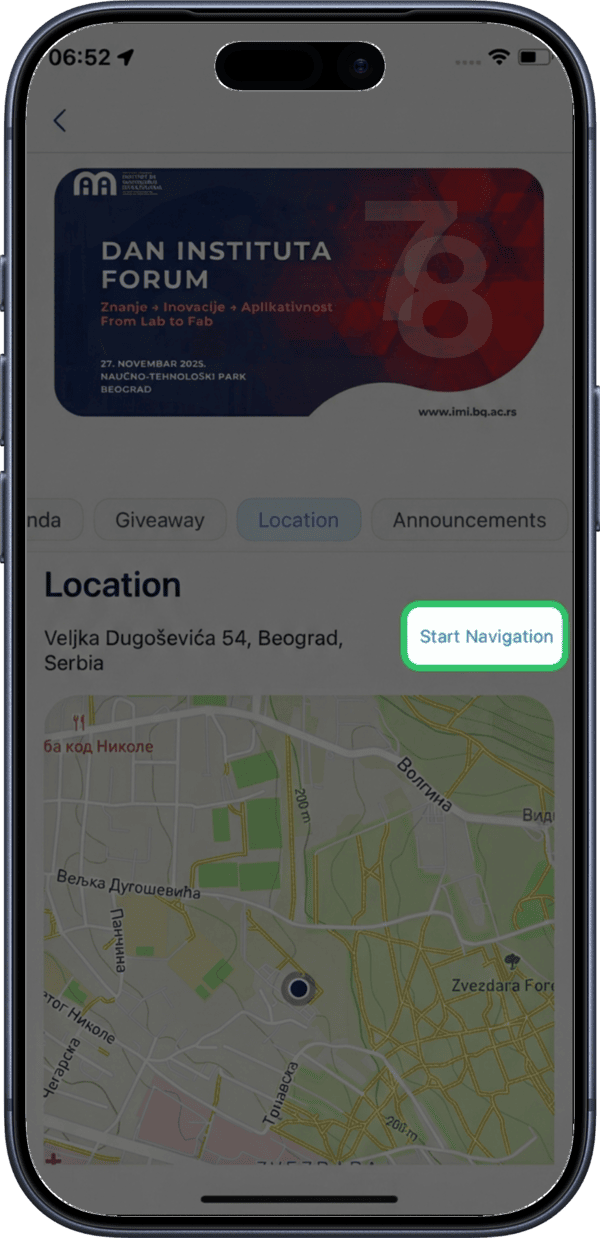
Tap Start Navigation to open Google Maps with directions to the event venue.
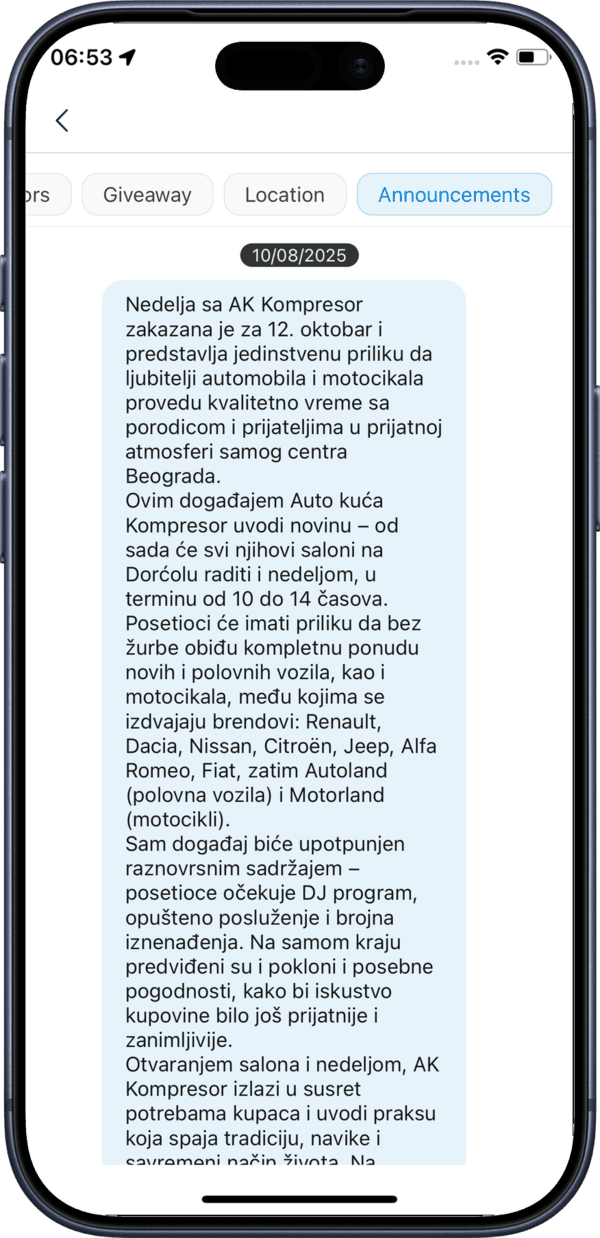
Announcements Tab
The Announcements tab displays messages and updates from the event organizer posted before or during the event.
Join First
You need to join the event as a participant to see announcements and stay updated with the latest event news.