Find Your Professional
The search bar at the top of the Explore screen lets you search all registered profiles across the platform — not just nearby users. Find anyone by name, and use filters to narrow results by profession, company, country, or industry.
Prerequisites
- The Explore map is open
Searching All Users
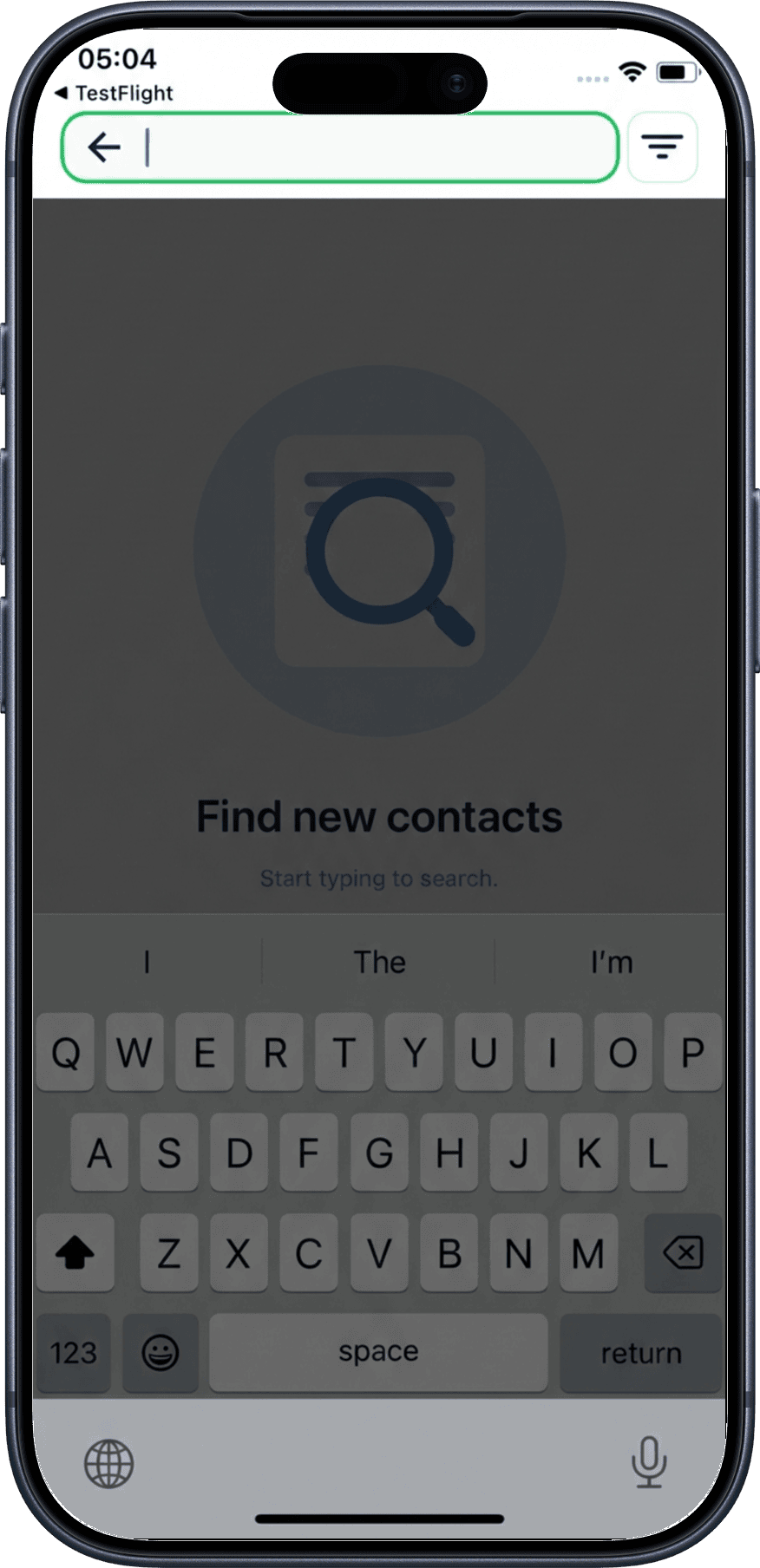
1. Tap the search field
Tap the search input at the top of the Explore screen. The keyboard will open so you can start typing.
2. View search results
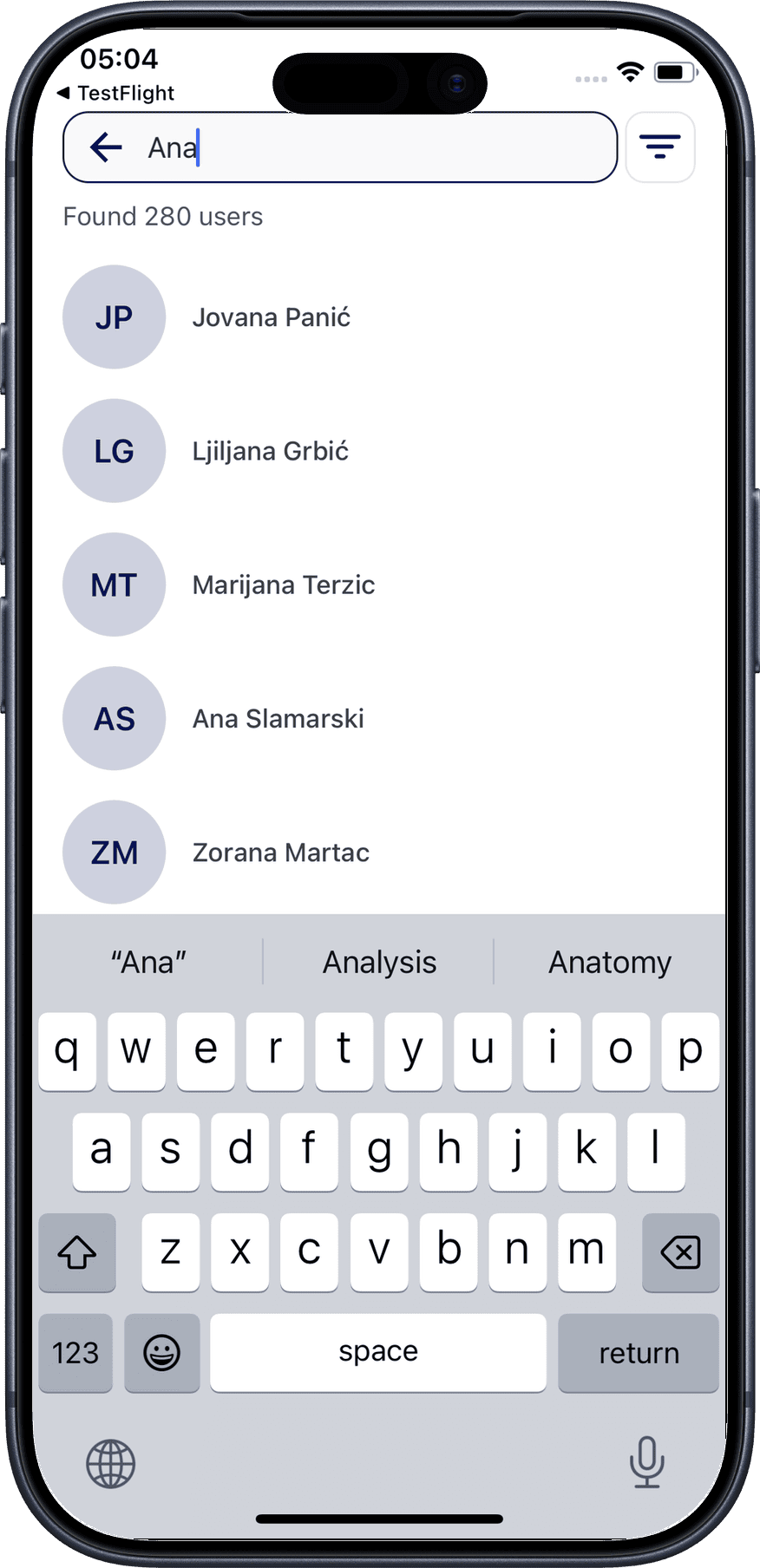
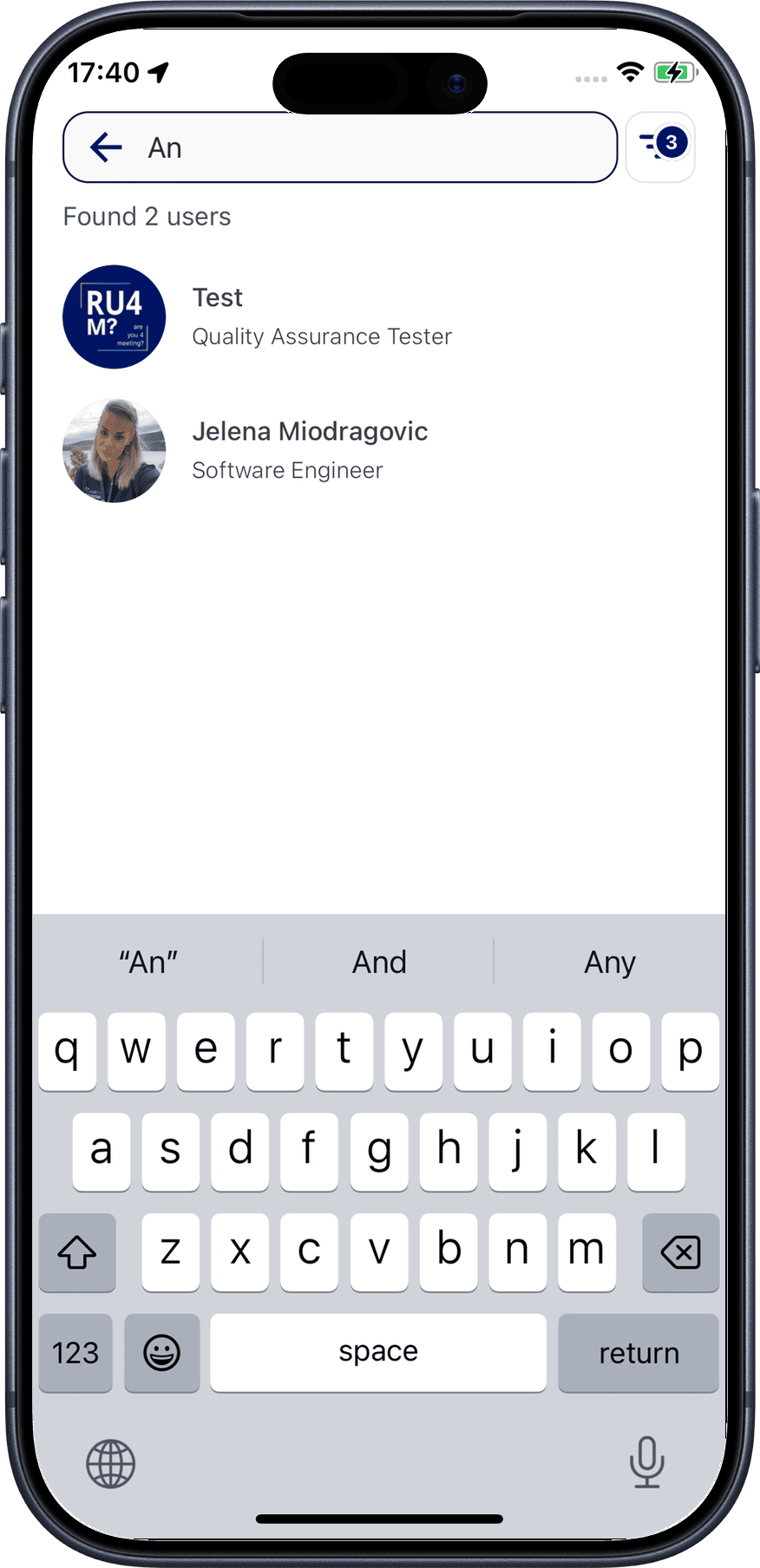
After typing a minimum of three characters, the first results appear. The number of matching profiles is shown below the search field. Tap any profile name to navigate to their profile page.
Filtering Search Results
1. Open filters
Tap the filter icon to the right of the search field to open the filter page.
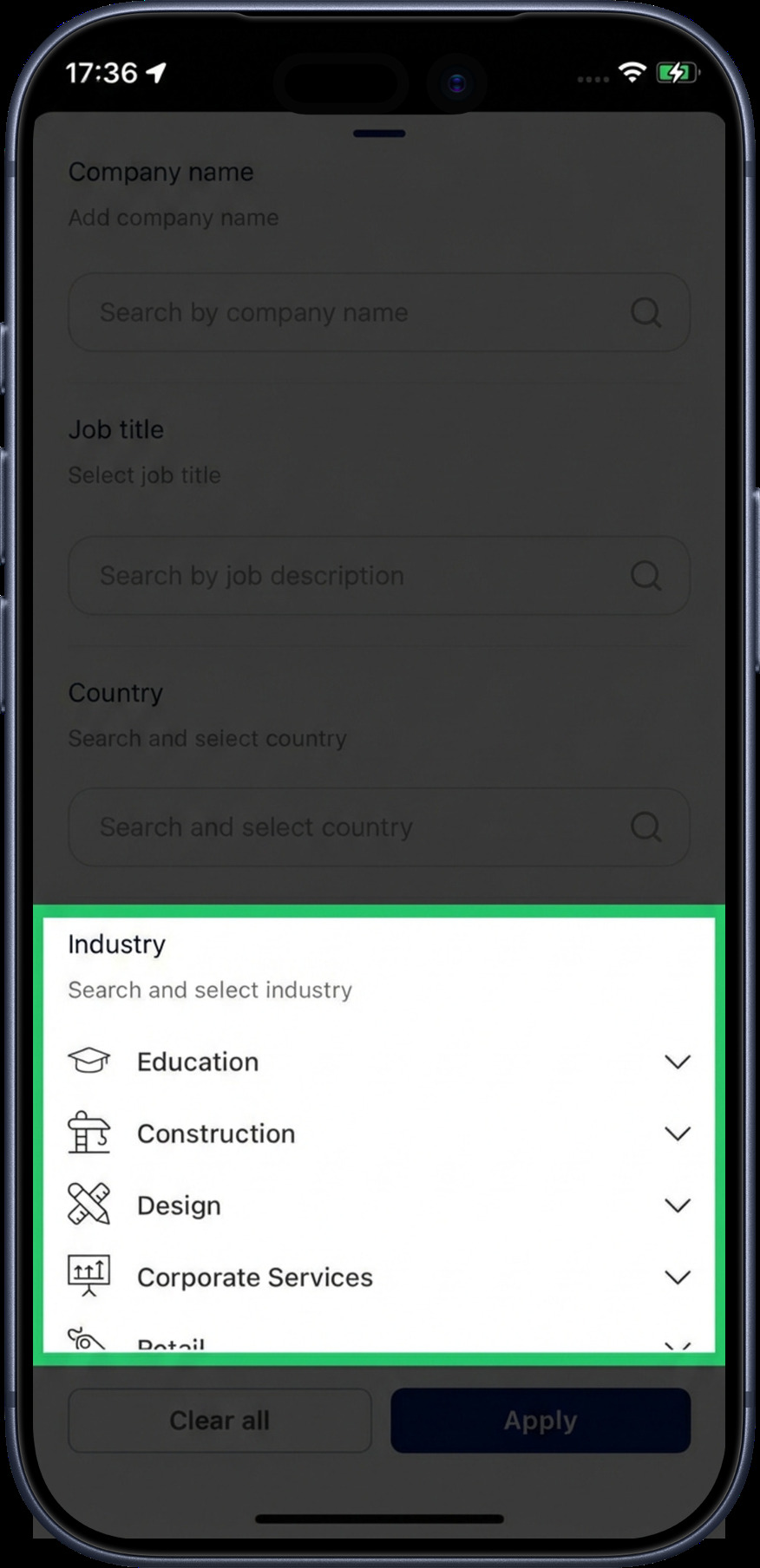
2. Select filter options
Choose one or more subcategories within each filter. Tap Apply to confirm your selection, or Clear all to reset.
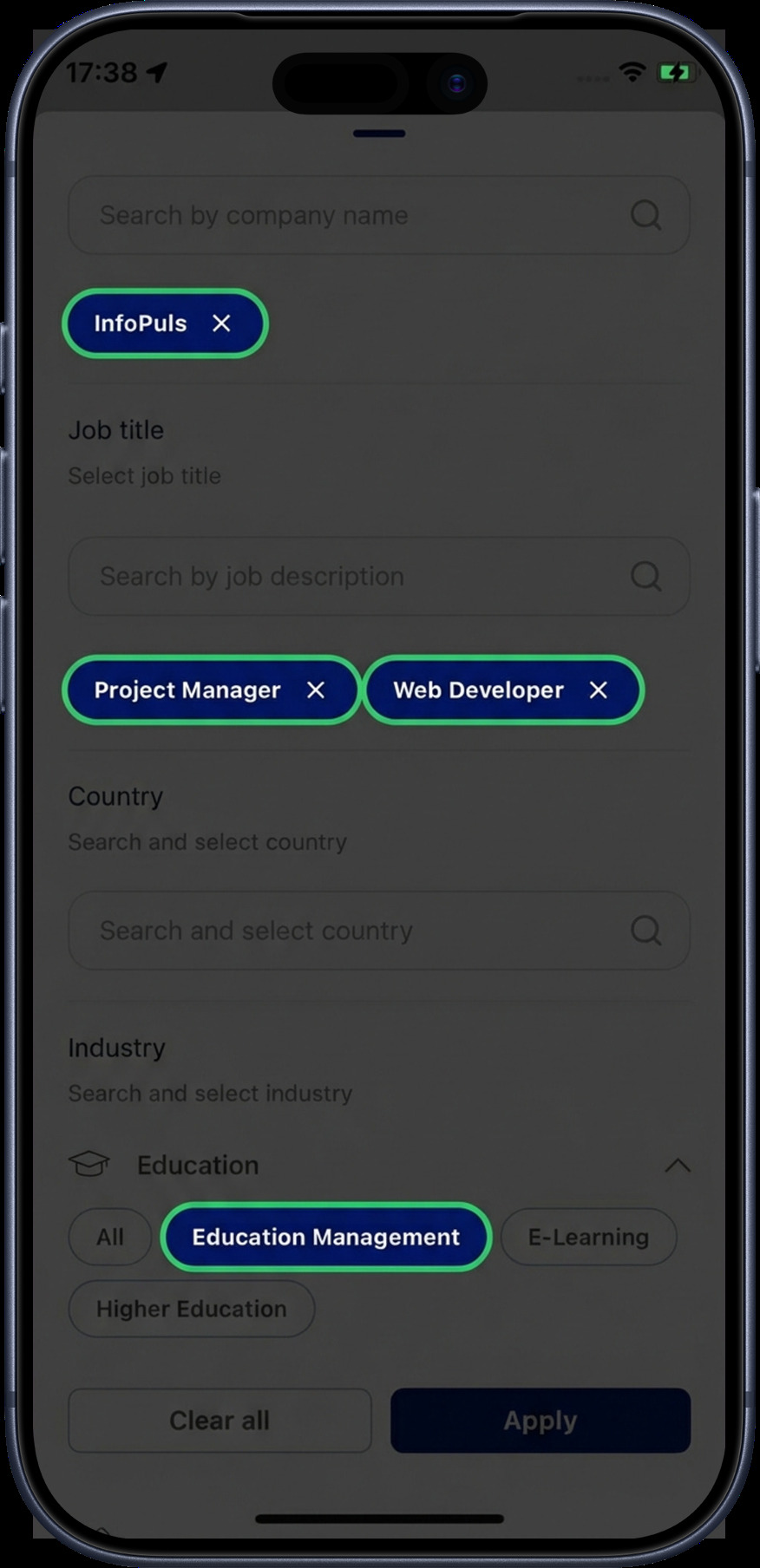
3. Filters applied
After applying, you return to the search screen. The number of active filters is displayed as a badge on the filter icon.
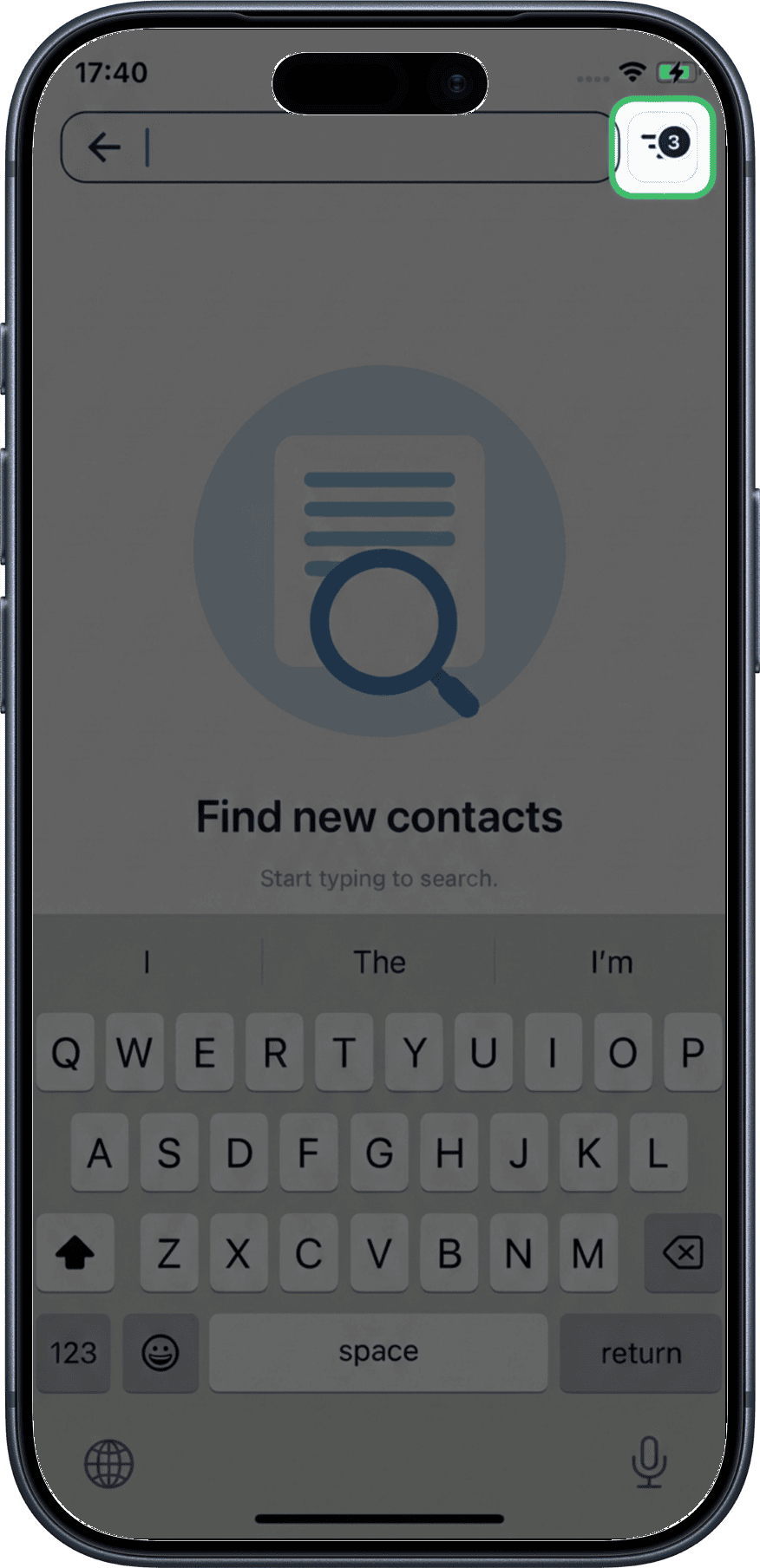
4. Search with filters active
When you type with filters applied, results are narrowed to show only users matching both your search text and the selected filters — making it easier to find exactly who you're looking for.
Tips
Combine search + filters
Typing a name with filters active is the fastest way to find a specific professional. For example, filter by "Technology" industry, then search for "John" to find tech professionals named John.
No results?
If no results appear, try removing some filters or using different search terms. Make sure you've typed at least 3 characters.
What's Next?
- Professionals Nearby — browse professionals within 100 km with distance-based filtering
- Teleport — explore professionals in any location worldwide
- Location Controls — lock, unlock, or hide your position